Proppely training · Ep. 7 · 0:57
How to set up Proppely Payments to collect rent online
Verify your business with Proppely Payments so residents can pay rent online in their portal.
Step by step
Set up Proppely Payments
Open Money → Payments and click "Start verification".
Enter the business exactly as it's filed with the IRS: legal name, business type and federal tax ID. Check the contact details and address, then click "Save and continue".
Add the owners and anyone who controls the business. Their identity details go to Proppely's payment processor for verification; Proppely doesn't store them.
Enter your expected payment volume and accept the payment services agreement.
Once the business is verified, connect the bank account rent pays out to. Residents then pay rent in their resident portal.
Chapters
More about it
More training videos
All 21, by task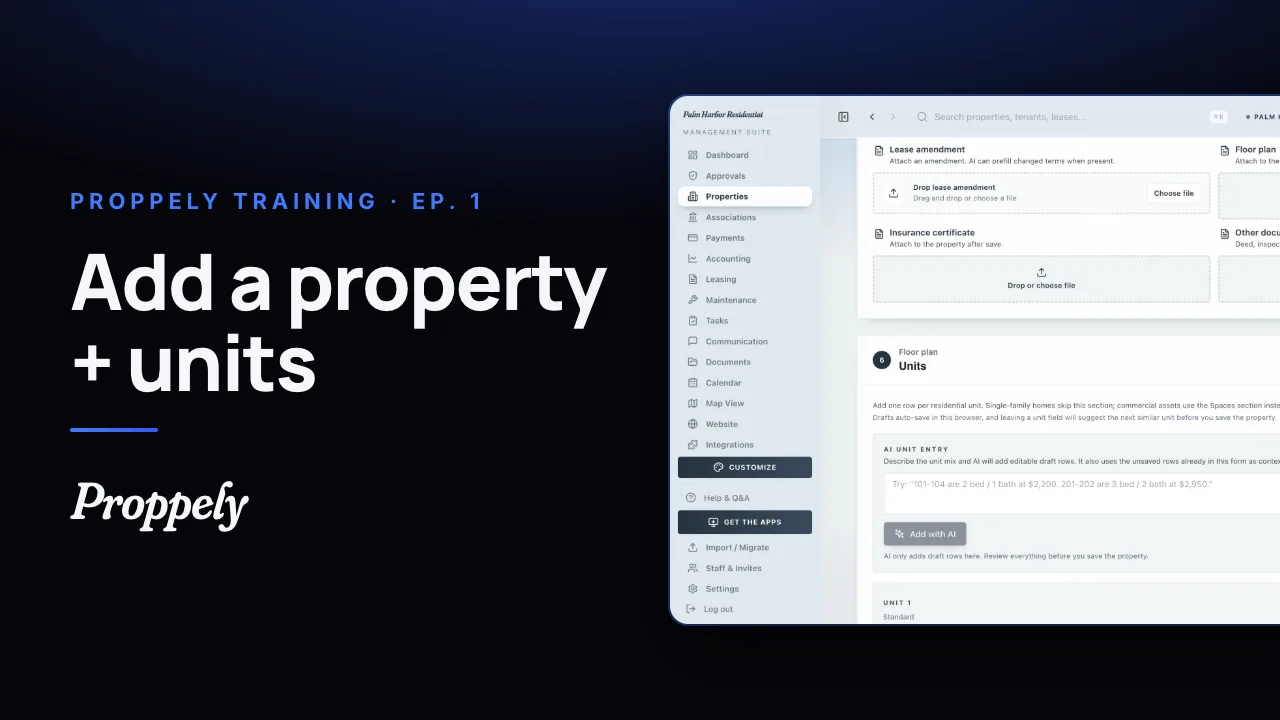 1:20Ep. 1 · Properties and tenantsAdd a property and its units
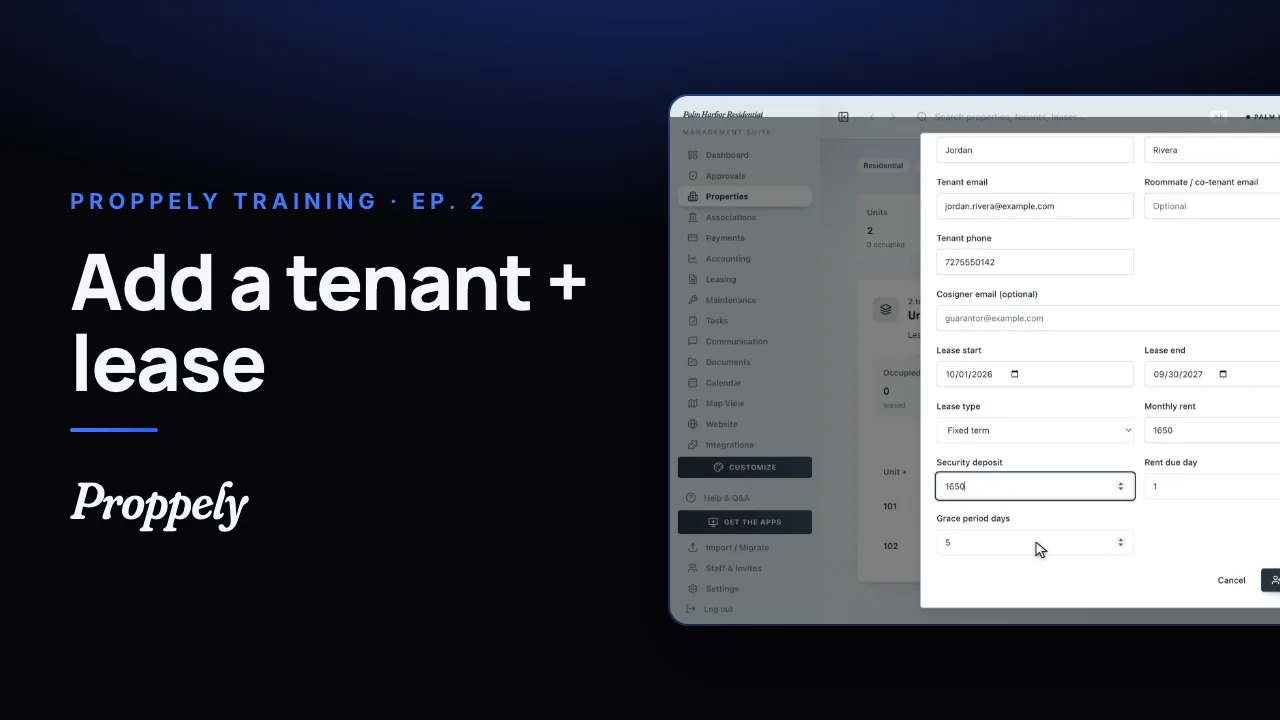 0:50Ep. 2 · Properties and tenantsAdd a tenant and lease
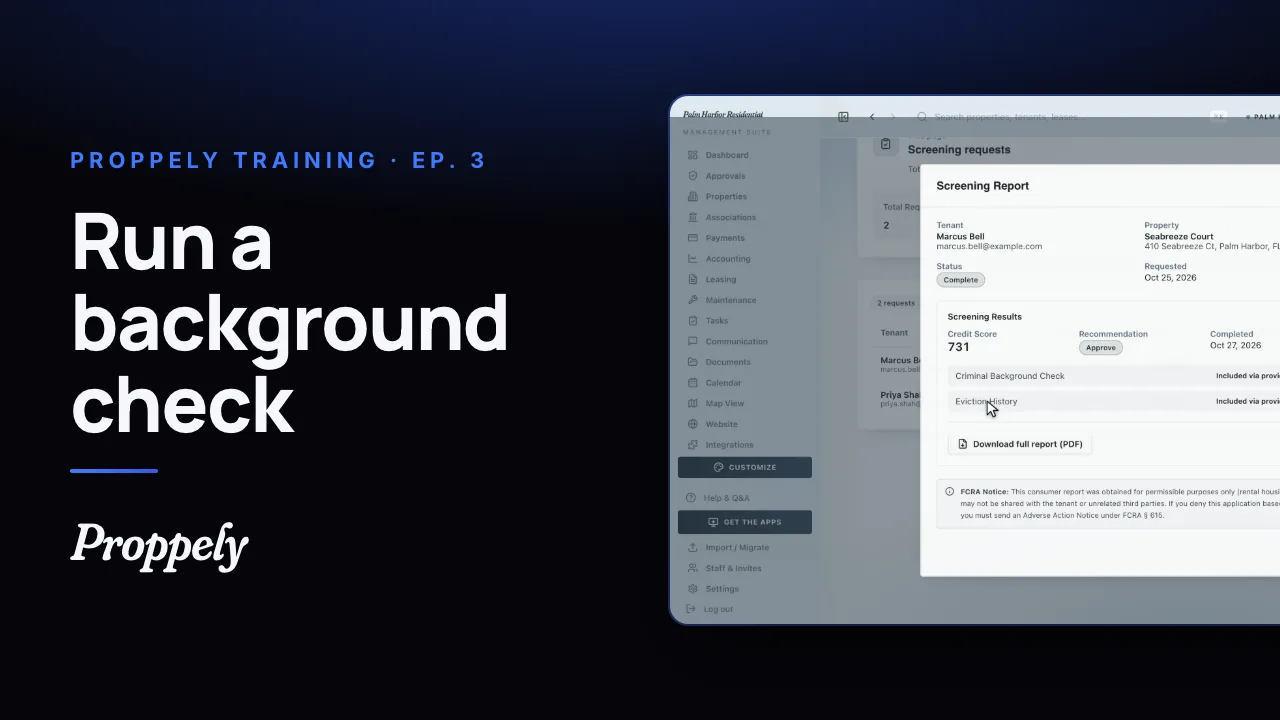 0:52Ep. 3 · Applications and screeningRun a background check
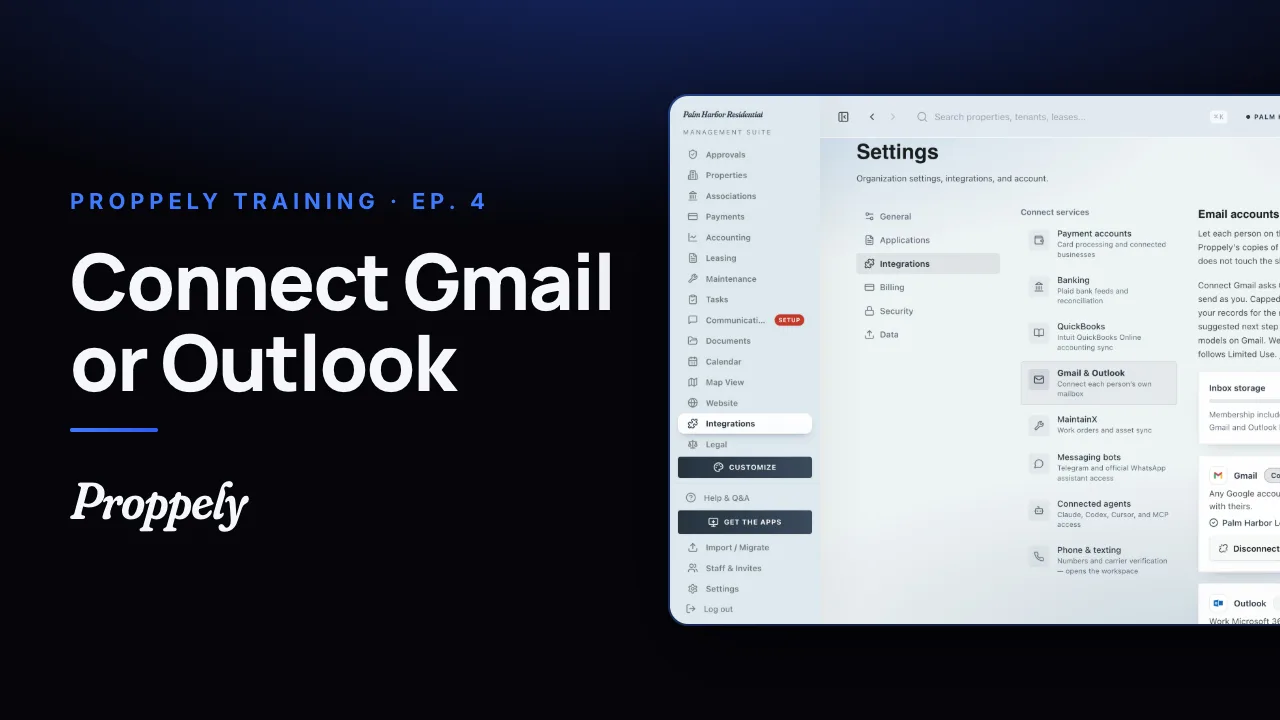 1:06Ep. 4 · Inbox and textingConnect your email
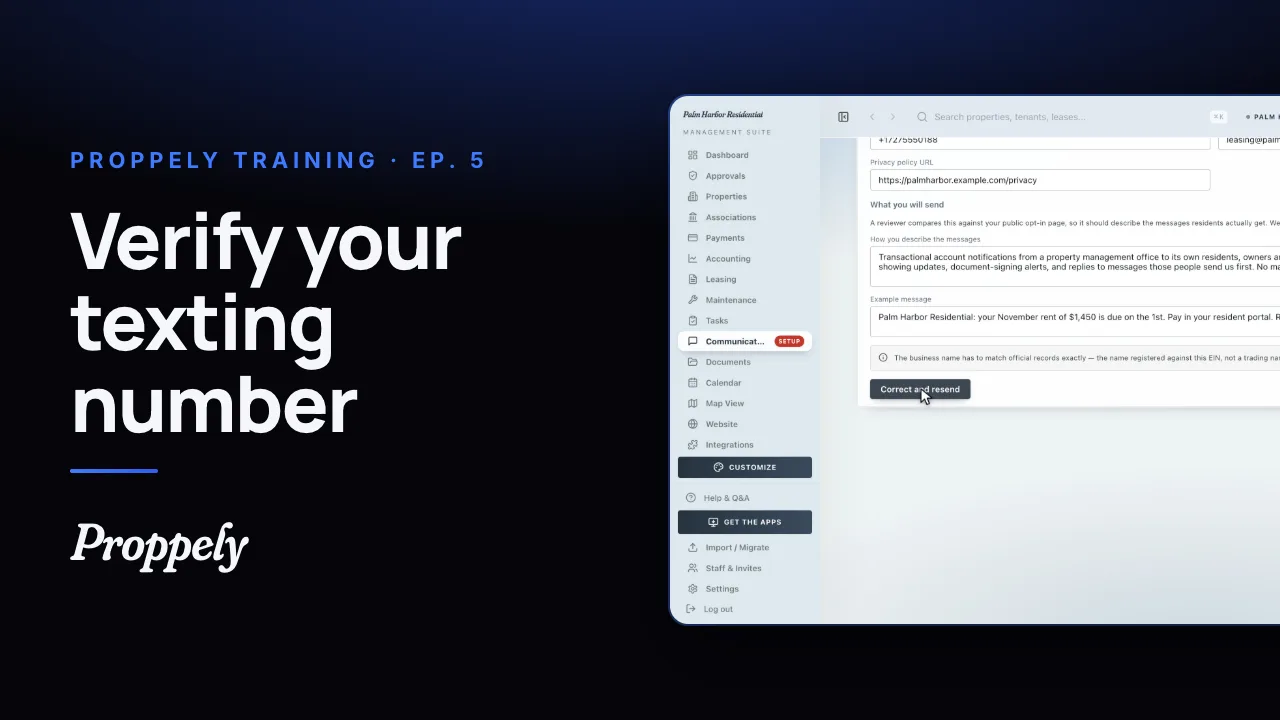 1:07Ep. 5 · Inbox and textingVerify your texting number
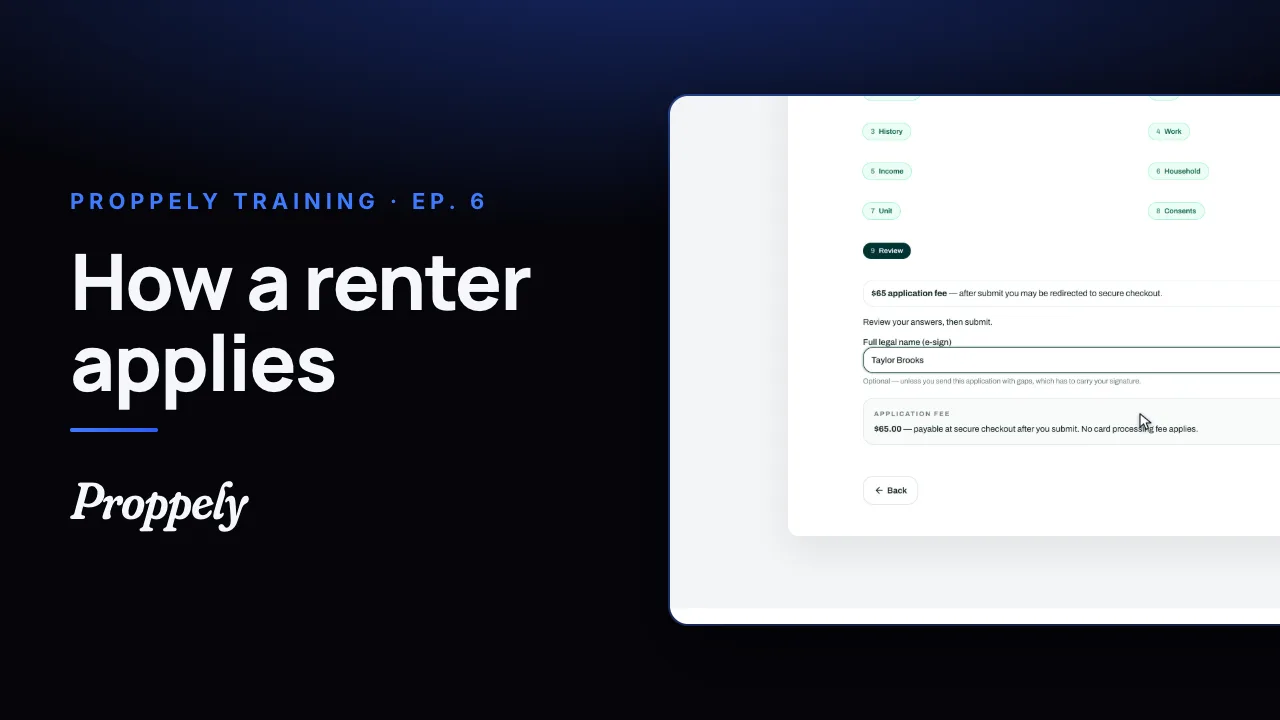 1:19Ep. 6 · Applications and screeningHow a renter applies
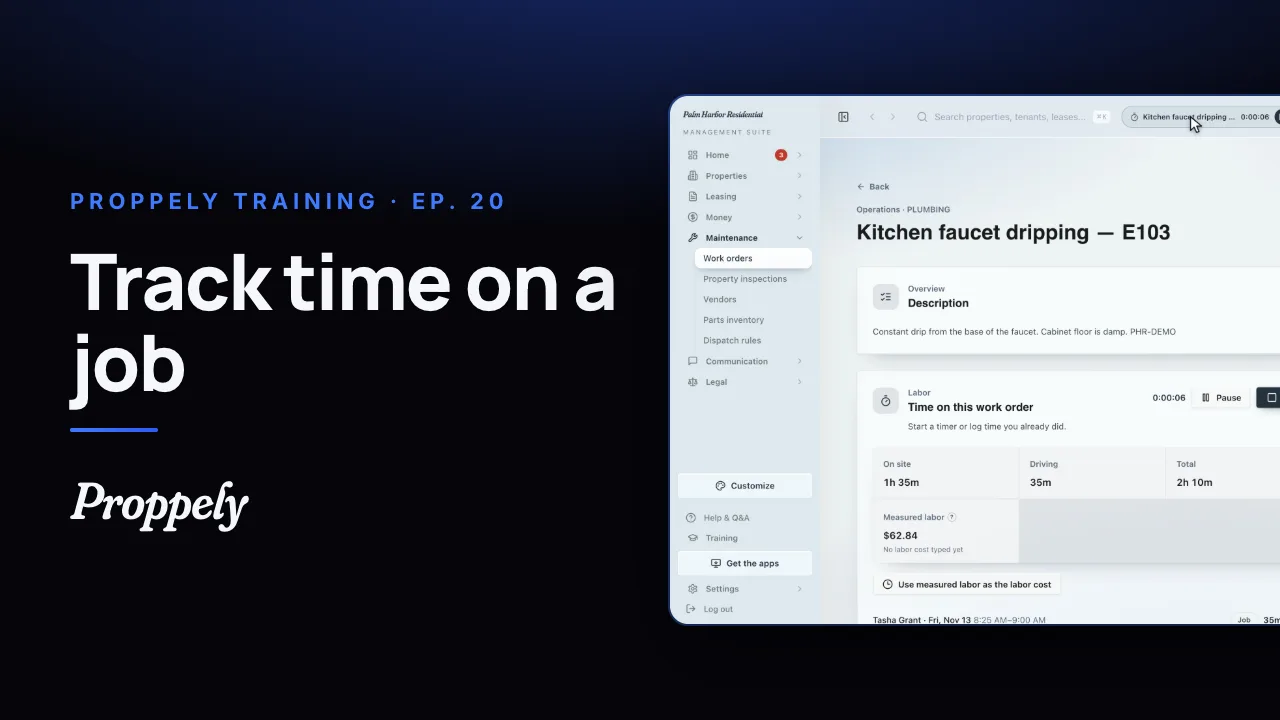 0:49Ep. 20 · Maintenance and field workTrack time on a work order
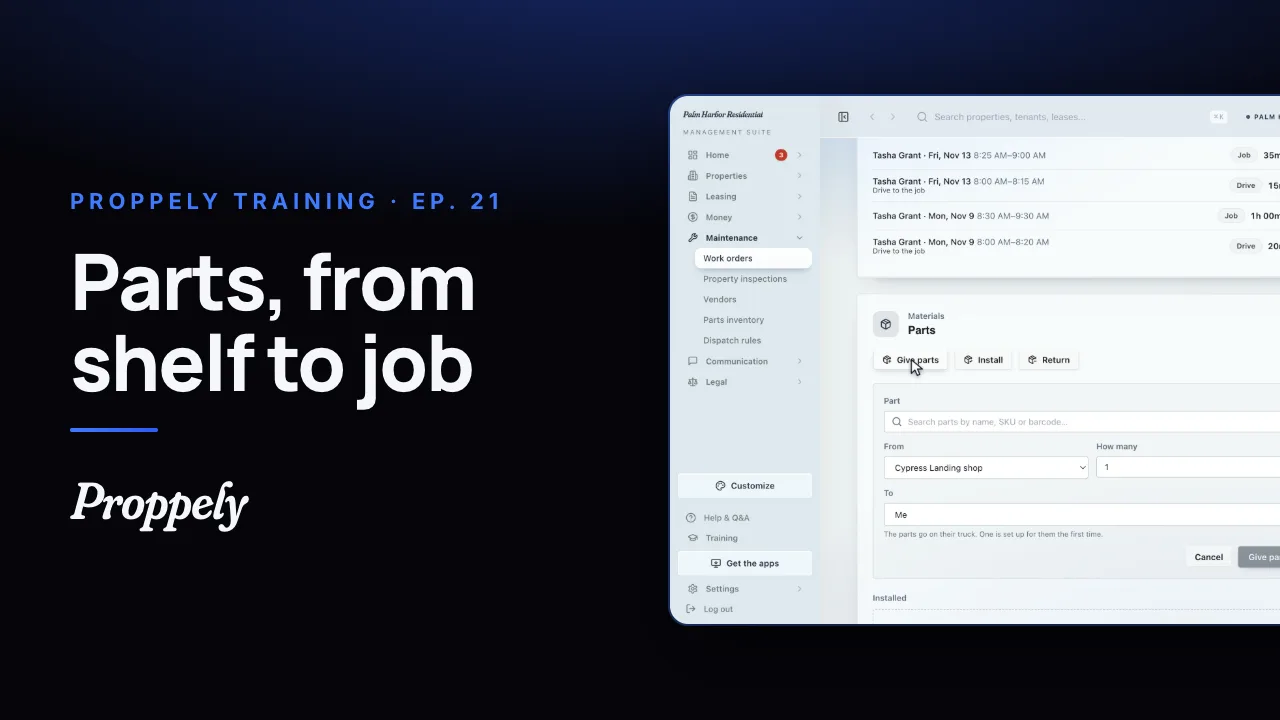 0:50Ep. 21 · Maintenance and field workReceive parts and give them to a job
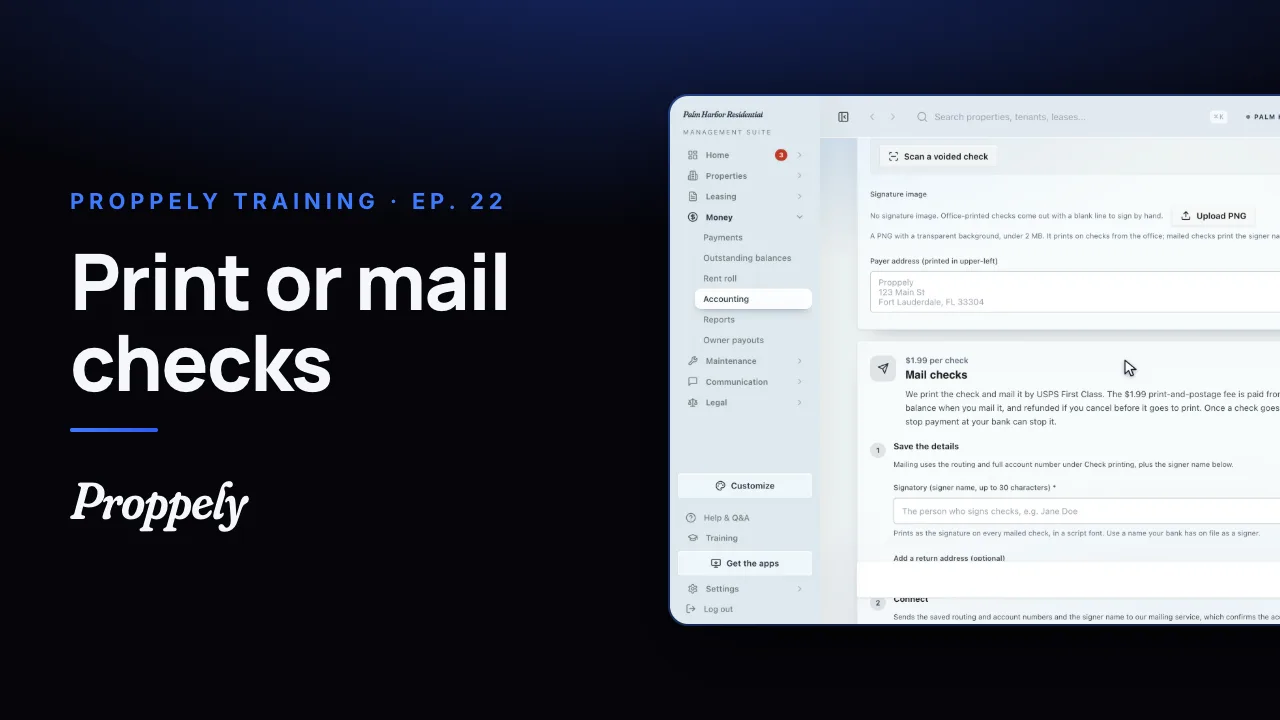 0:55Ep. 22 · PaymentsSet up check printing and mailing
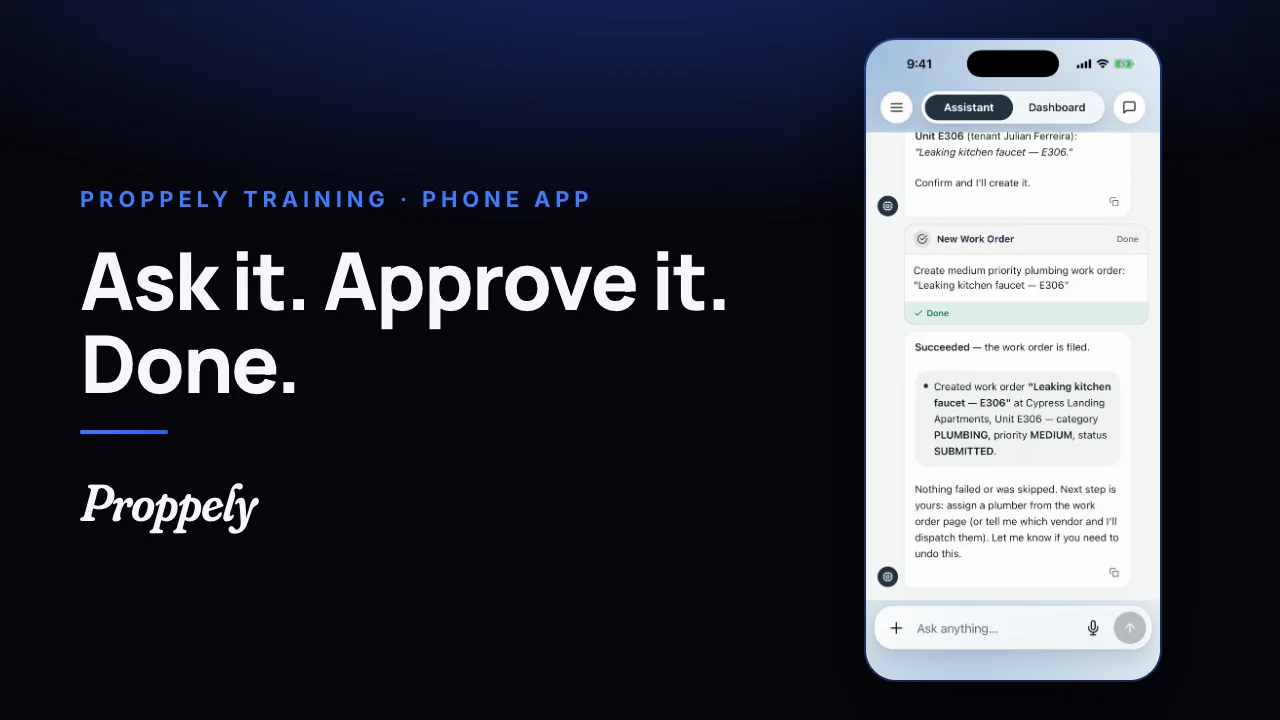 0:35Ep. 23 · The phone appYour assistant in the Proppely app
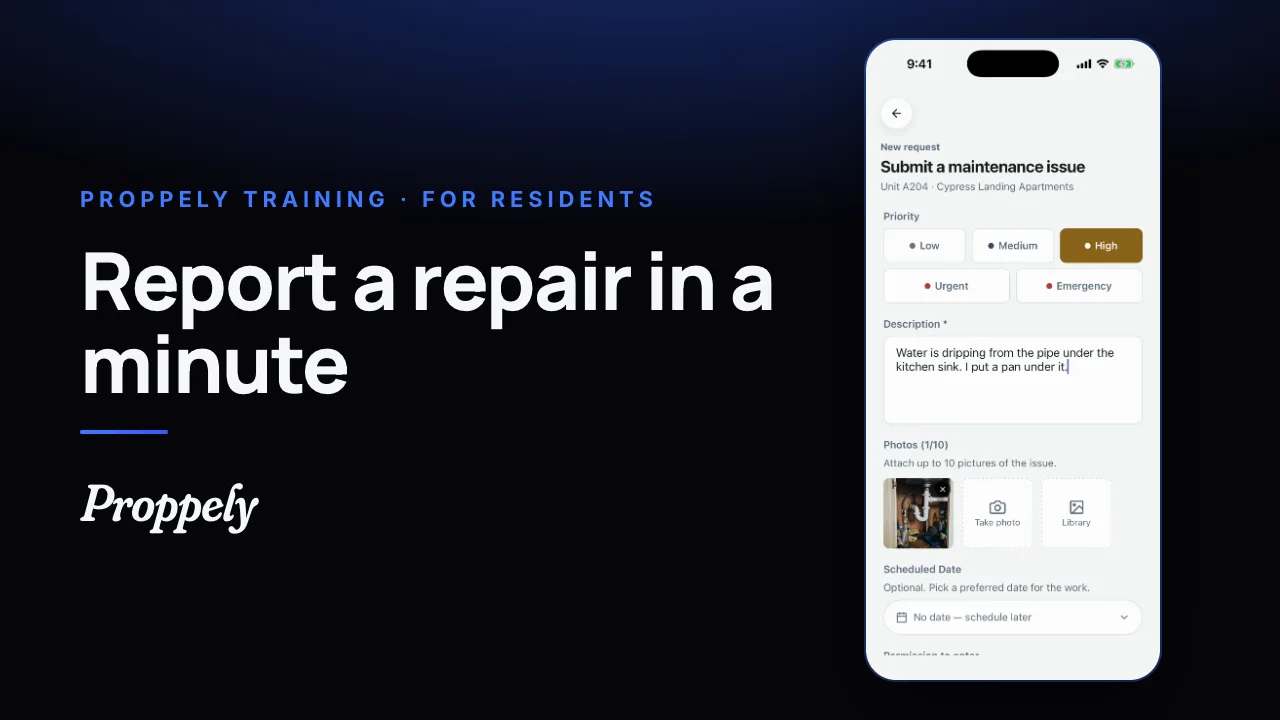 0:39Ep. 24 · The phone appReport a repair in the Proppely app
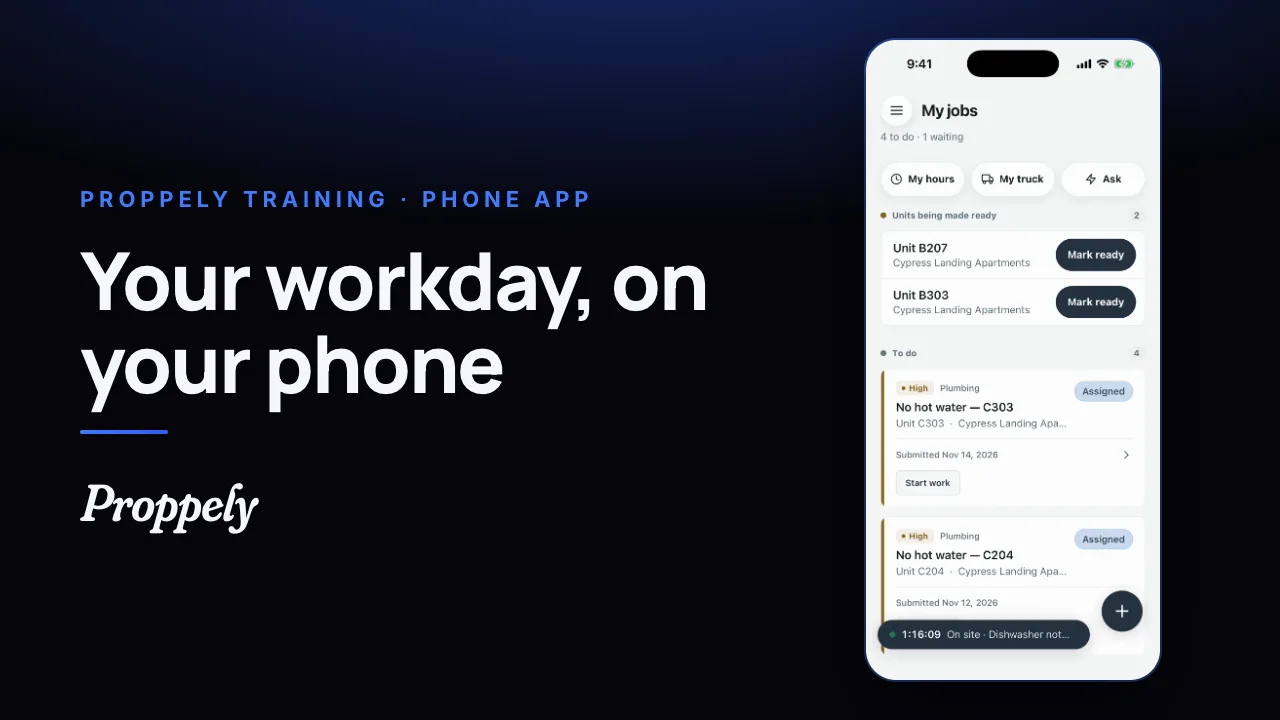 0:31Ep. 25 · The phone appYour workday in the Proppely app
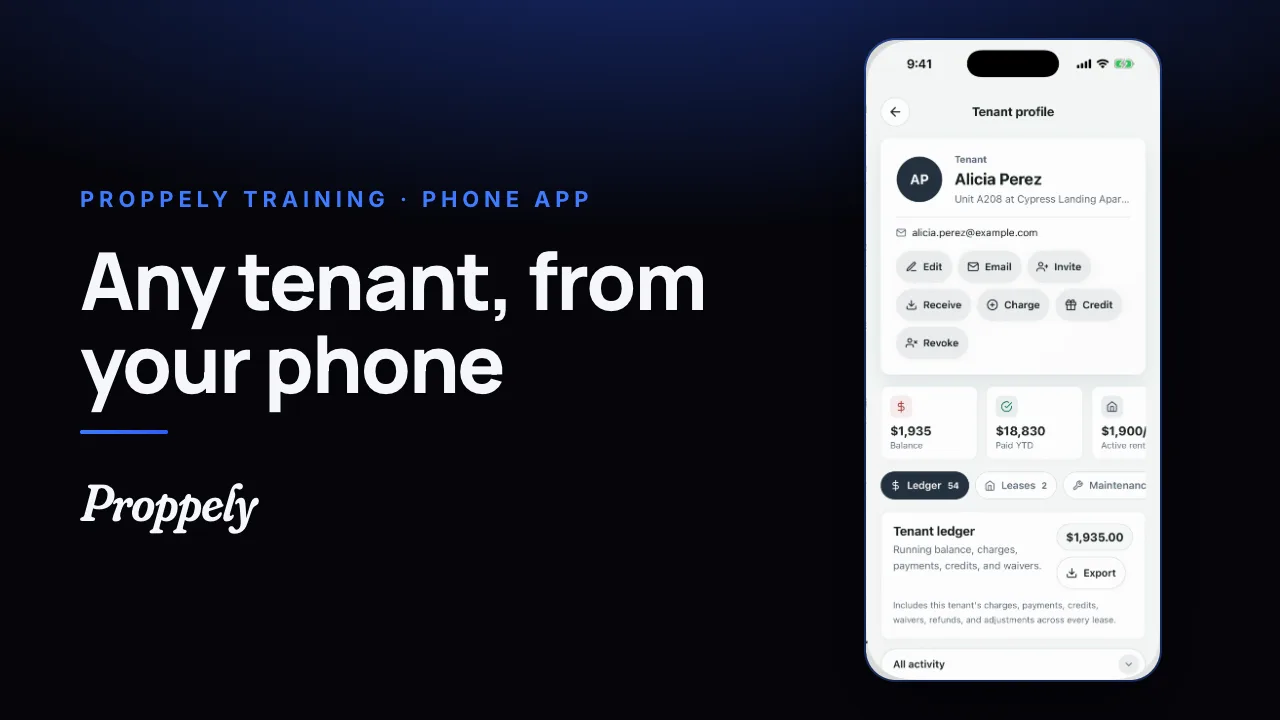 0:25Ep. 26 · The phone appFind a tenant and their balance
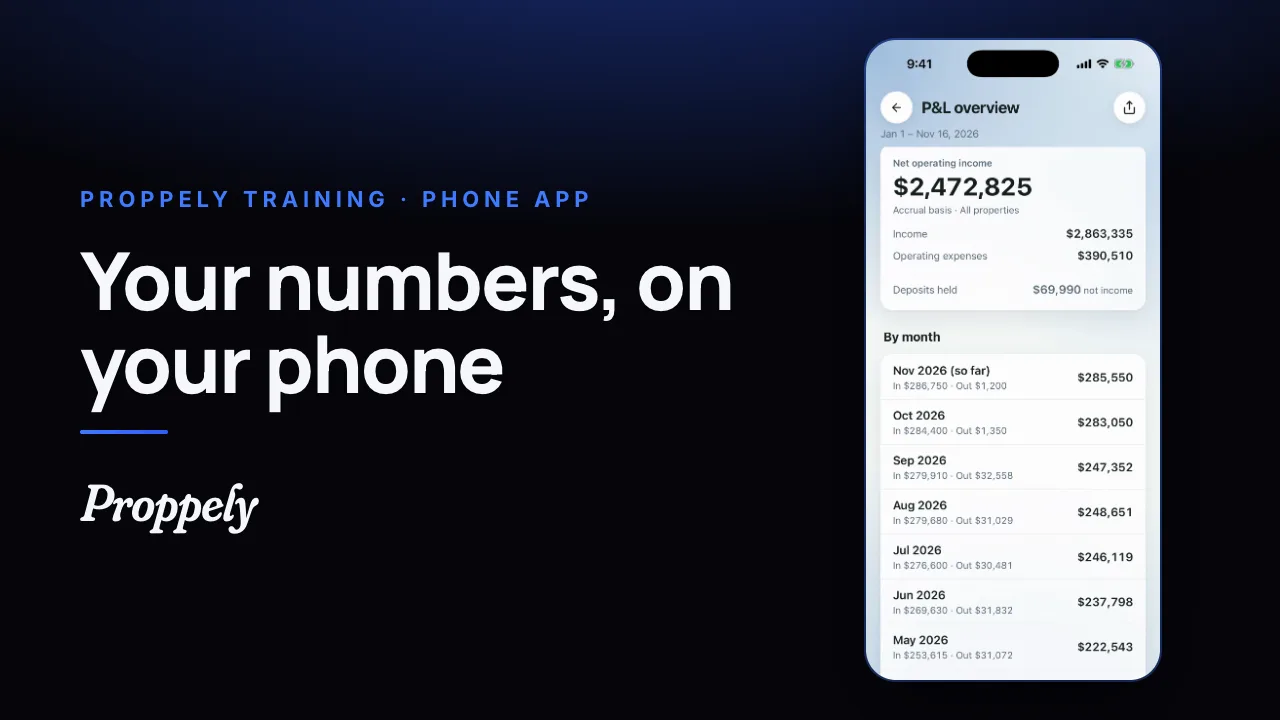 0:28Ep. 27 · The phone appYour reports in the Proppely app
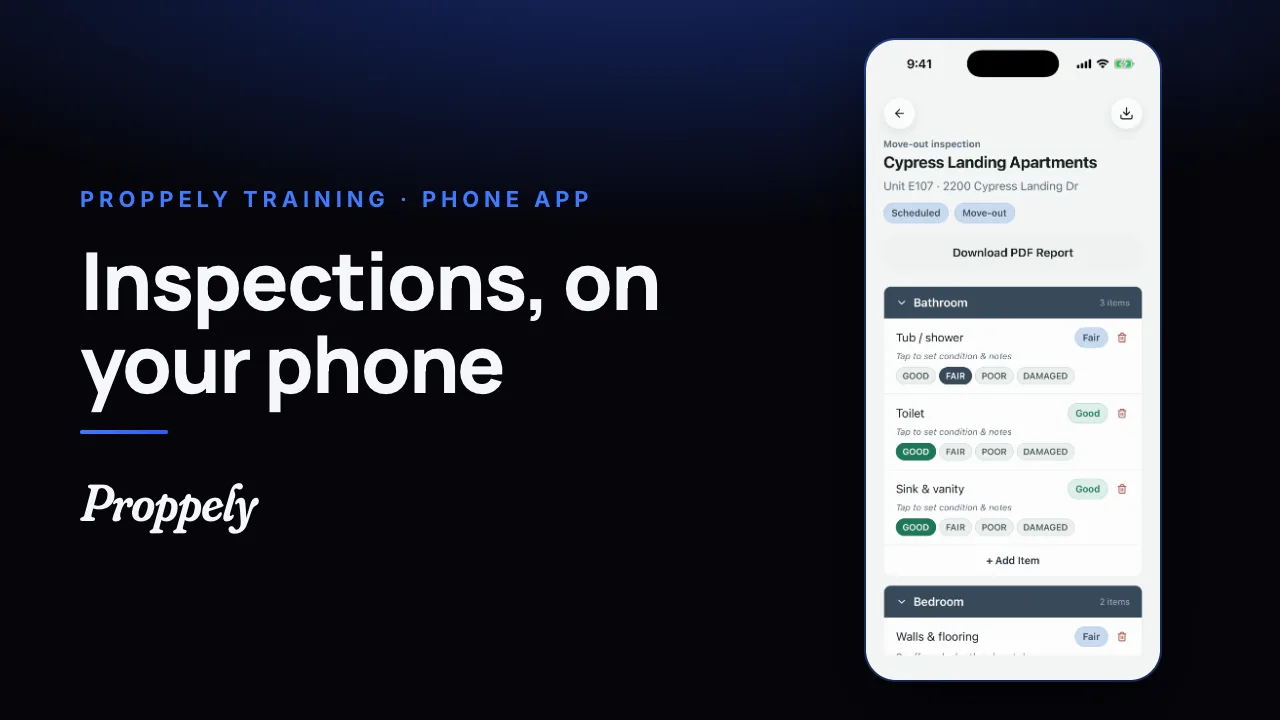 0:32Ep. 28 · The phone appDo an inspection in the Proppely app
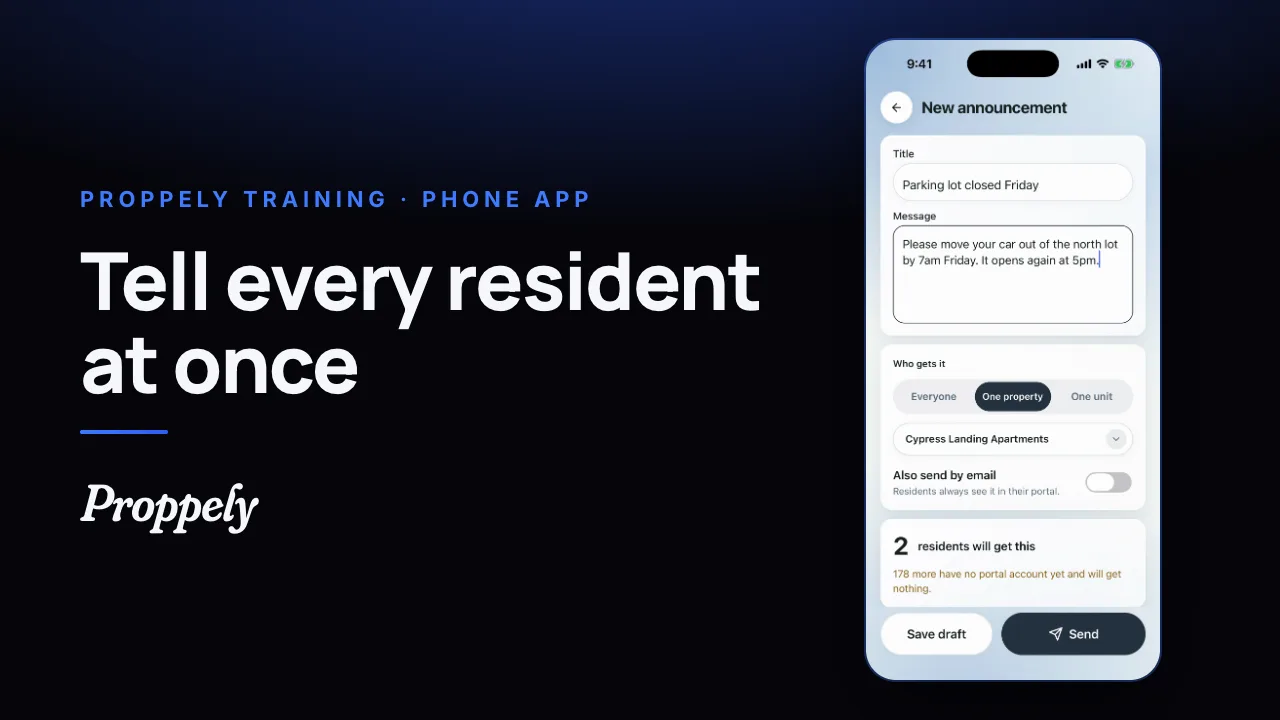 0:28Ep. 29 · The phone appSend residents an announcement
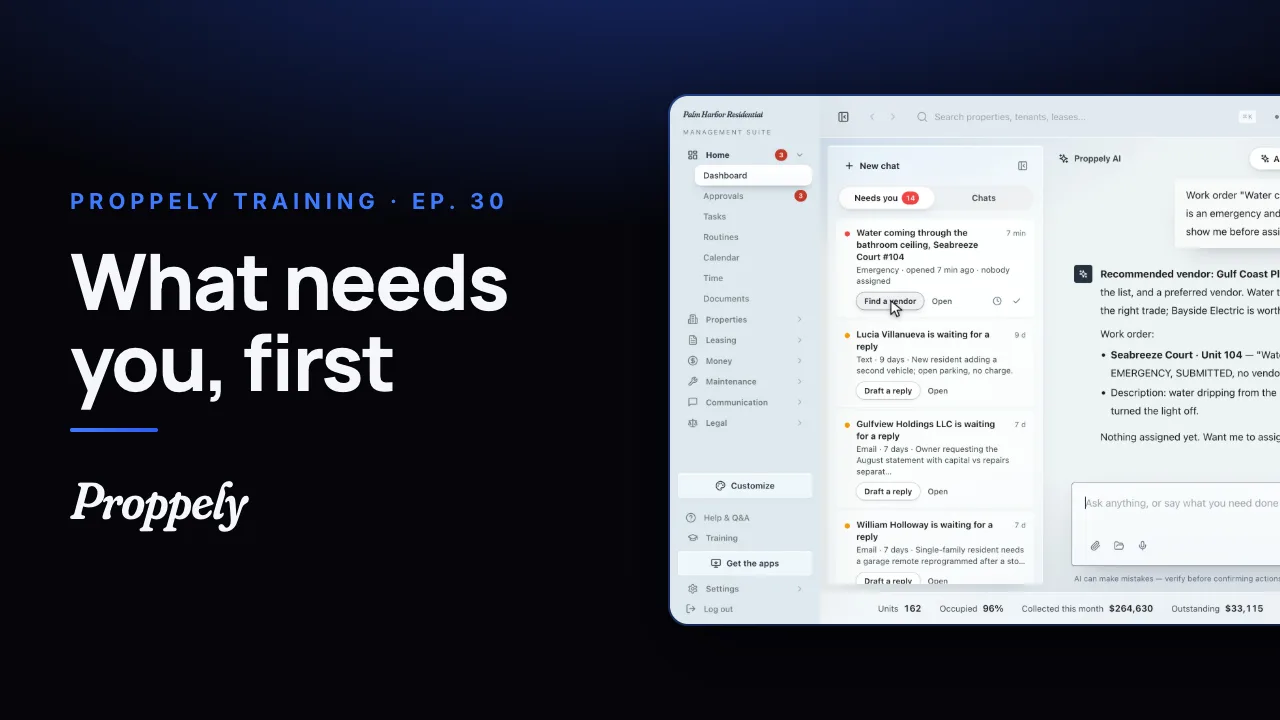 1:12Ep. 30 · Your assistantWhat needs you, first
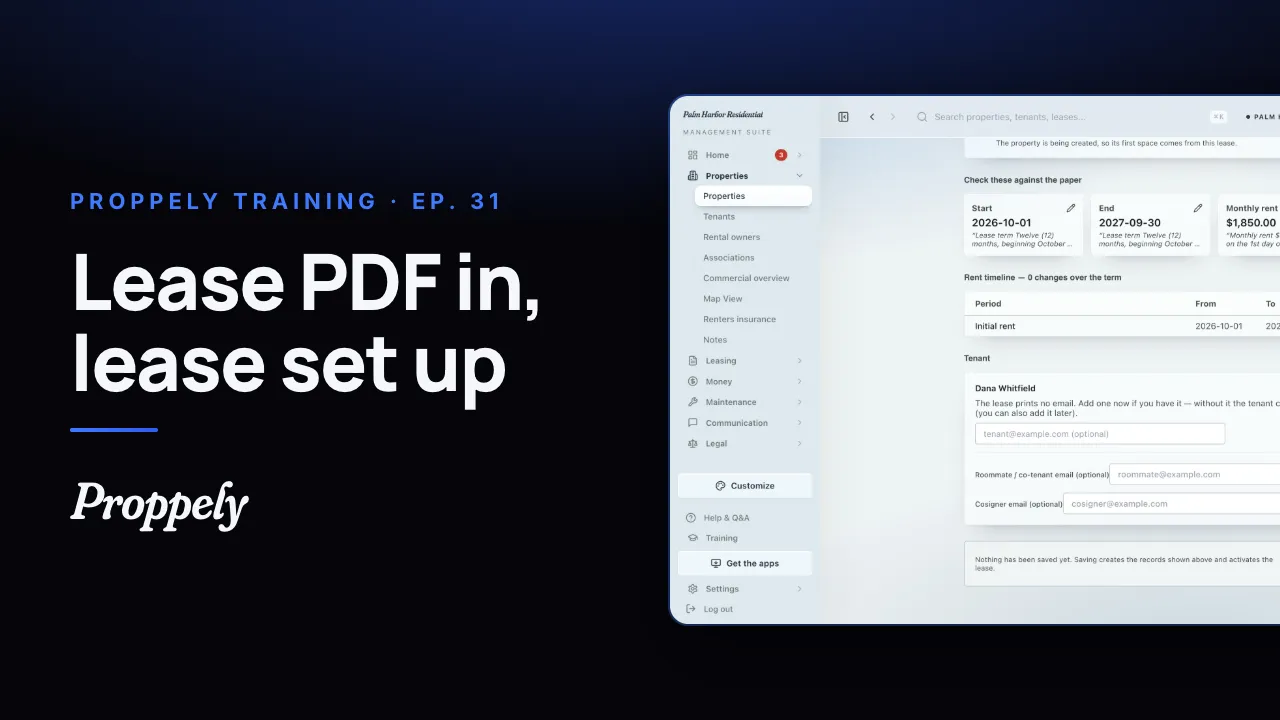 0:44Ep. 31 · Properties and tenantsAdd a lease from the signed PDF
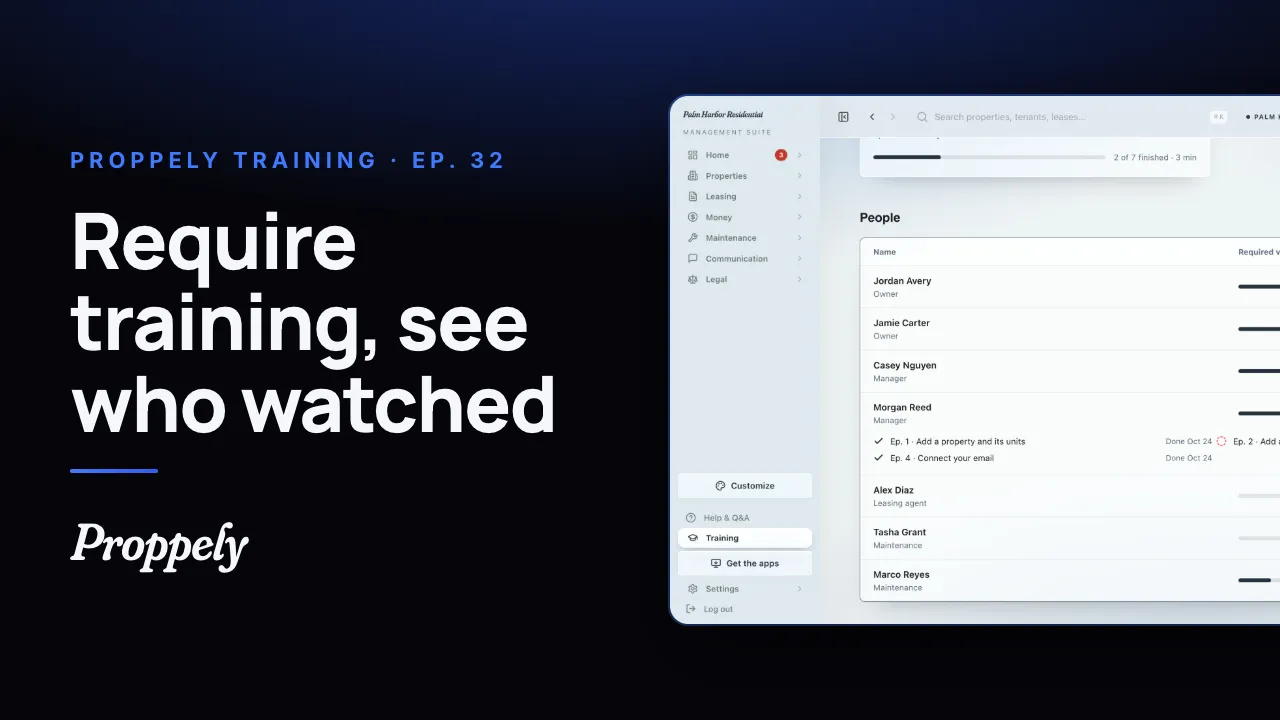 1:01Ep. 32 · Your teamRequire training for your team
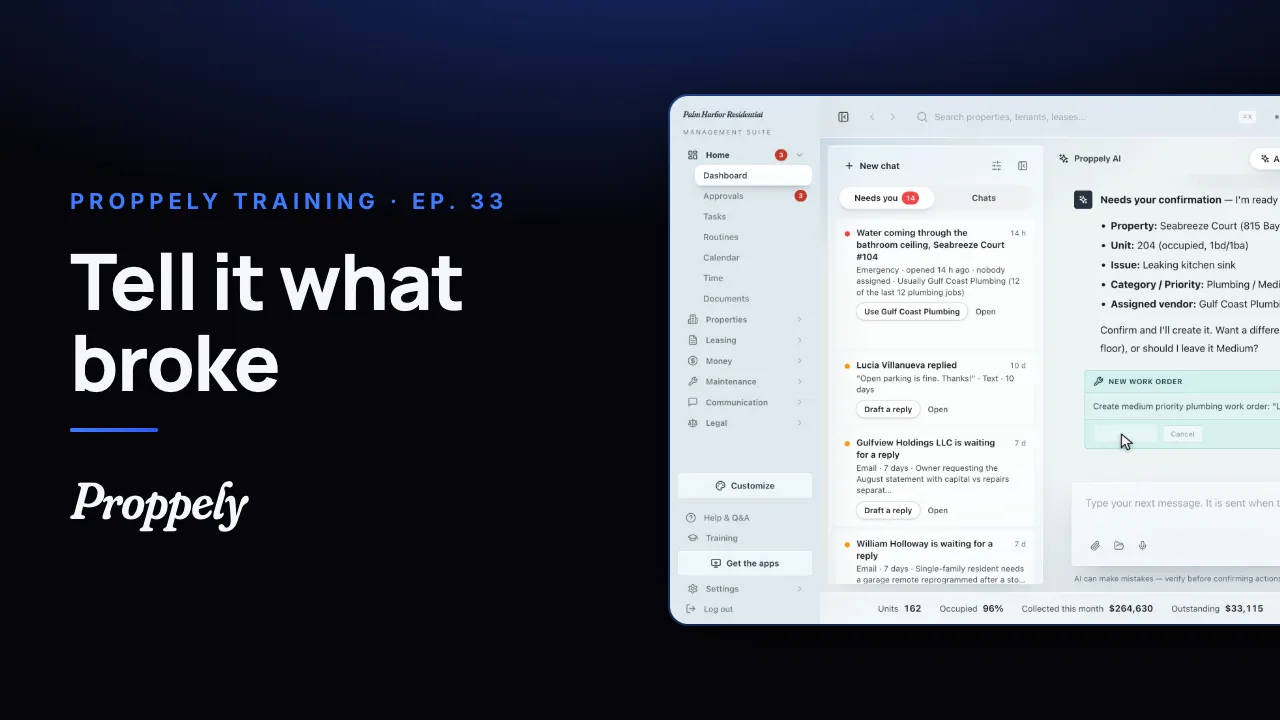 0:35Ep. 33 · Your assistantOpen a work order by asking the assistant
Try it on your own portfolio.
Unlimited units, free until you set up online payments.