Proppely training · Ep. 21 · 0:50
How to receive parts and give them to a job in Proppely
Receive an order into the shop, give parts to a tech for a work order, and see what each job has, at cost.
Step by step
Receive parts and give them to a job
Open Maintenance → Parts inventory.
Click "Receive stock", pick where it goes, choose the part, and enter how many came in and what each cost. Or read the lines from a photo of the receipt.
To hand out parts, open the work order and click "Give parts": choose the part, how many, and who is taking it. They go on that person's truck.
The work order lists what is checked out and with whom, until it is installed or returned. Every move records the job and its unit.
Chapters
More about it
More training videos
All 21, by task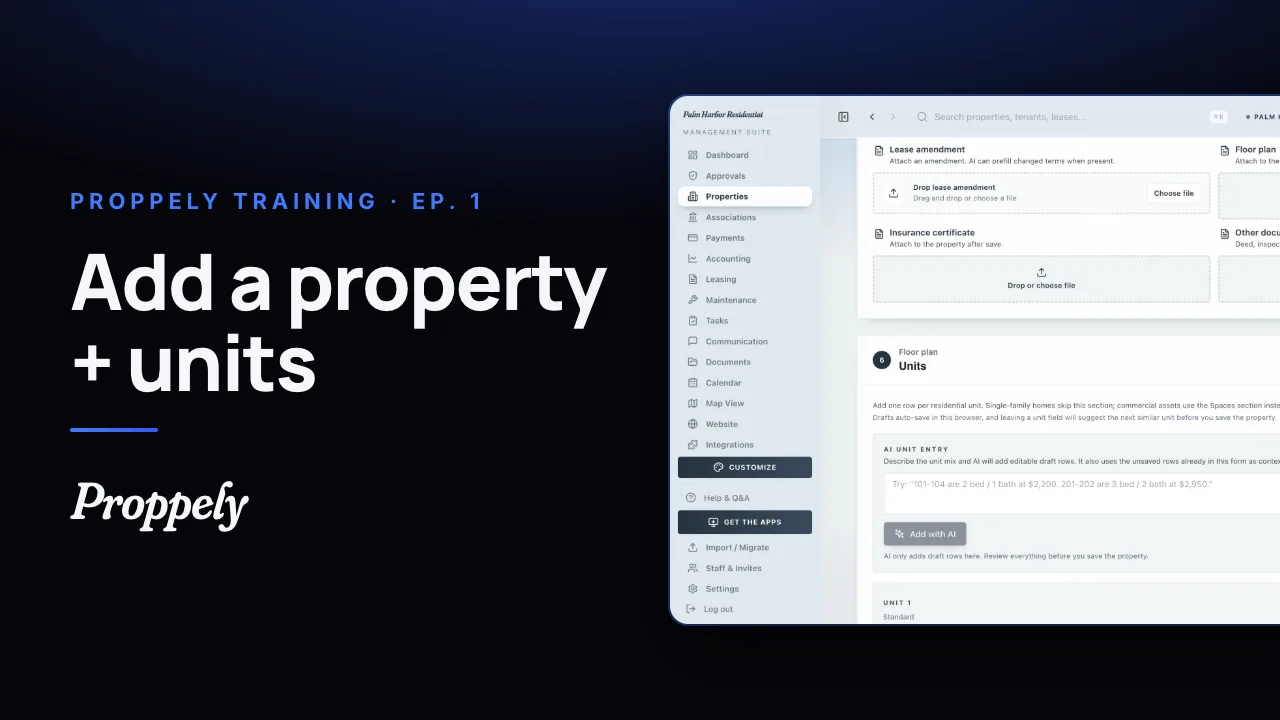 1:20Ep. 1 · Properties and tenantsAdd a property and its units
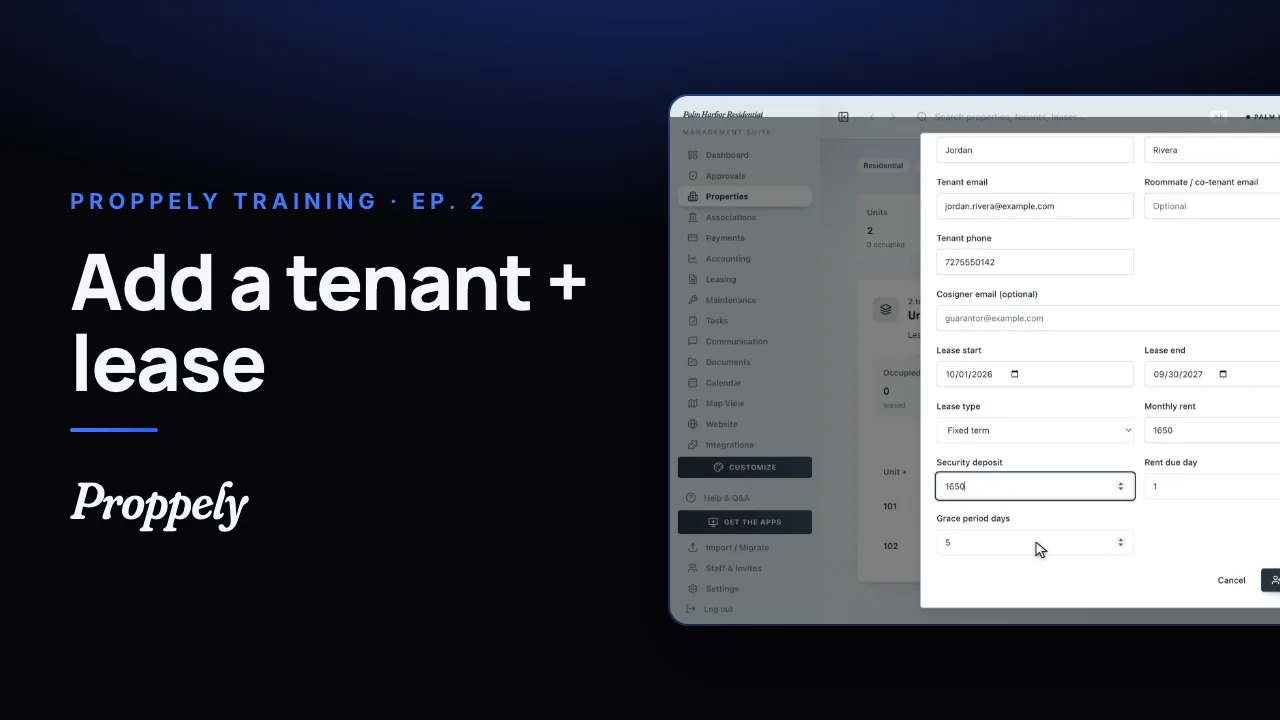 0:50Ep. 2 · Properties and tenantsAdd a tenant and lease
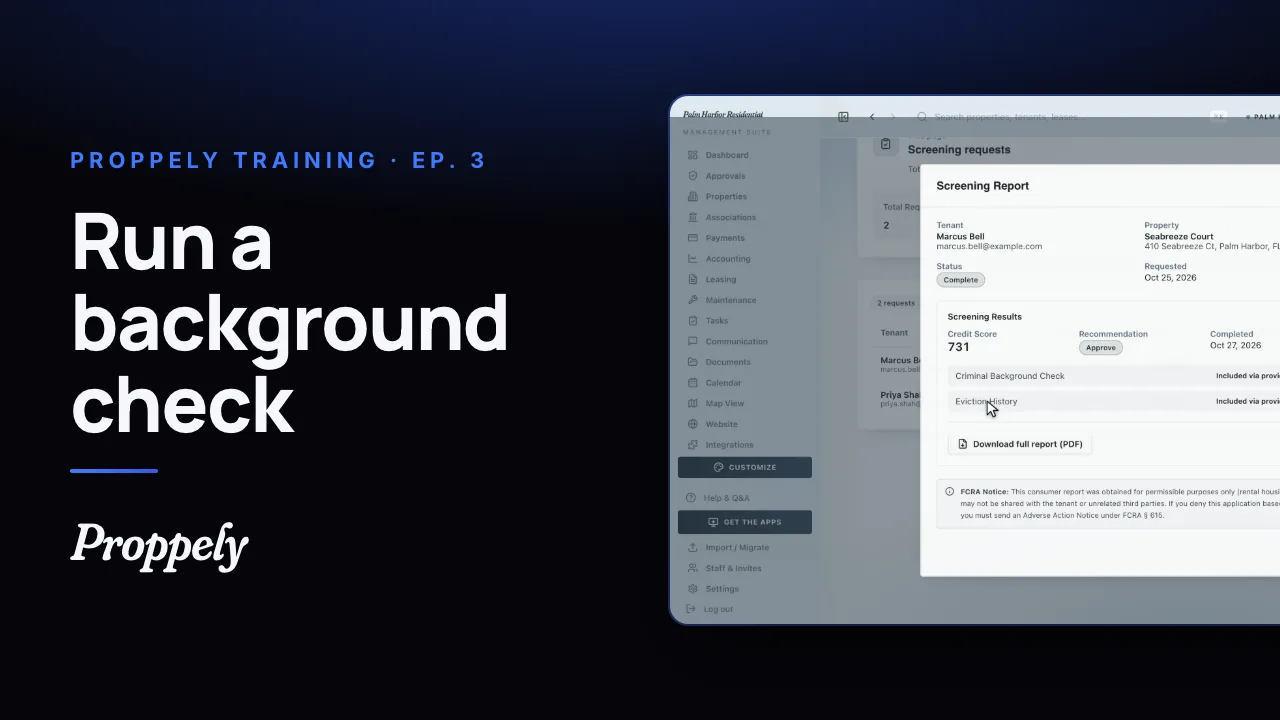 0:52Ep. 3 · Applications and screeningRun a background check
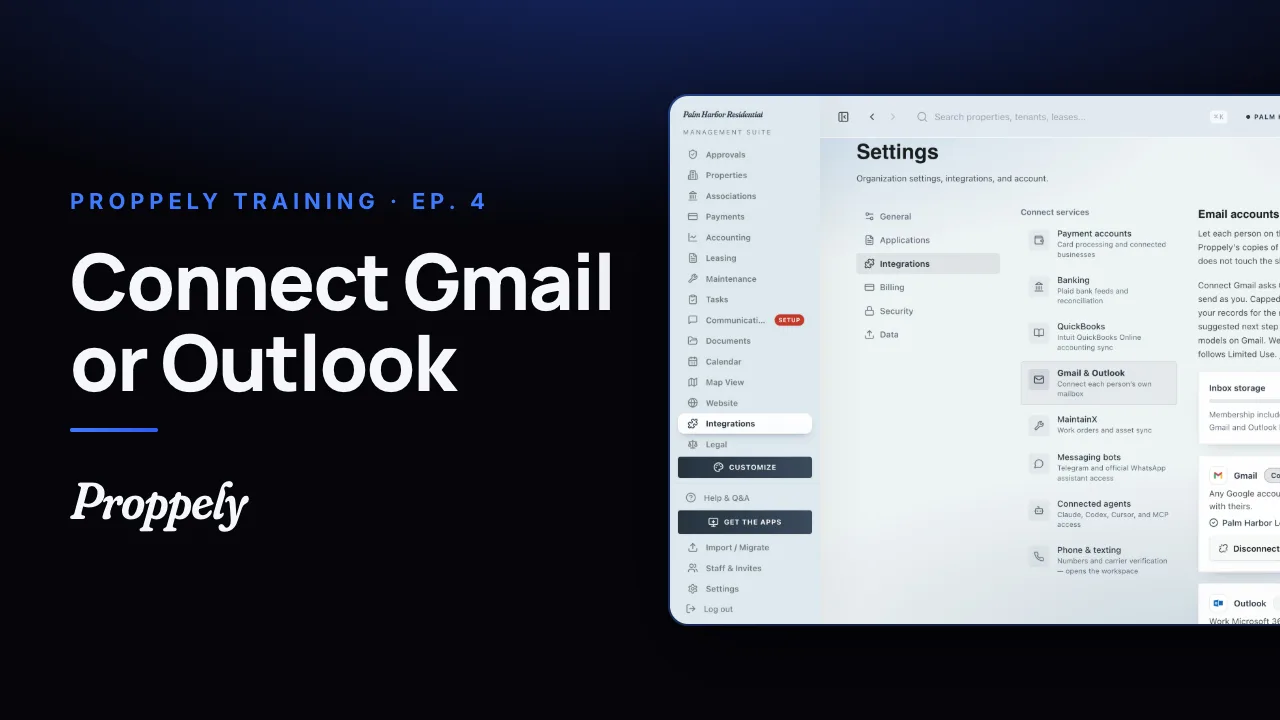 1:06Ep. 4 · Inbox and textingConnect your email
 1:07Ep. 5 · Inbox and textingVerify your texting number
 1:19Ep. 6 · Applications and screeningHow a renter applies
 0:57Ep. 7 · PaymentsSet up Proppely Payments
 0:49Ep. 20 · Maintenance and field workTrack time on a work order
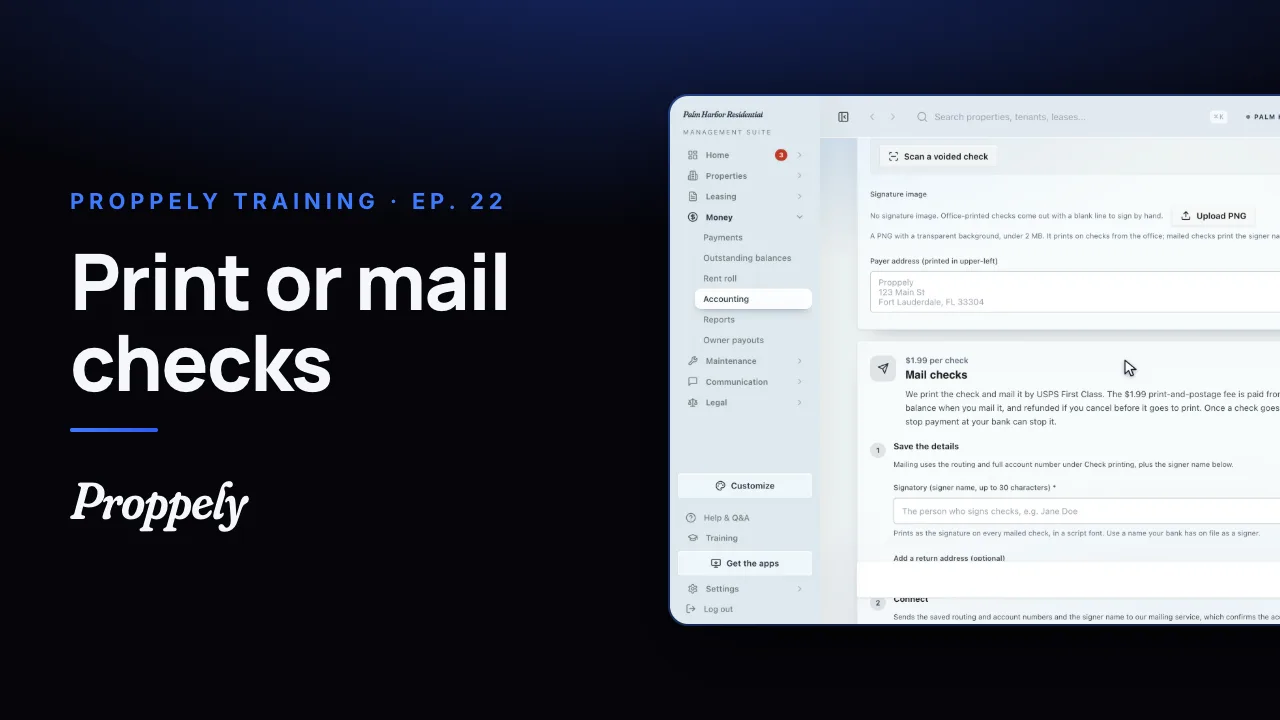 0:55Ep. 22 · PaymentsSet up check printing and mailing
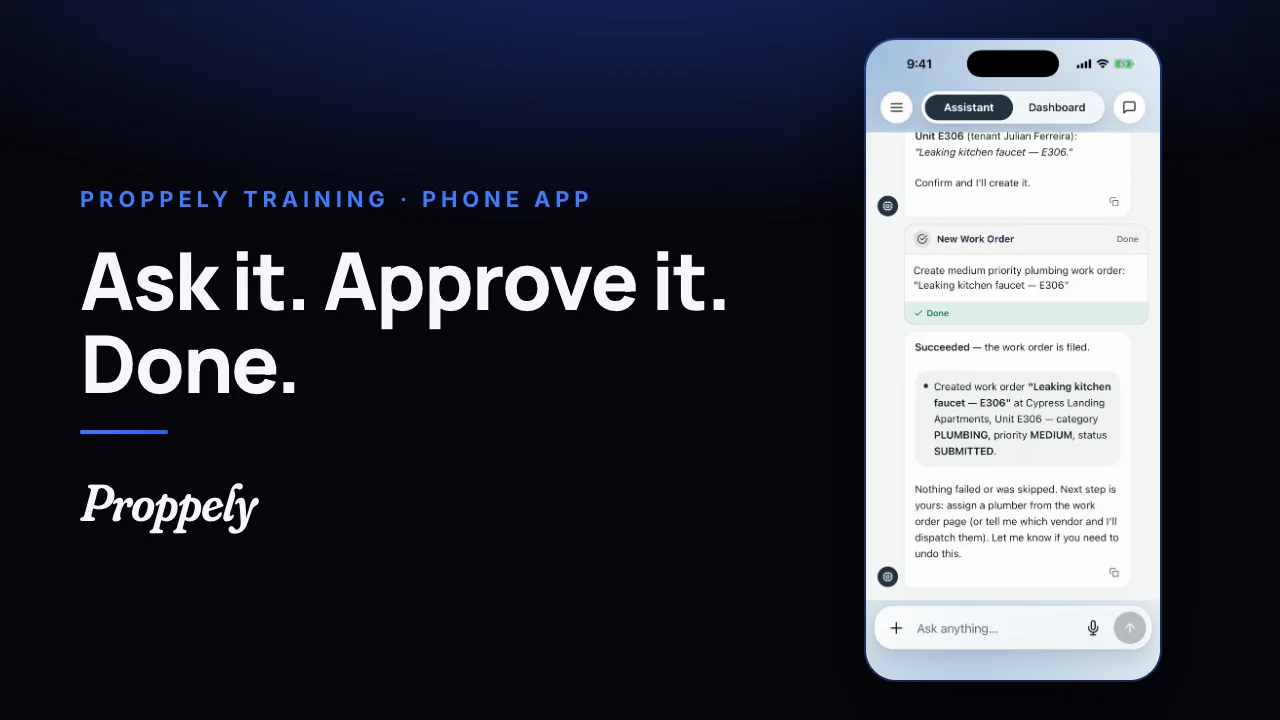 0:35Ep. 23 · The phone appYour assistant in the Proppely app
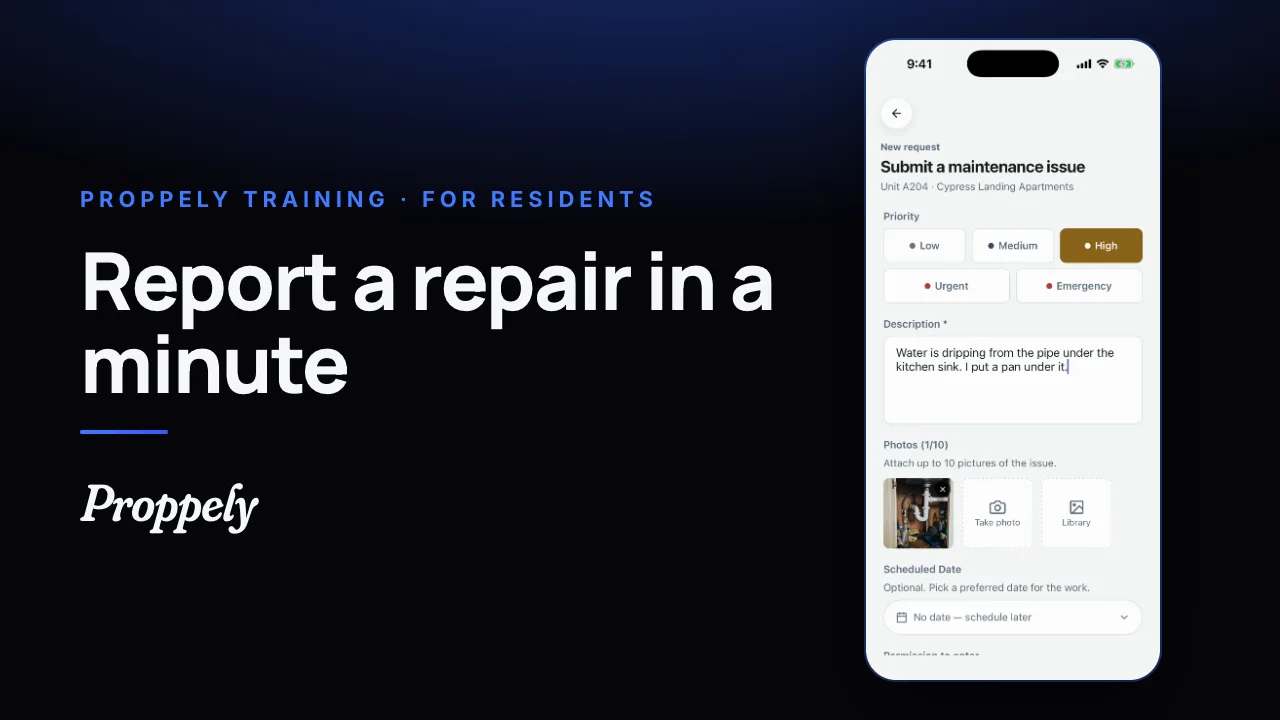 0:39Ep. 24 · The phone appReport a repair in the Proppely app
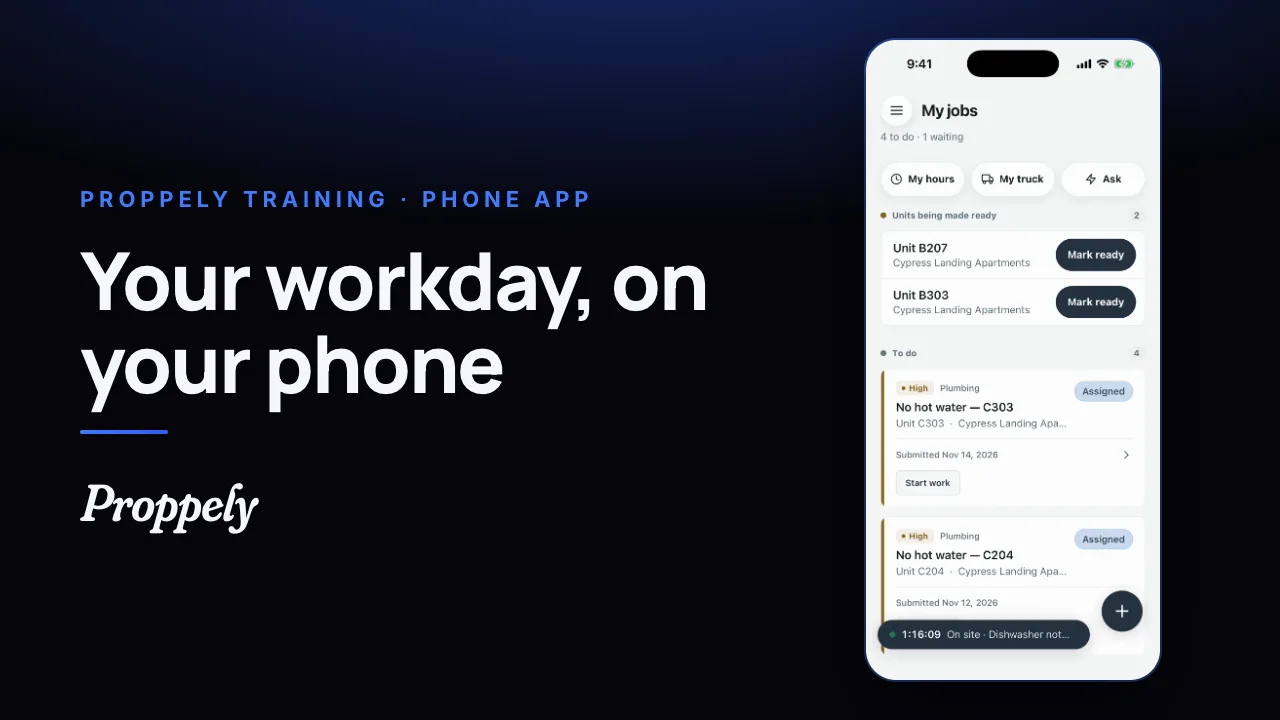 0:31Ep. 25 · The phone appYour workday in the Proppely app
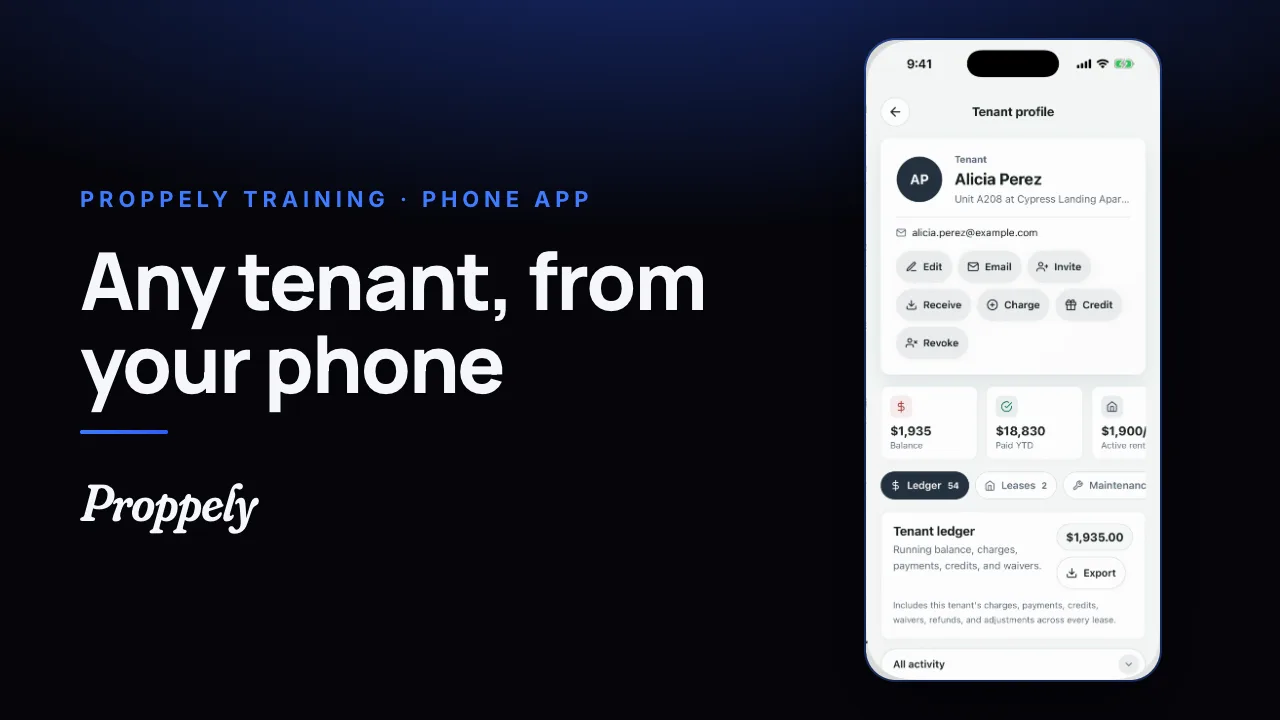 0:25Ep. 26 · The phone appFind a tenant and their balance
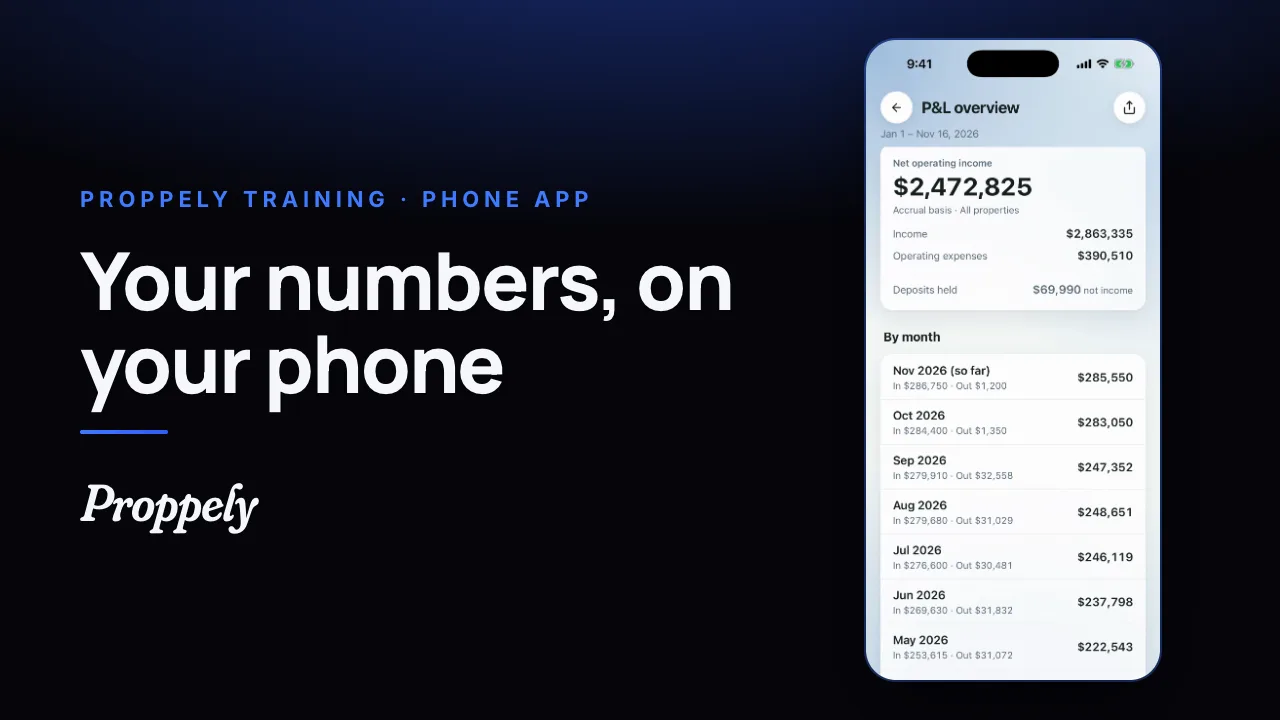 0:28Ep. 27 · The phone appYour reports in the Proppely app
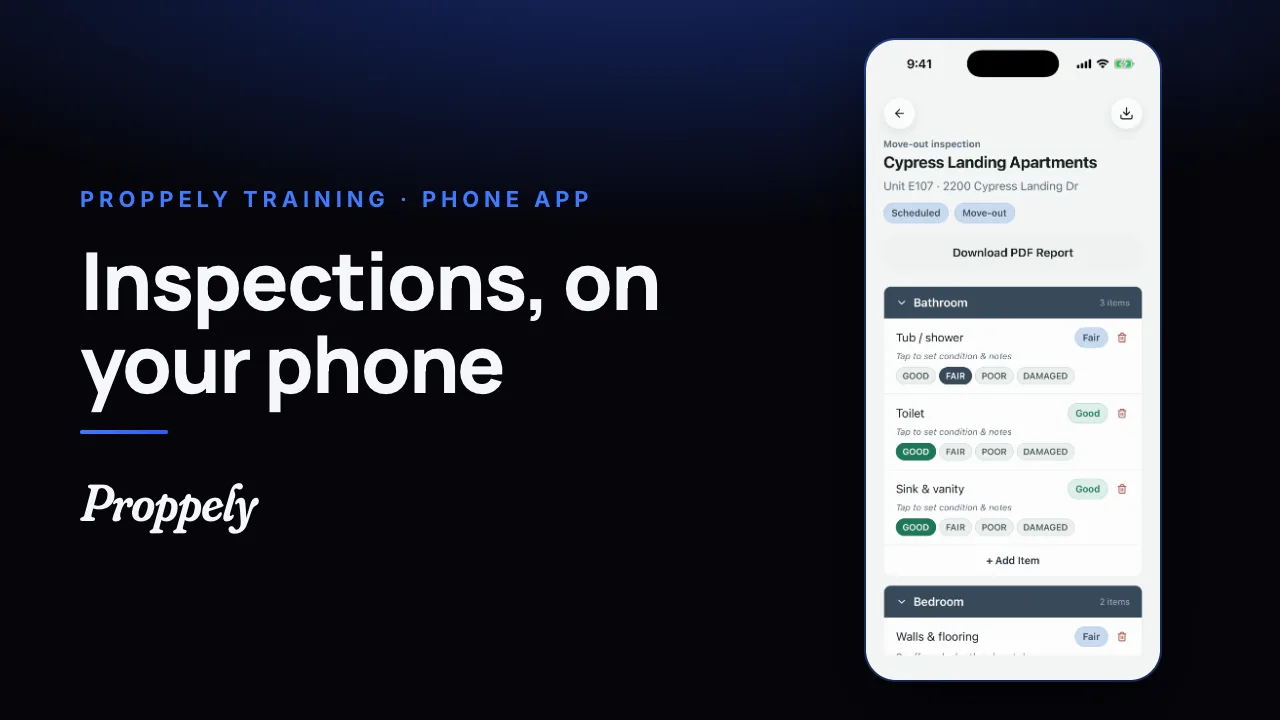 0:32Ep. 28 · The phone appDo an inspection in the Proppely app
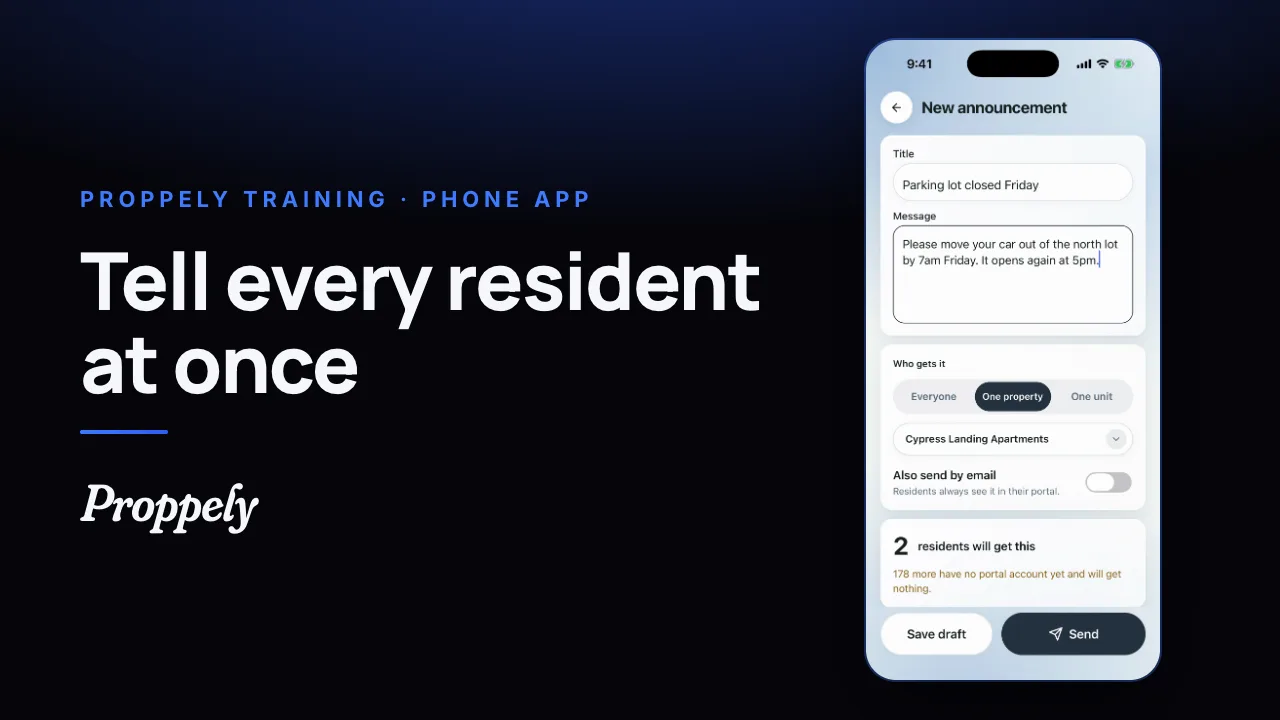 0:28Ep. 29 · The phone appSend residents an announcement
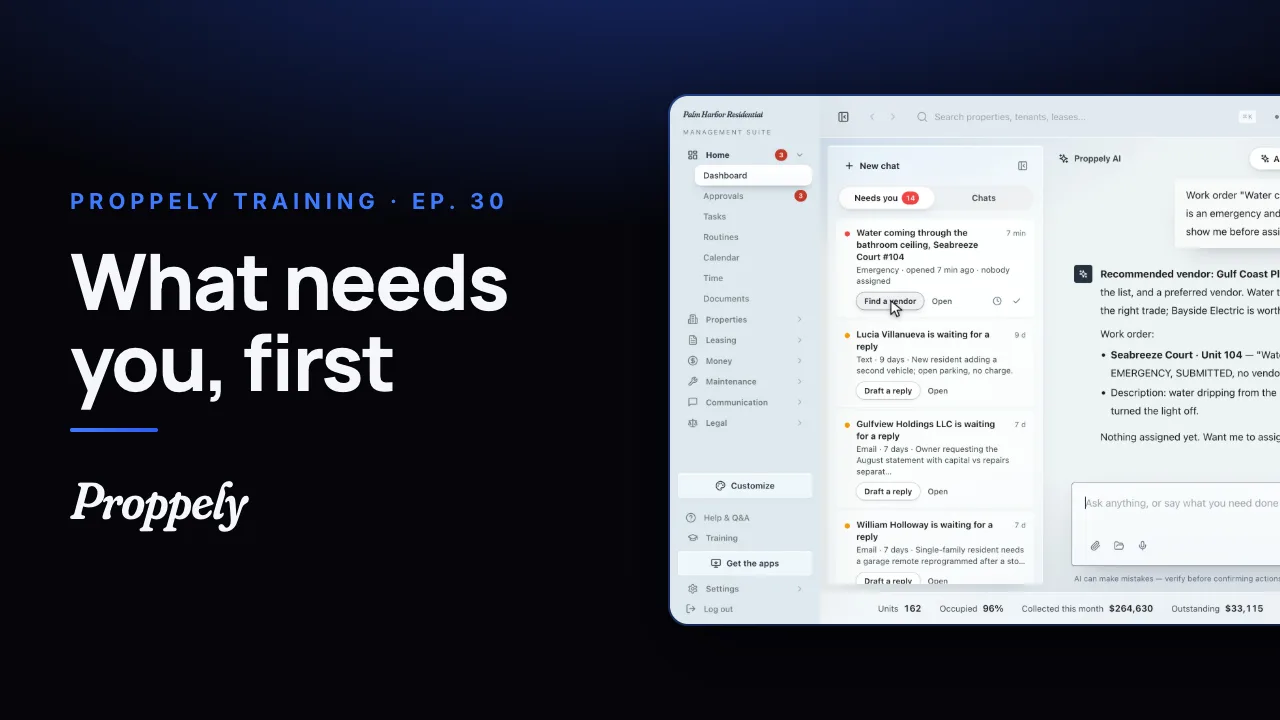 1:12Ep. 30 · Your assistantWhat needs you, first
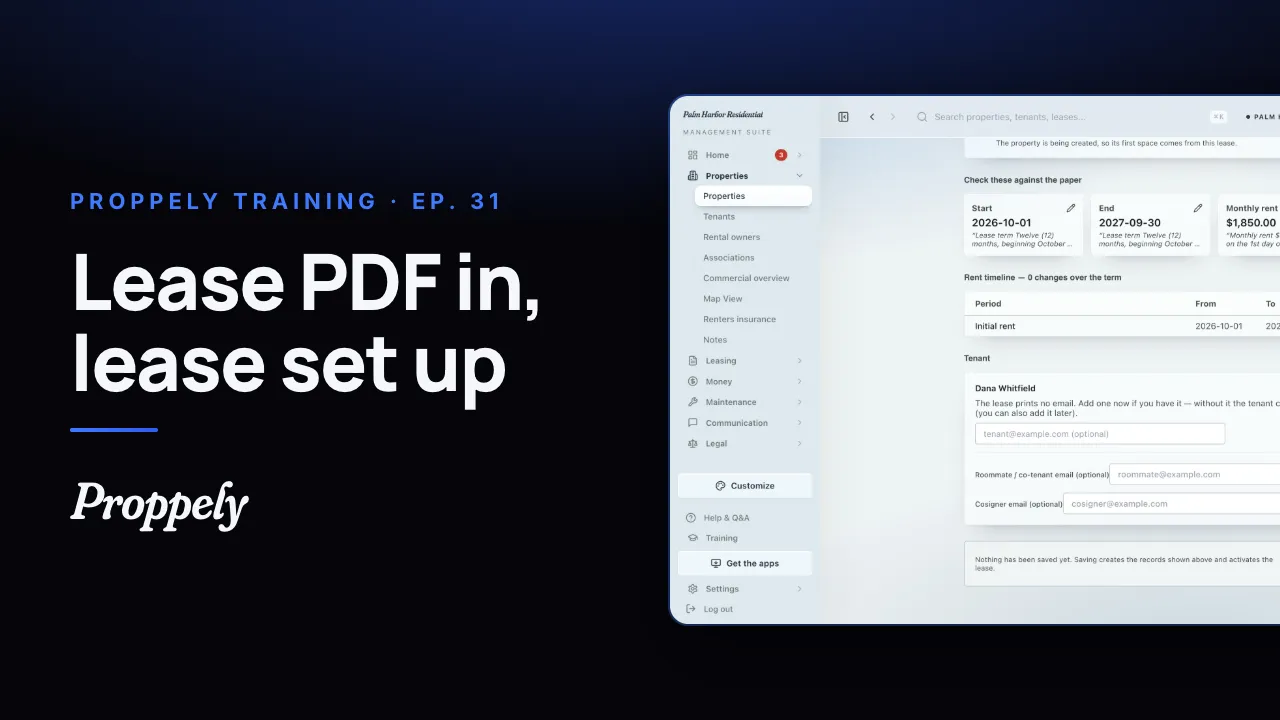 0:44Ep. 31 · Properties and tenantsAdd a lease from the signed PDF
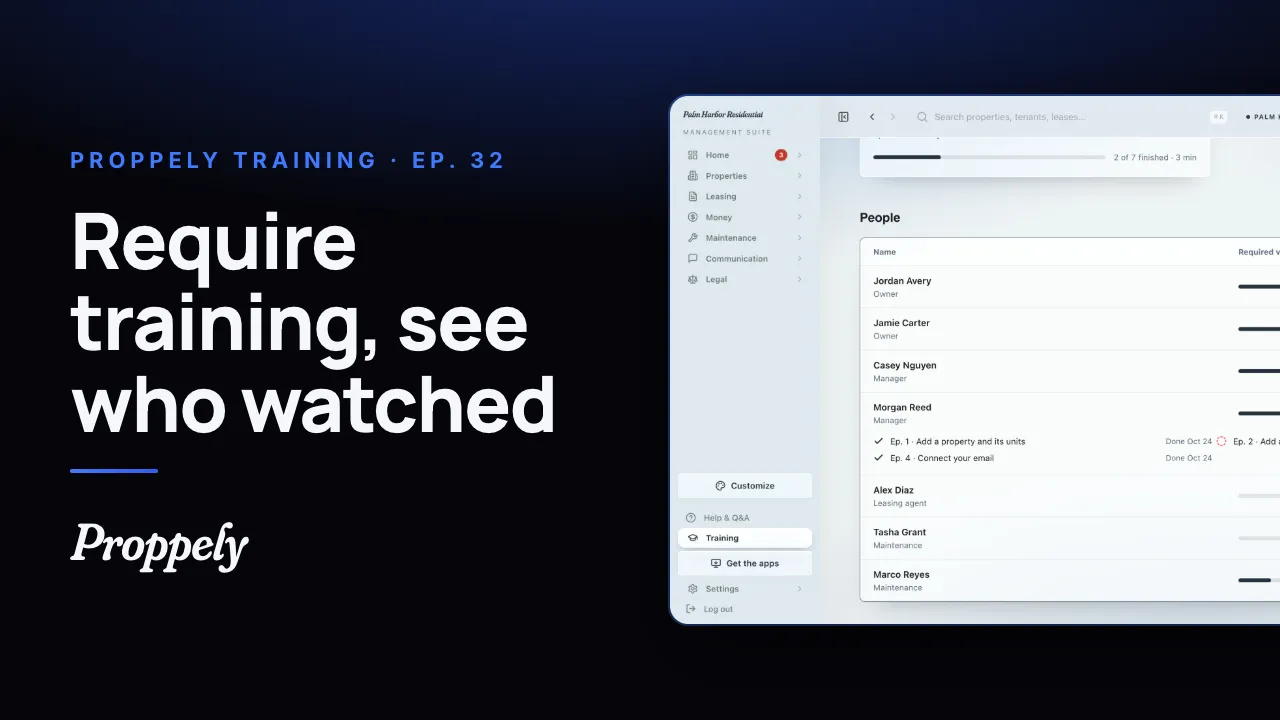 1:01Ep. 32 · Your teamRequire training for your team
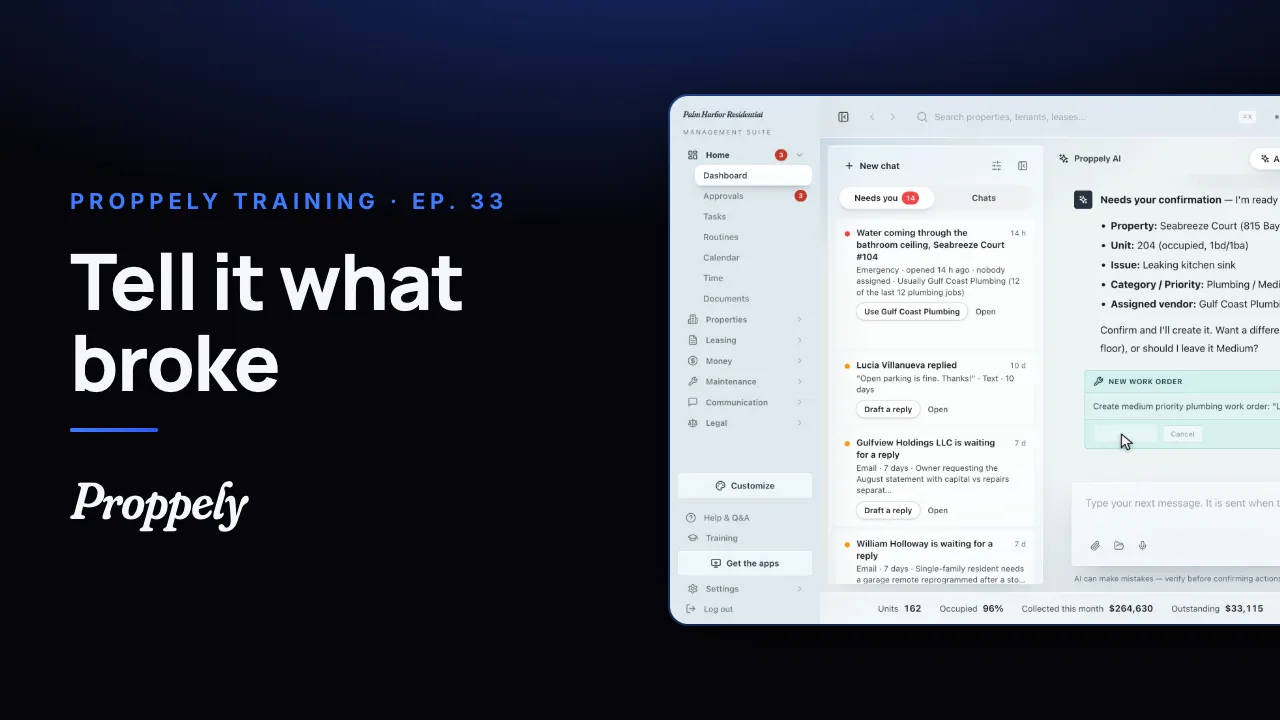 0:35Ep. 33 · Your assistantOpen a work order by asking the assistant
Try it on your own portfolio.
Unlimited units, free until you set up online payments.