Proppely training · Ep. 31 · 0:44
How to add a lease from the signed PDF in Proppely
Drop in the signed lease, check what was read against the paper, and import: the property, the unit and the lease are set up from one PDF.
Step by step
Add a lease from the signed PDF
Open Properties → Add property. Under "Have the signed lease? Upload it instead", click Upload a lease.
Drop the signed lease PDF in. Scanned leases work too; a long one can take up to a minute to read.
Check these against the paper: the start and end dates, the monthly rent and the deposit, each with the words from the lease it came from. The pencil on each corrects it.
What this import will do shows the property and the space: one you already have that matches the address, or a new one created from the lease.
Under Tenant, add the tenant's email if the lease has none, so they can be invited to the portal. You can also add it later.
Nothing is saved until you click "Create property & import lease". Then the property, the unit and the lease are set up, with the rent schedule and billing.
Chapters
0:00Upload
0:14Check it
0:28Import
More about it
More training videos
All 21, by task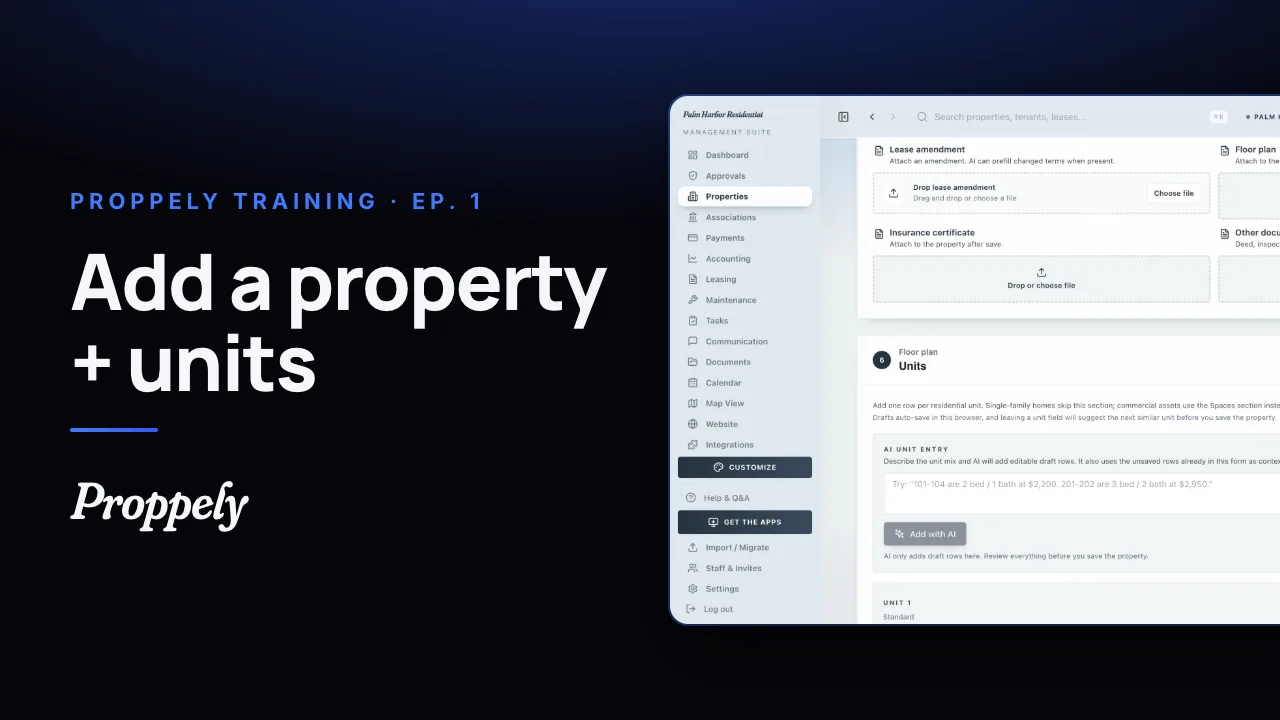 1:20Ep. 1 · Properties and tenantsAdd a property and its units
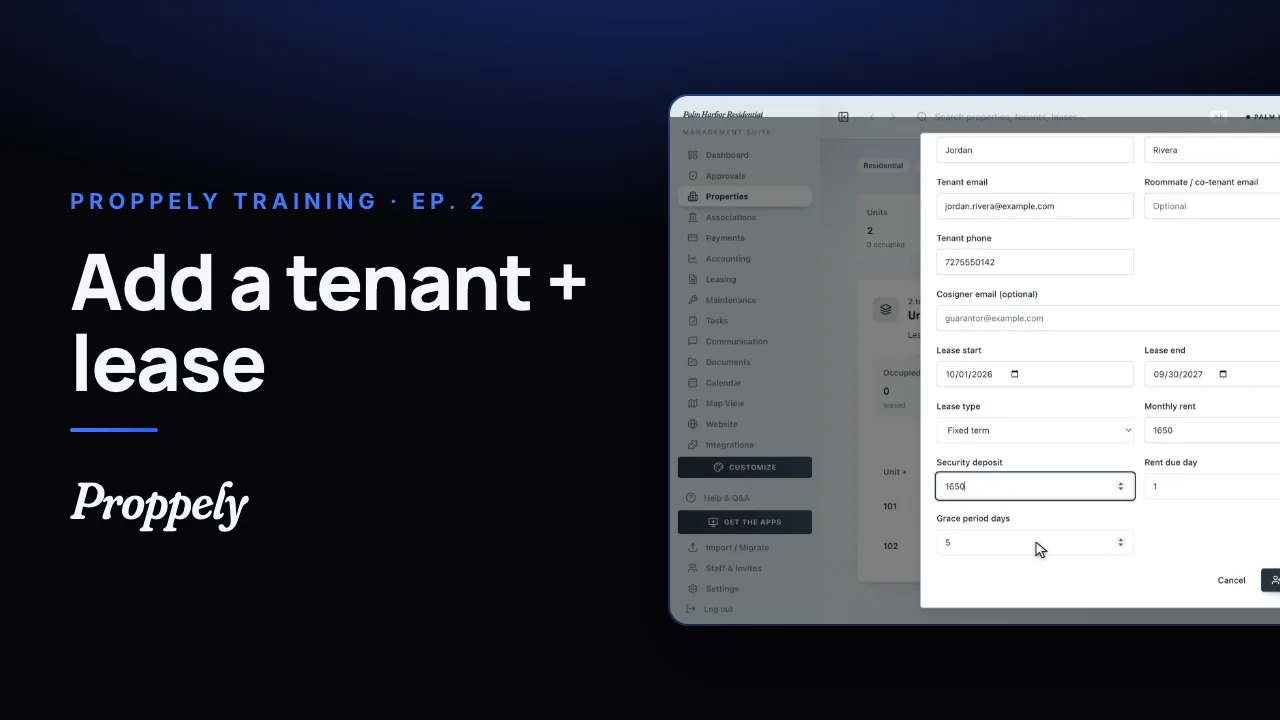 0:50Ep. 2 · Properties and tenantsAdd a tenant and lease
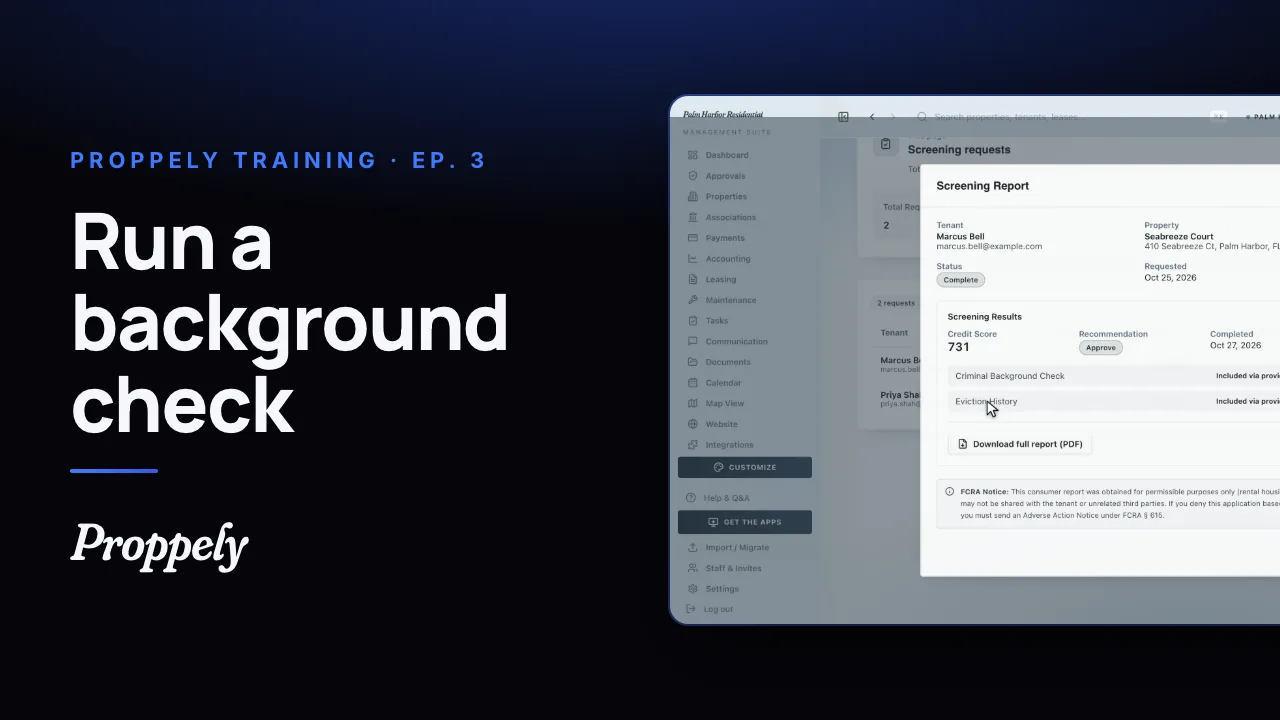 0:52Ep. 3 · Applications and screeningRun a background check
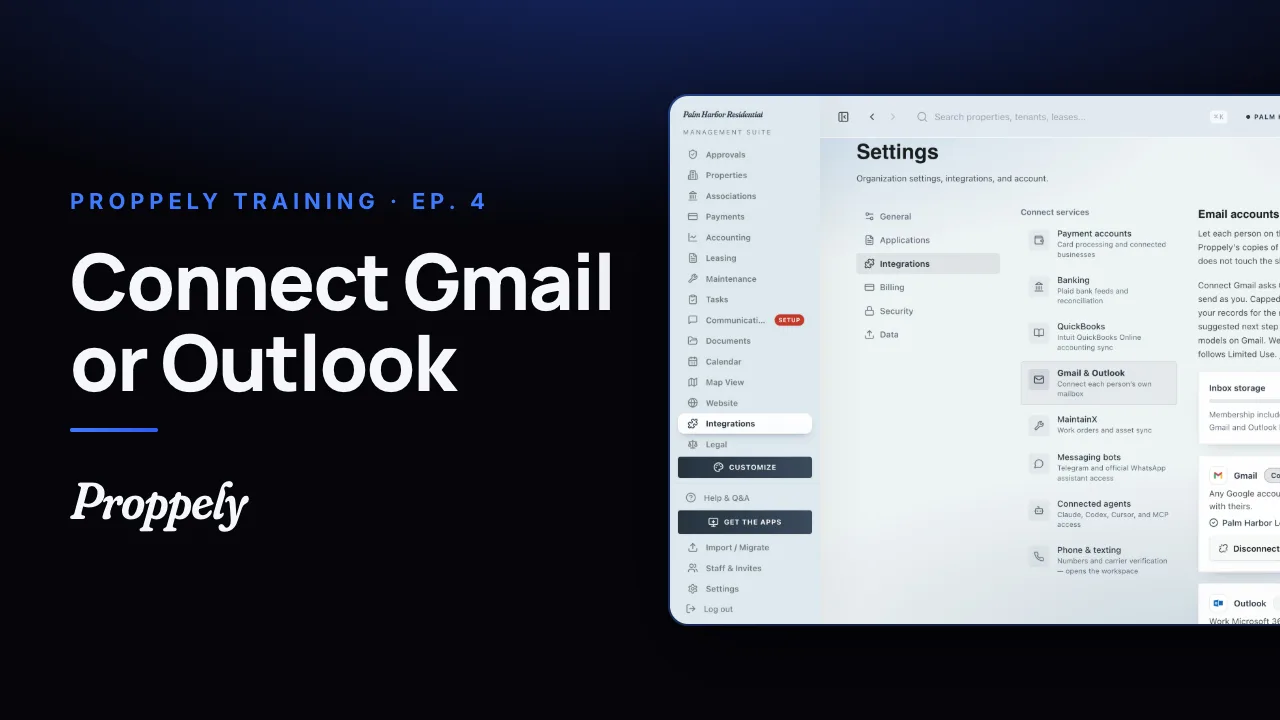 1:06Ep. 4 · Inbox and textingConnect your email
 1:07Ep. 5 · Inbox and textingVerify your texting number
 1:19Ep. 6 · Applications and screeningHow a renter applies
 0:57Ep. 7 · PaymentsSet up Proppely Payments
 0:49Ep. 20 · Maintenance and field workTrack time on a work order
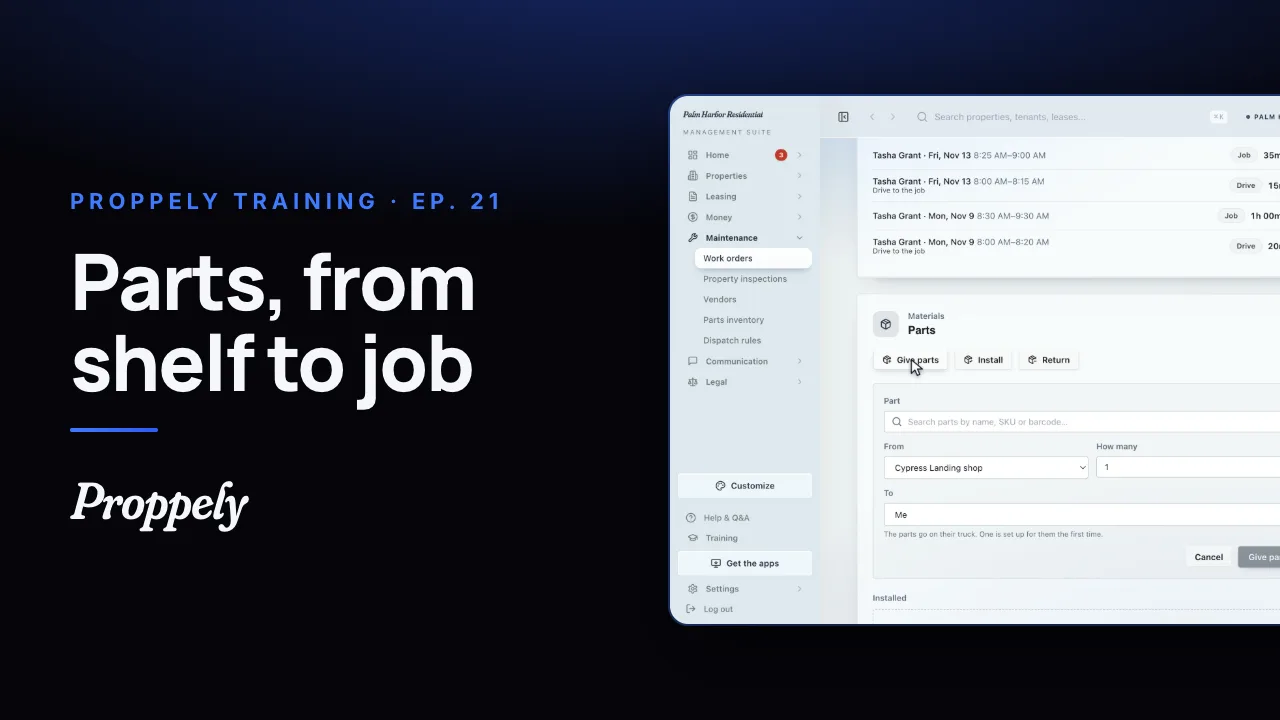 0:50Ep. 21 · Maintenance and field workReceive parts and give them to a job
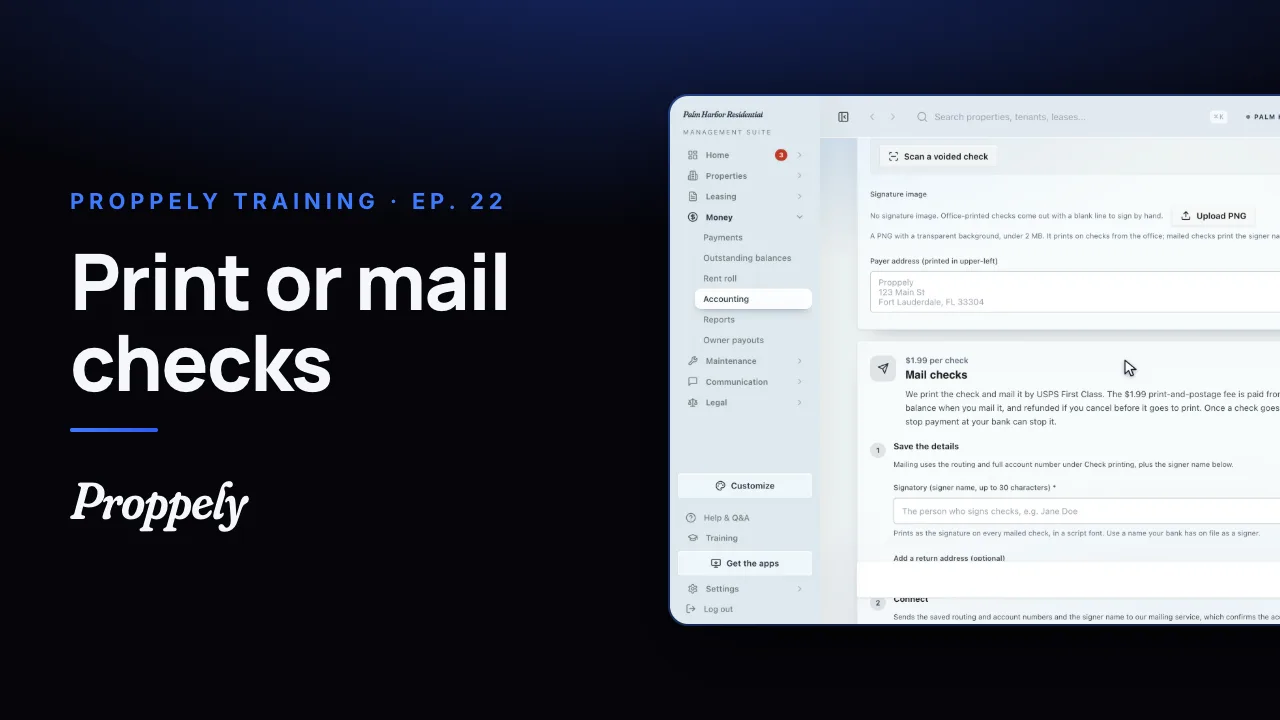 0:55Ep. 22 · PaymentsSet up check printing and mailing
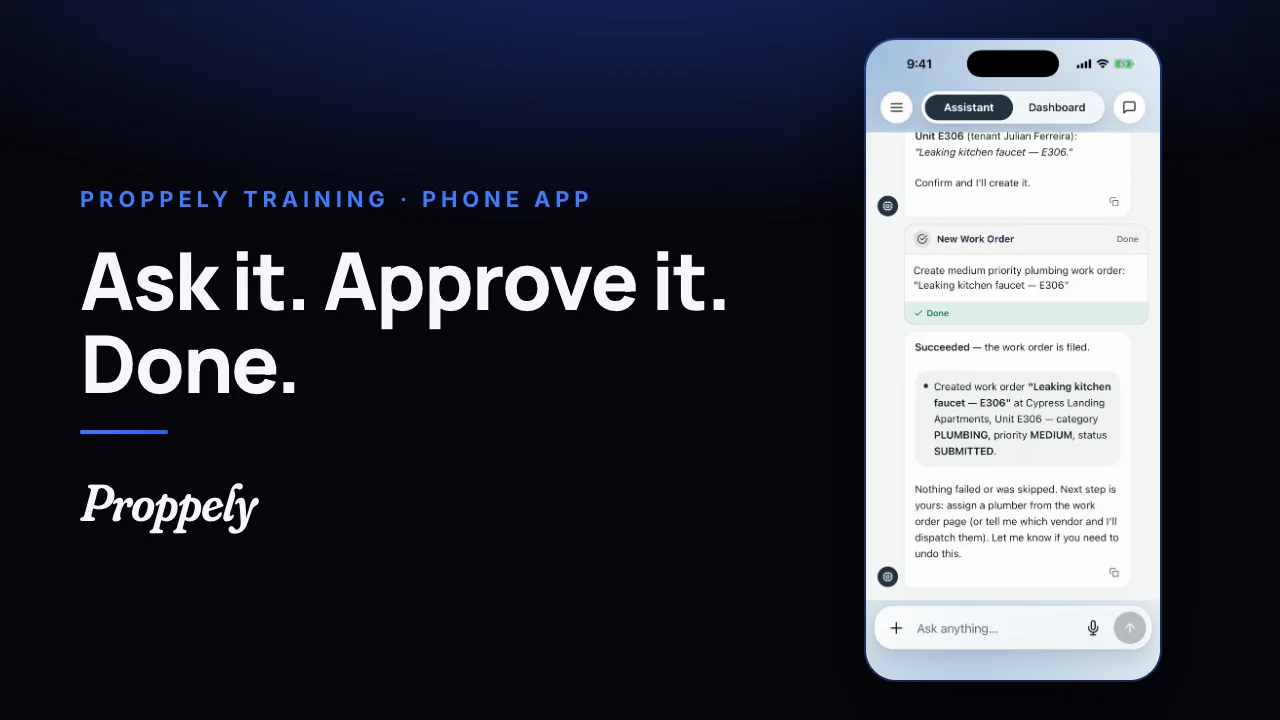 0:35Ep. 23 · The phone appYour assistant in the Proppely app
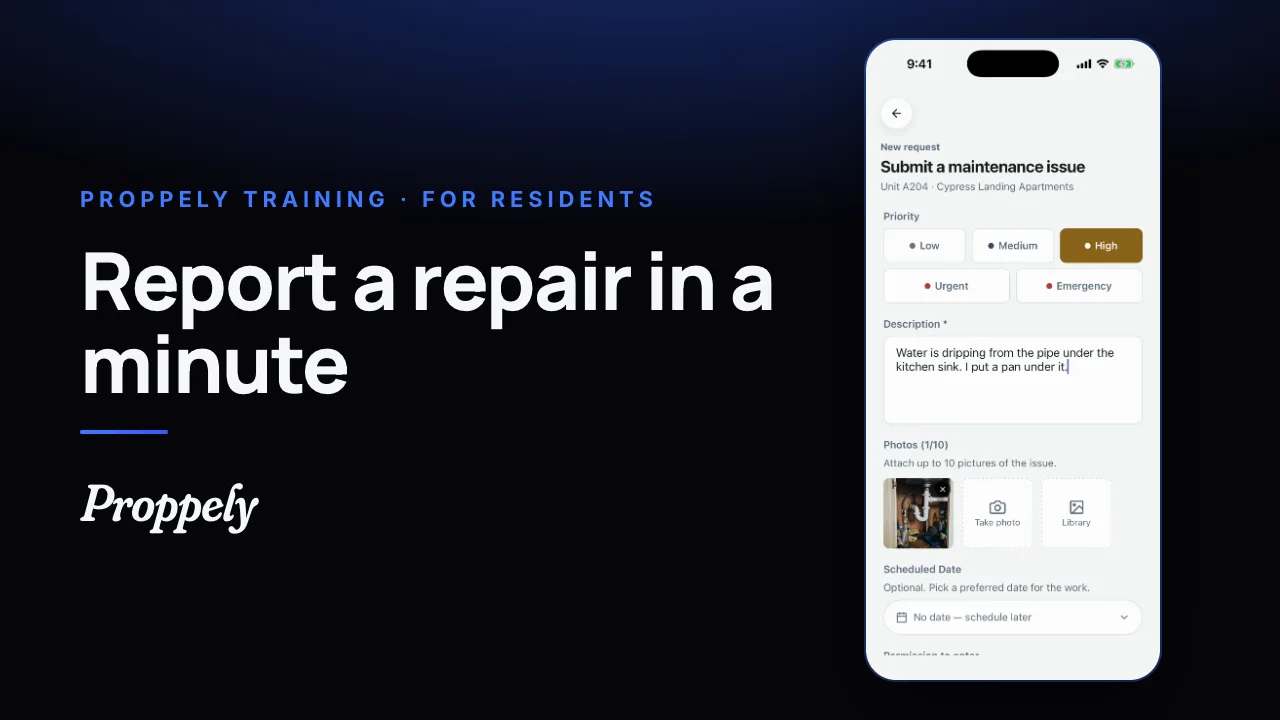 0:39Ep. 24 · The phone appReport a repair in the Proppely app
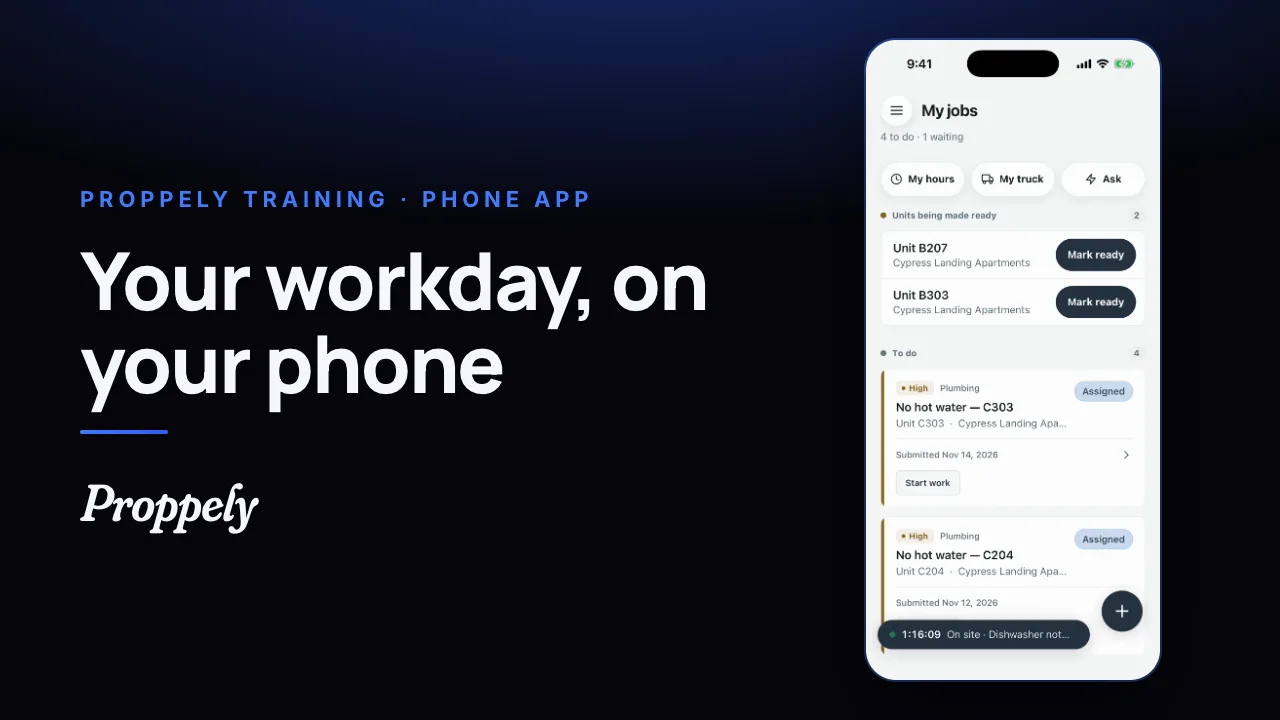 0:31Ep. 25 · The phone appYour workday in the Proppely app
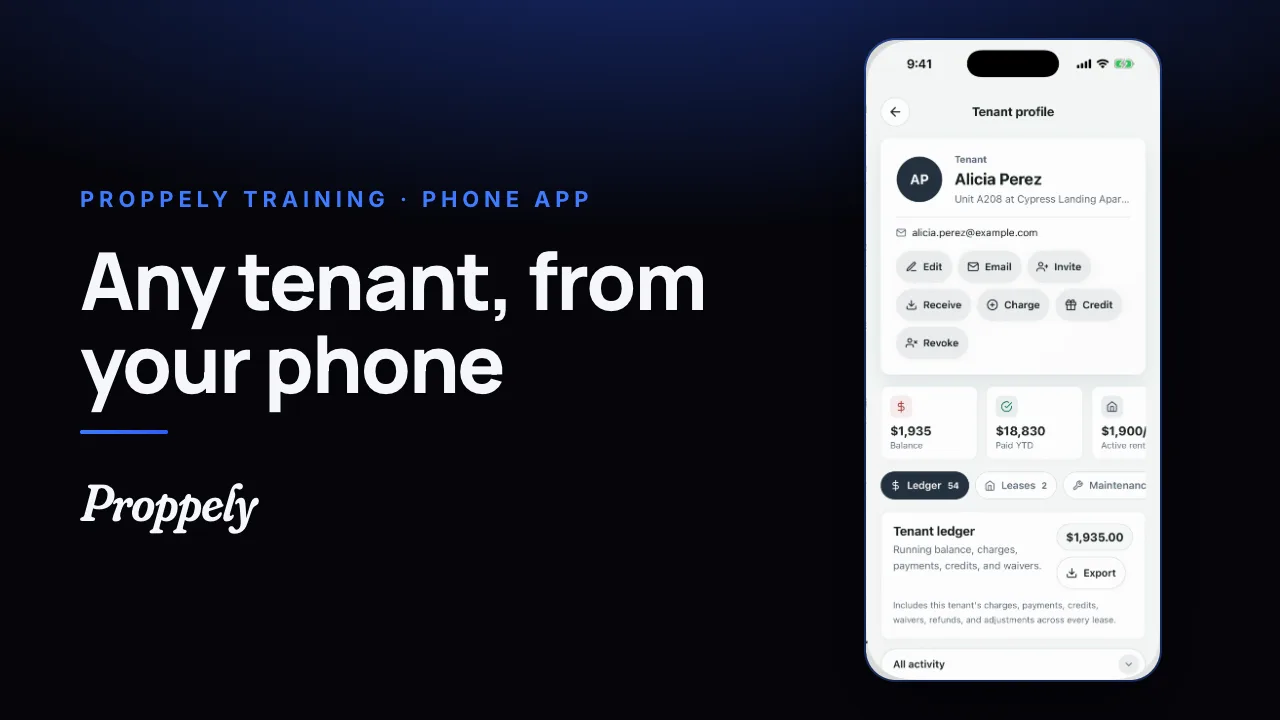 0:25Ep. 26 · The phone appFind a tenant and their balance
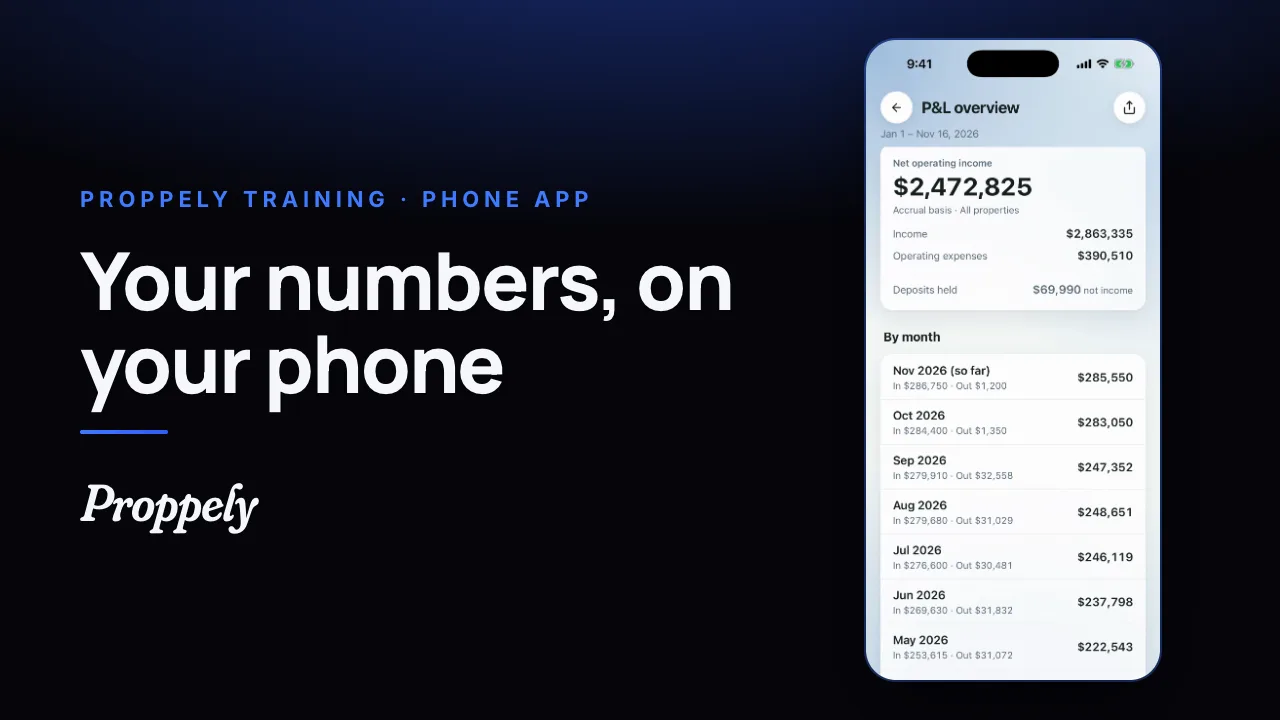 0:28Ep. 27 · The phone appYour reports in the Proppely app
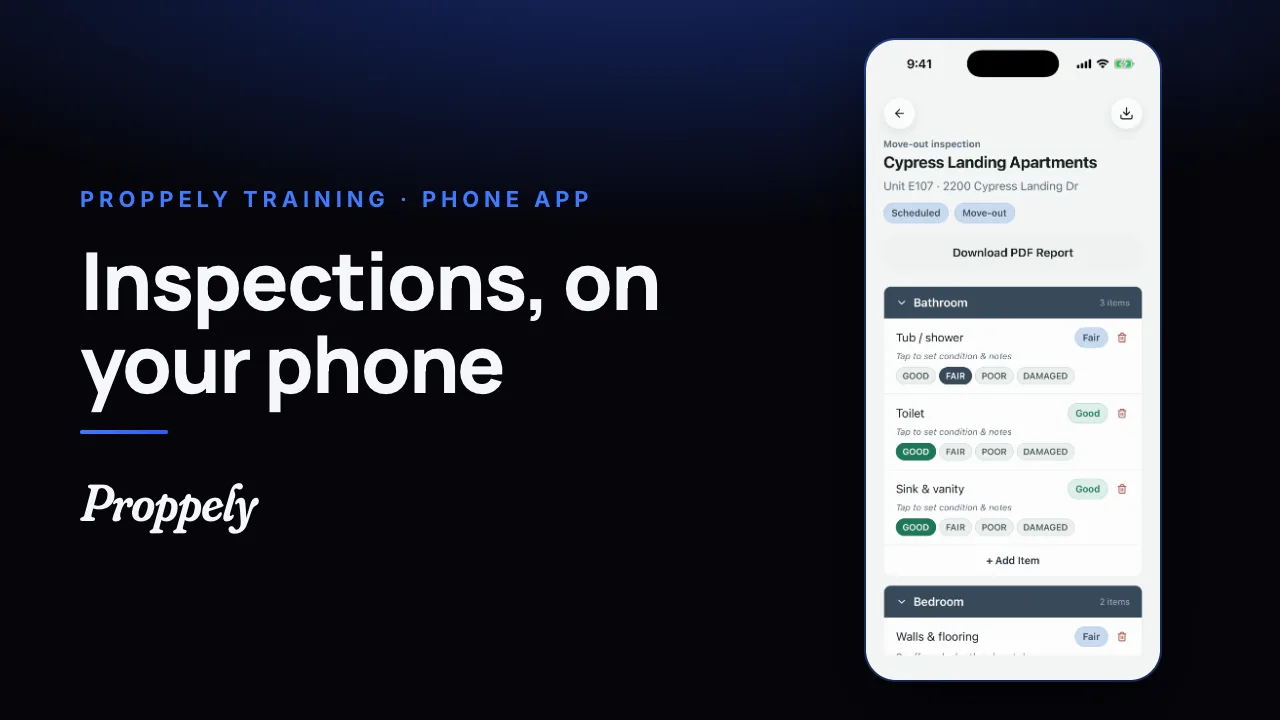 0:32Ep. 28 · The phone appDo an inspection in the Proppely app
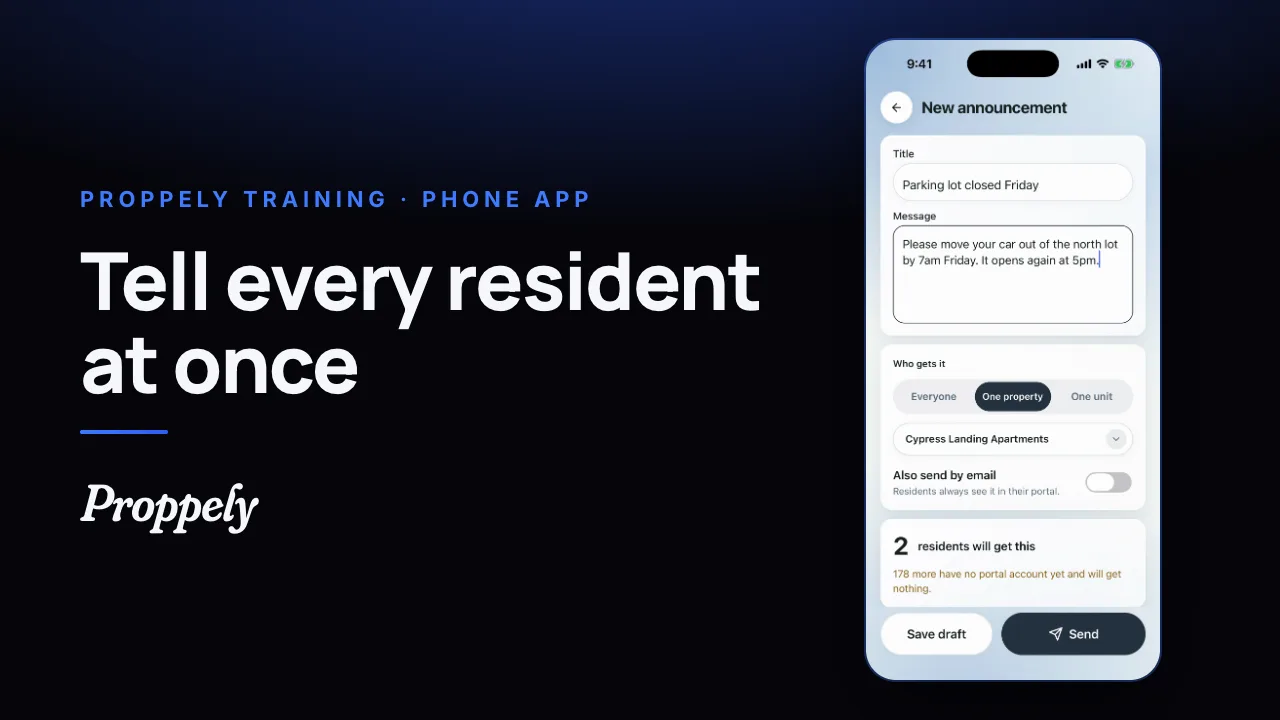 0:28Ep. 29 · The phone appSend residents an announcement
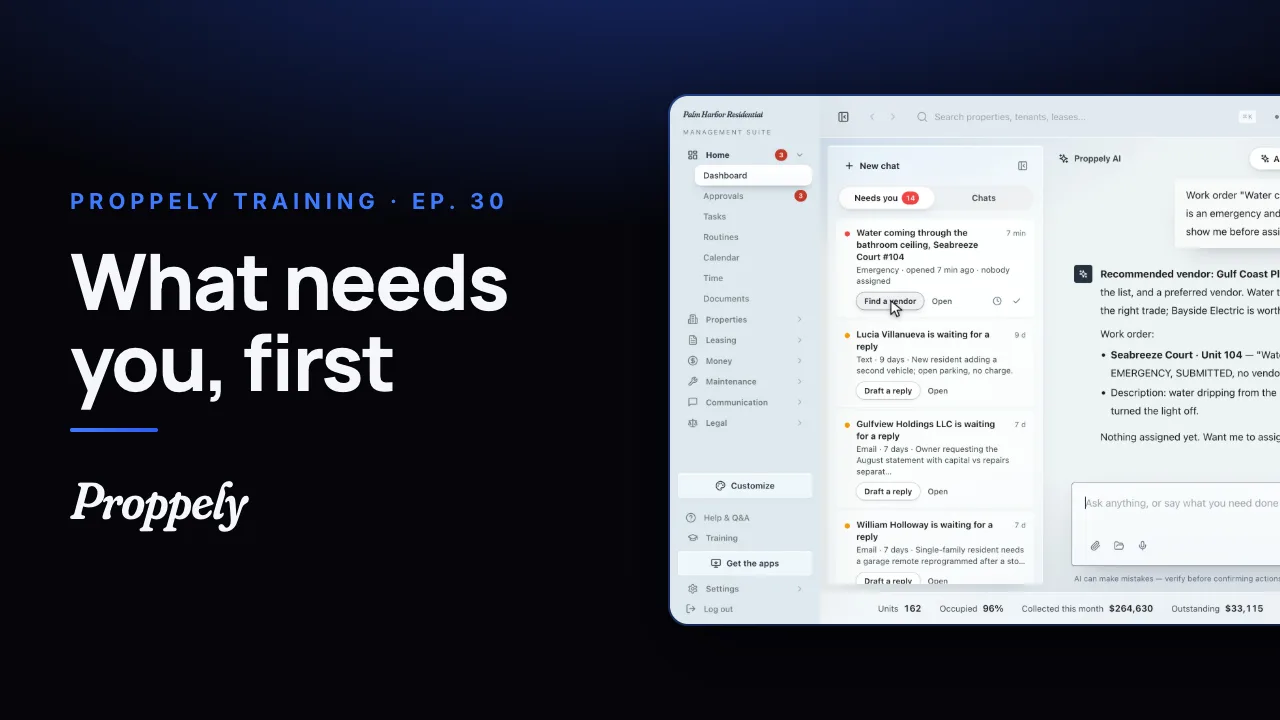 1:12Ep. 30 · Your assistantWhat needs you, first
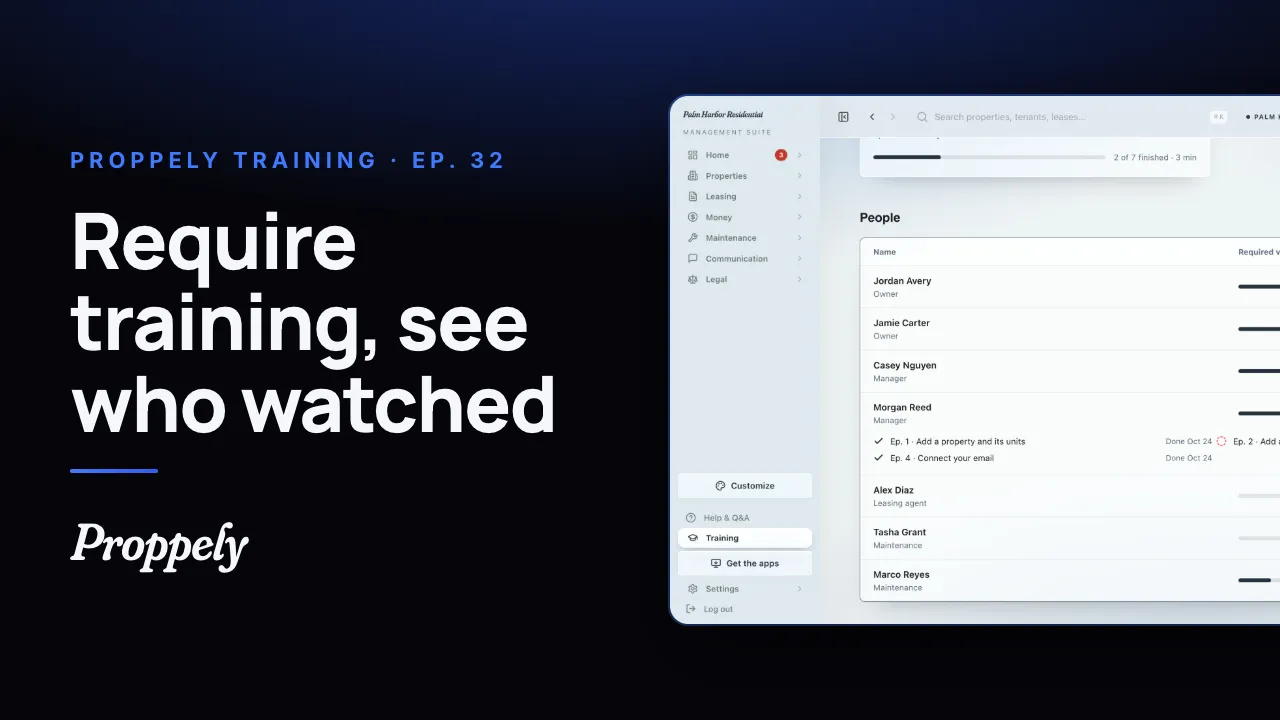 1:01Ep. 32 · Your teamRequire training for your team
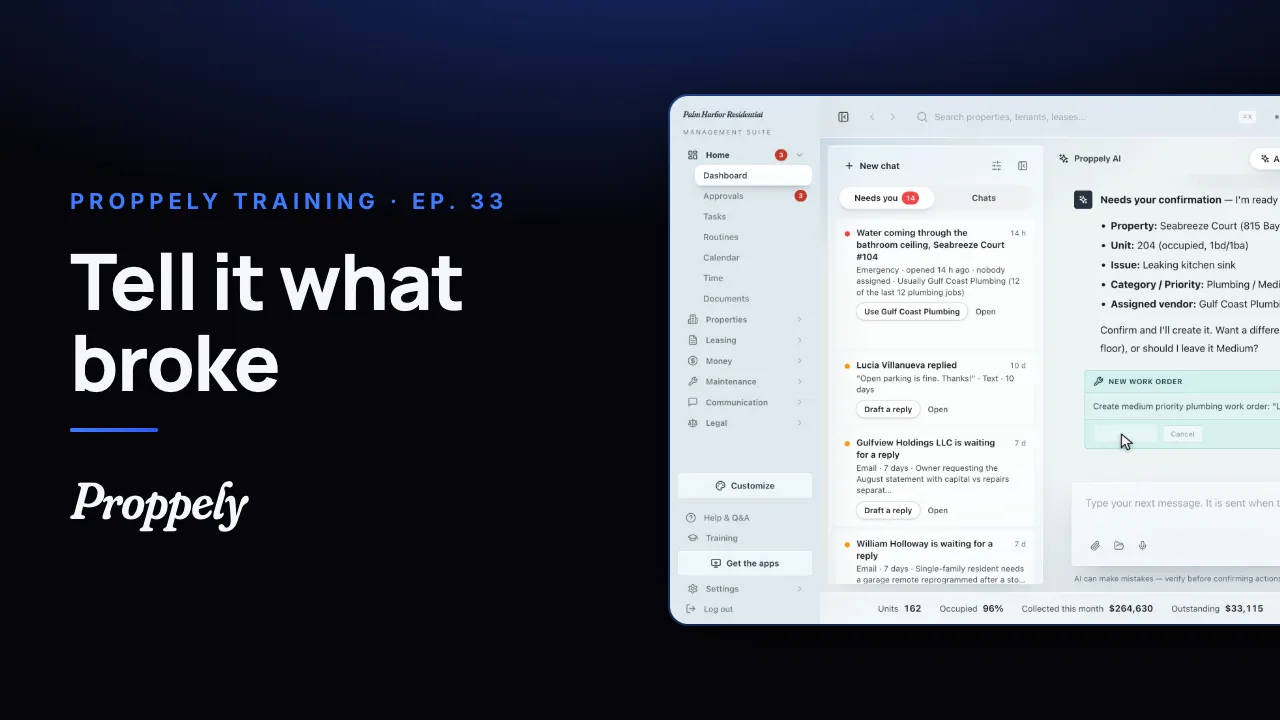 0:35Ep. 33 · Your assistantOpen a work order by asking the assistant
Try it on your own portfolio.
Unlimited units, free until you set up online payments.