Proppely training · Ep. 6 · 1:19
How a renter applies for your rental in Proppely
See the rental application from your applicant's side, from your listing to “Application submitted”.
Step by step
How a renter applies
The applicant opens your listing and clicks Apply. No account is needed.
They fill in their details, ID, rental history, work and income.
They add who's moving in, and the unit and move-in date they want.
They authorize the background check and agree to sign electronically.
They review the application fee, type their name to sign, and submit.
If anything is still blank, they see exactly what, and can go back and finish or send it anyway.
The application shows up for you under Leasing → Applicants, flagged with anything left blank, ready to review.
Chapters
More about it
More training videos
All 21, by task 1:20Ep. 1 · Properties and tenantsAdd a property and its units
 0:50Ep. 2 · Properties and tenantsAdd a tenant and lease
 0:52Ep. 3 · Applications and screeningRun a background check
 1:06Ep. 4 · Inbox and textingConnect your email
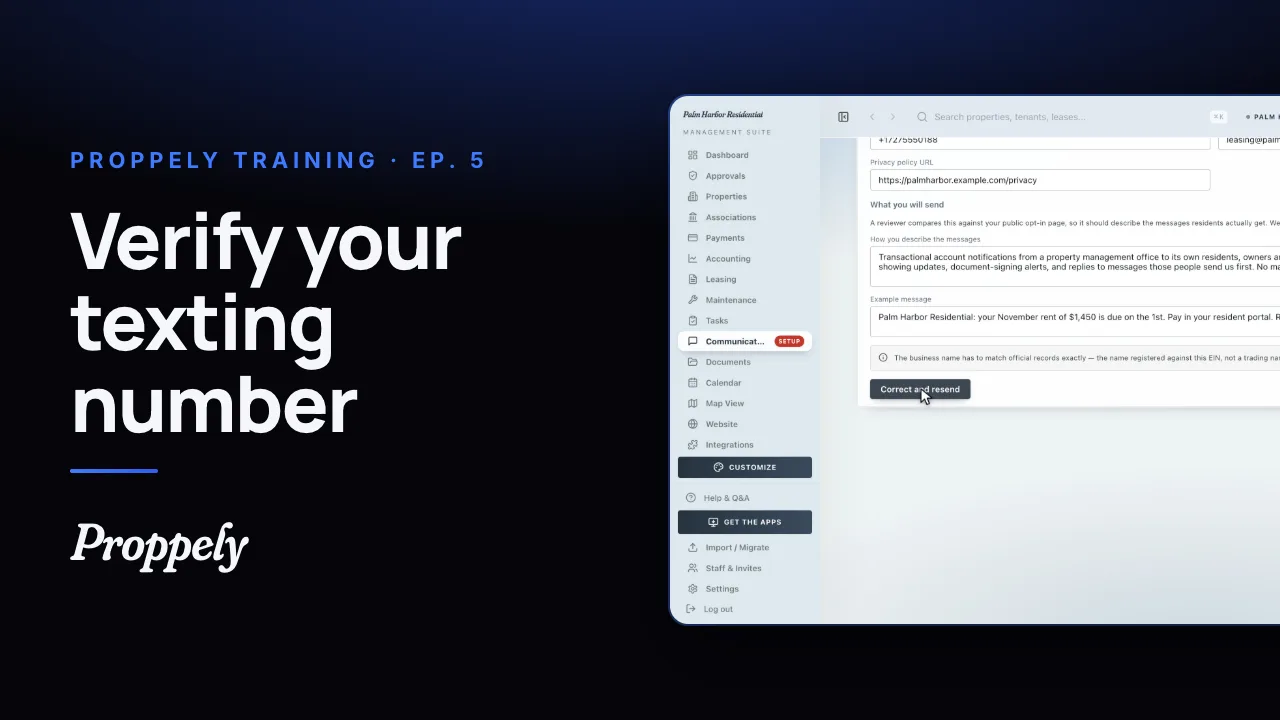 1:07Ep. 5 · Inbox and textingVerify your texting number
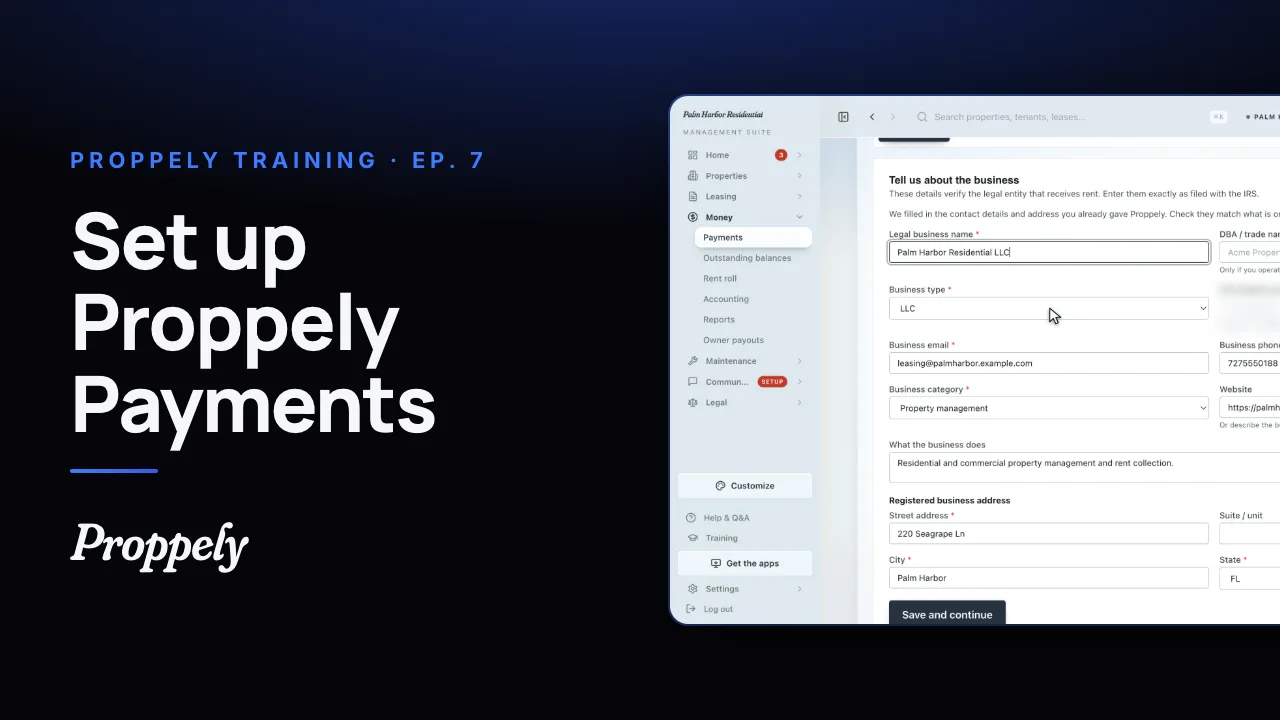 0:57Ep. 7 · PaymentsSet up Proppely Payments
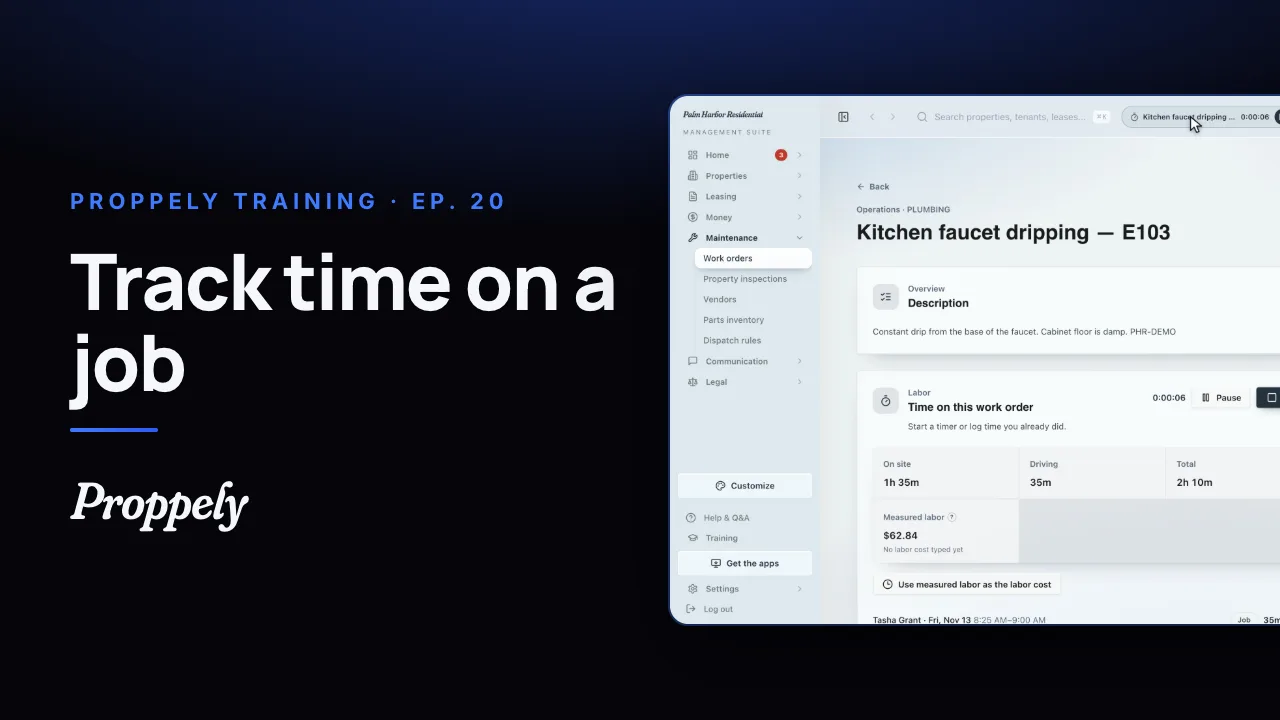 0:49Ep. 20 · Maintenance and field workTrack time on a work order
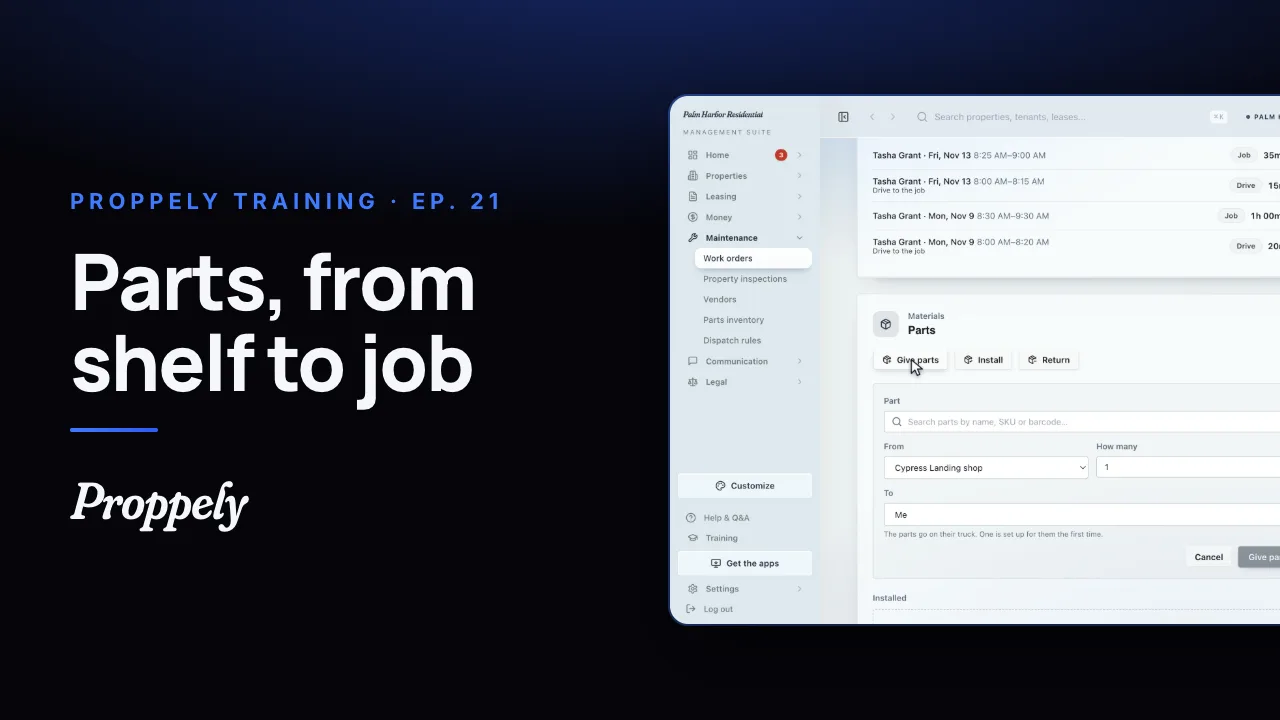 0:50Ep. 21 · Maintenance and field workReceive parts and give them to a job
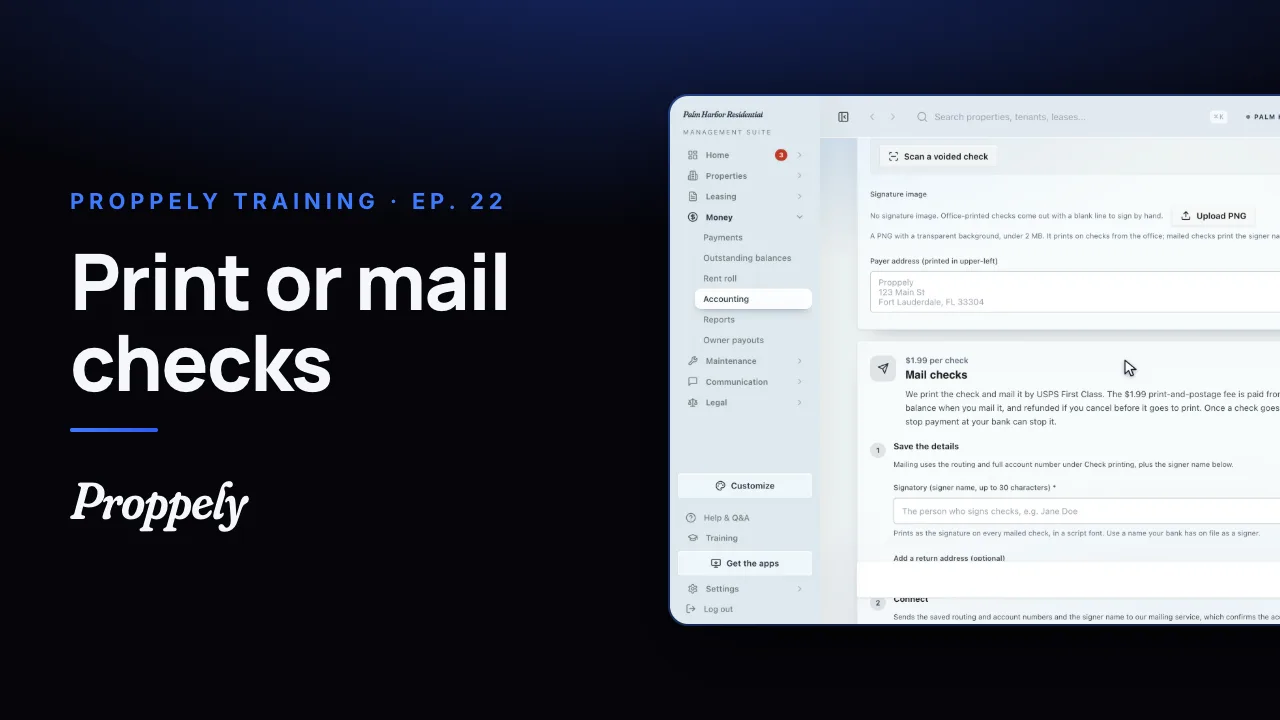 0:55Ep. 22 · PaymentsSet up check printing and mailing
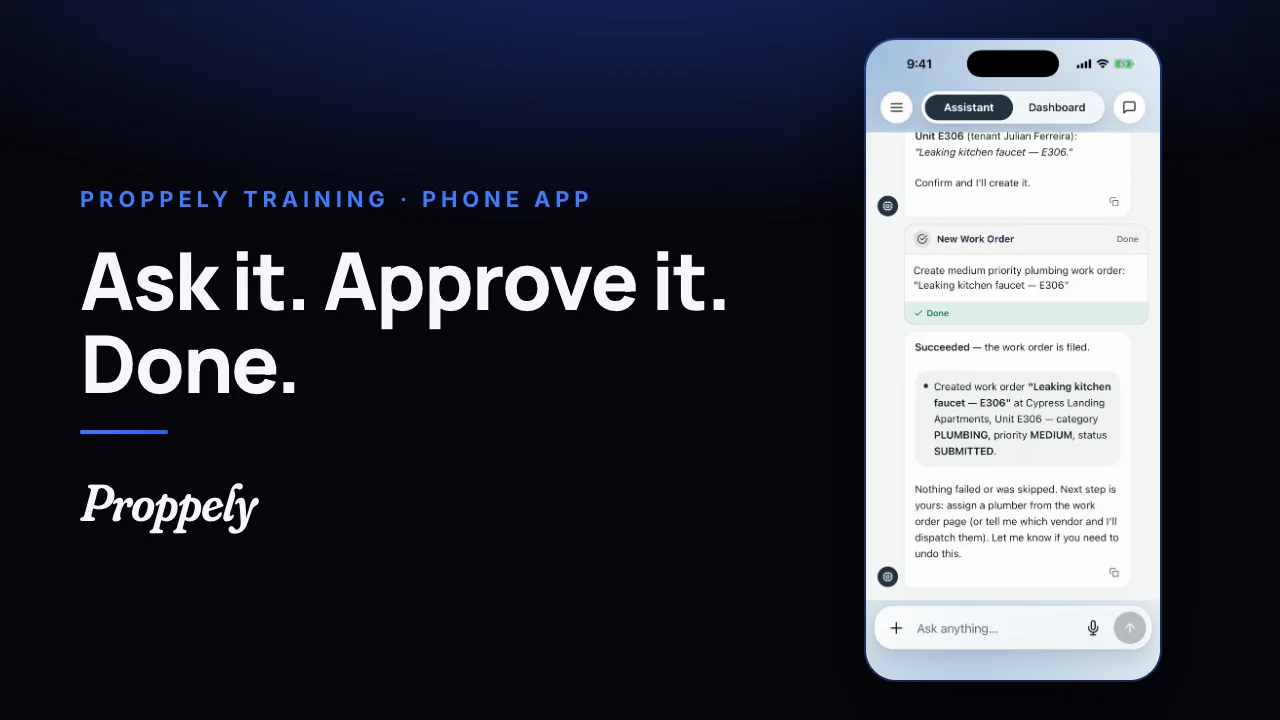 0:35Ep. 23 · The phone appYour assistant in the Proppely app
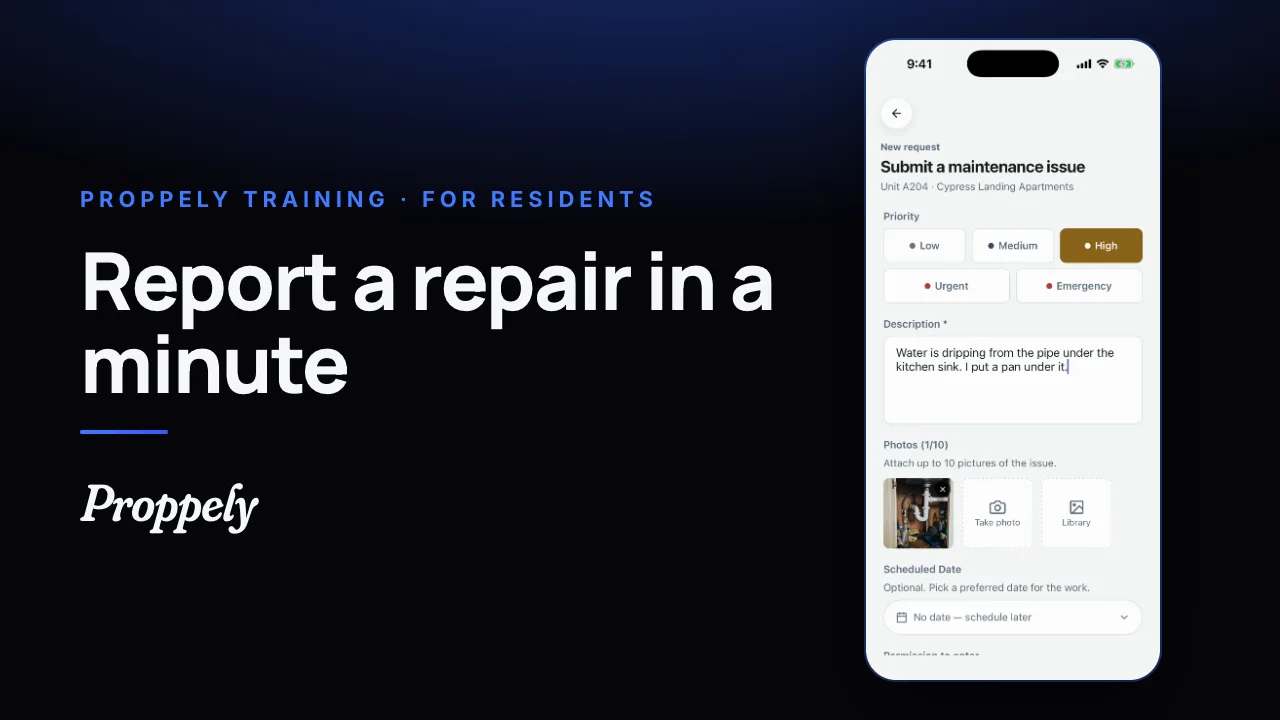 0:39Ep. 24 · The phone appReport a repair in the Proppely app
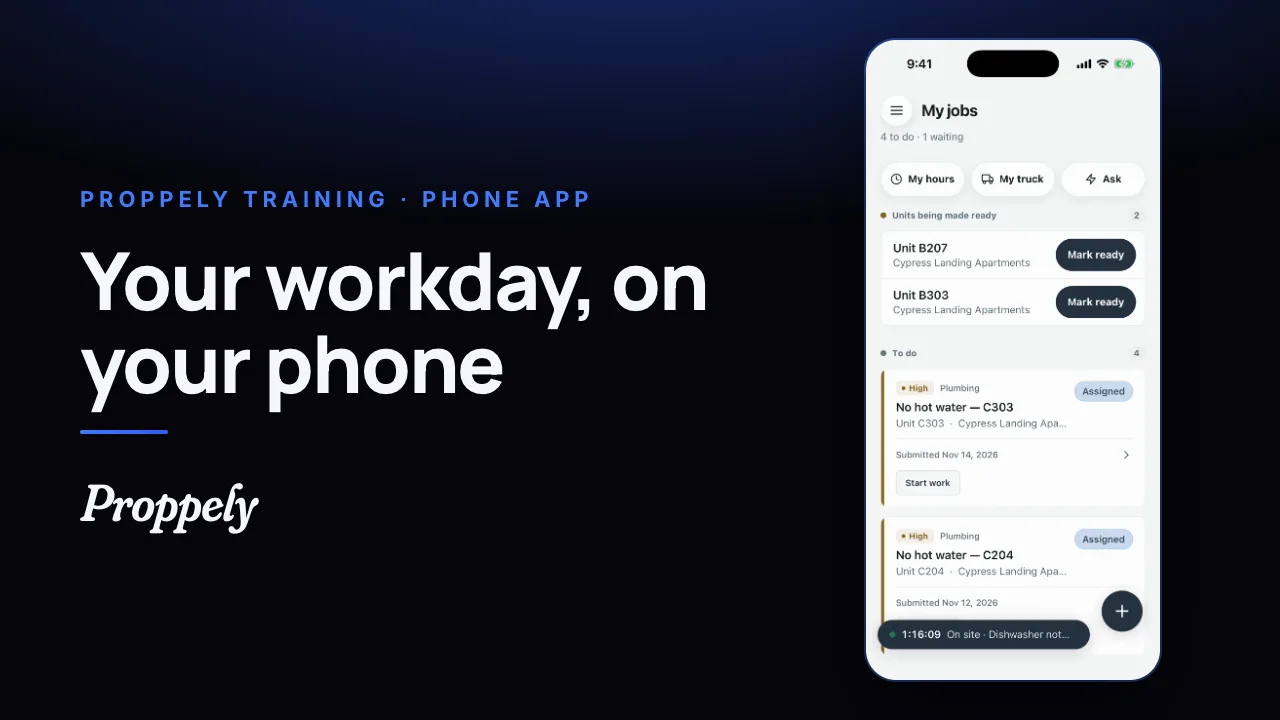 0:31Ep. 25 · The phone appYour workday in the Proppely app
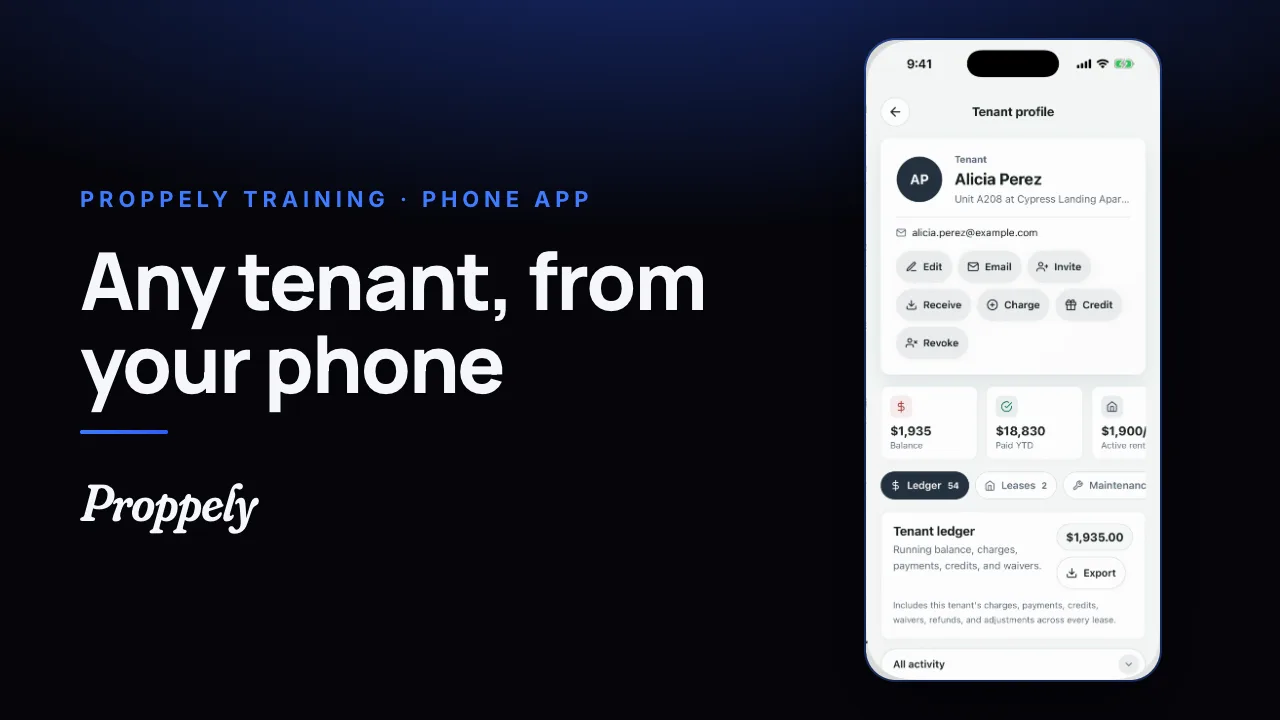 0:25Ep. 26 · The phone appFind a tenant and their balance
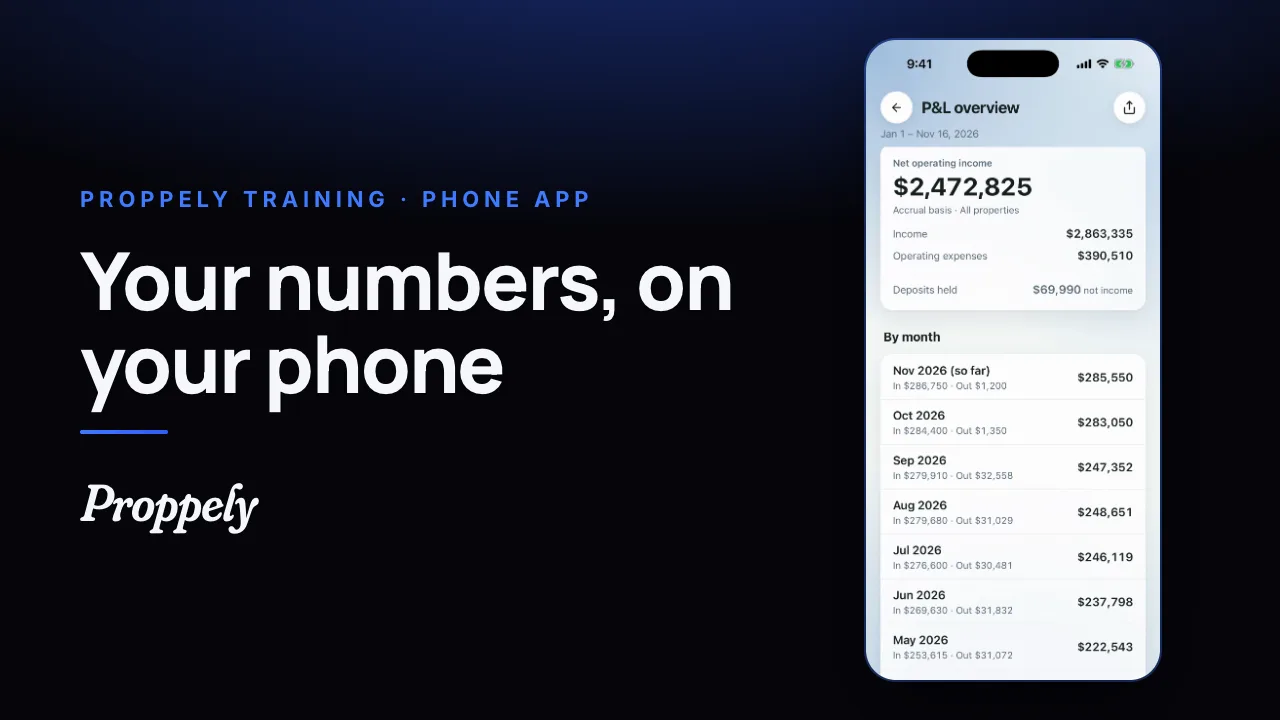 0:28Ep. 27 · The phone appYour reports in the Proppely app
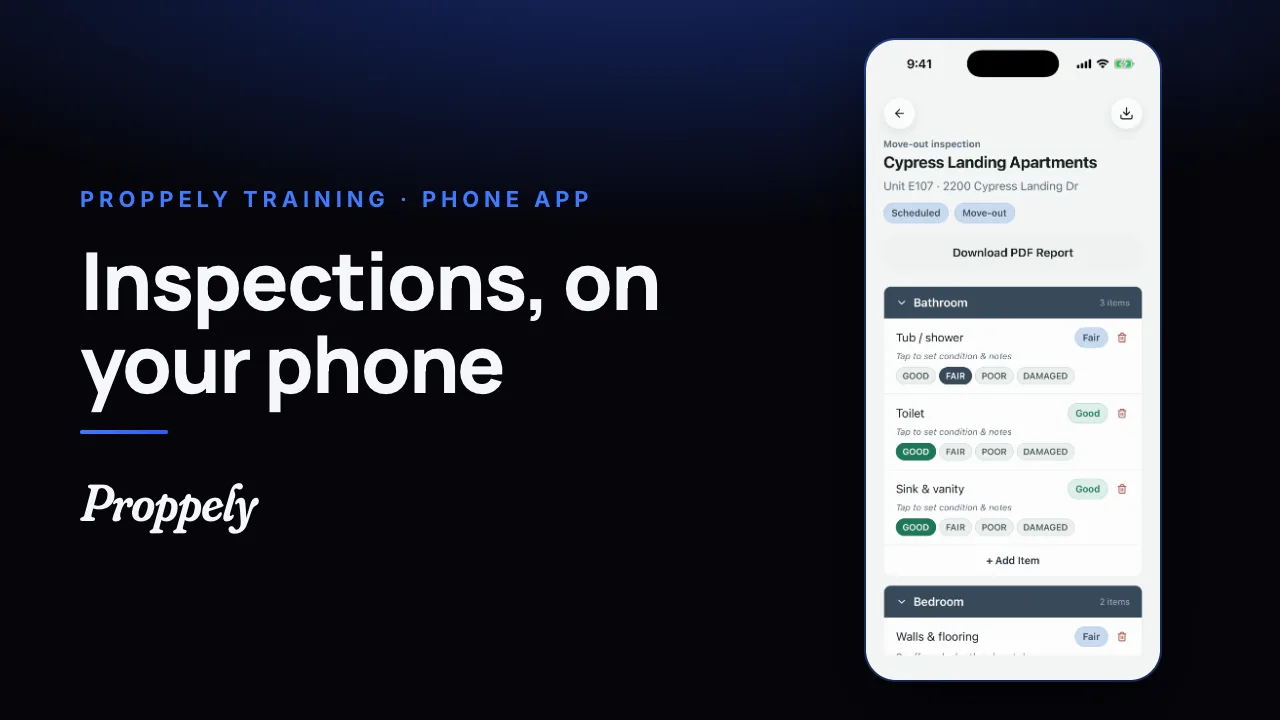 0:32Ep. 28 · The phone appDo an inspection in the Proppely app
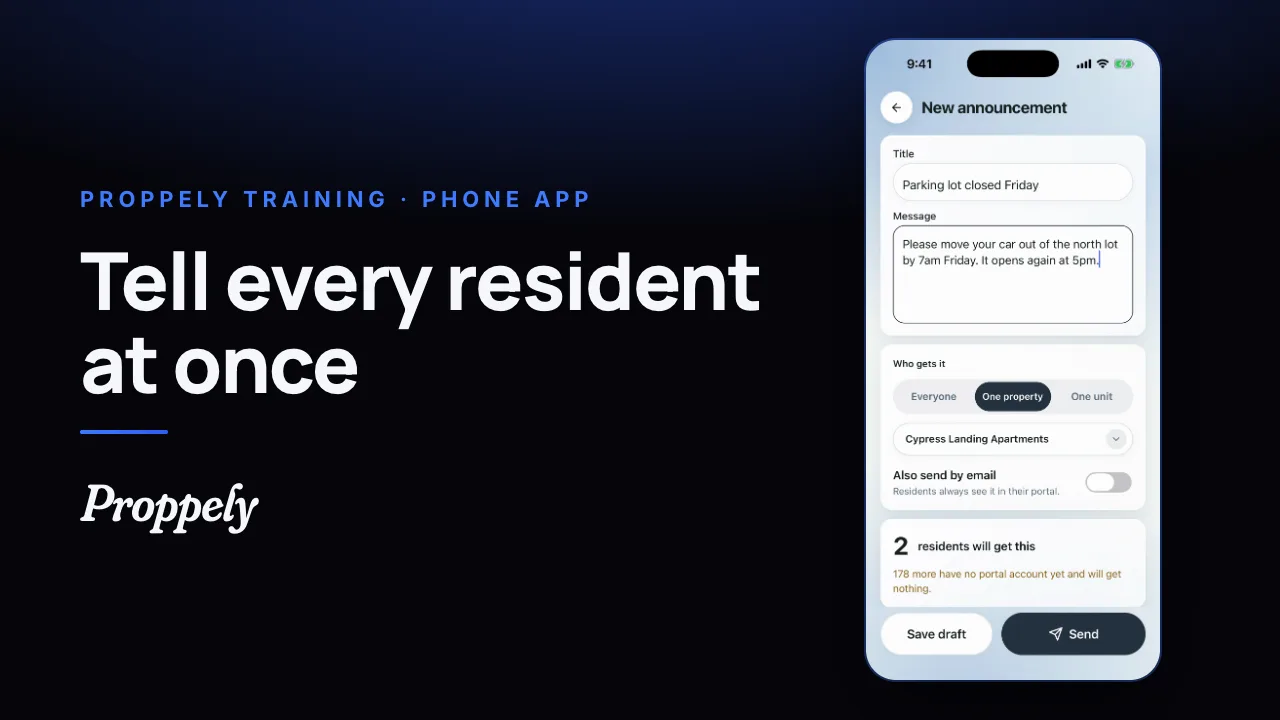 0:28Ep. 29 · The phone appSend residents an announcement
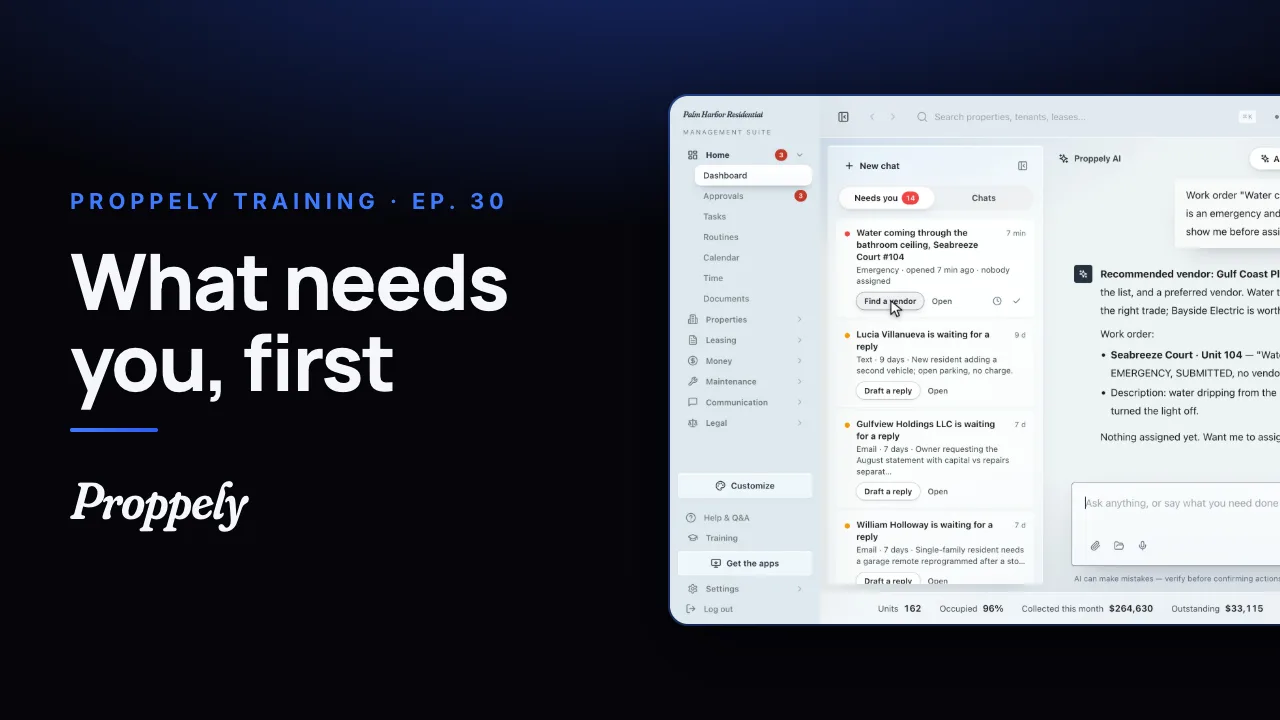 1:12Ep. 30 · Your assistantWhat needs you, first
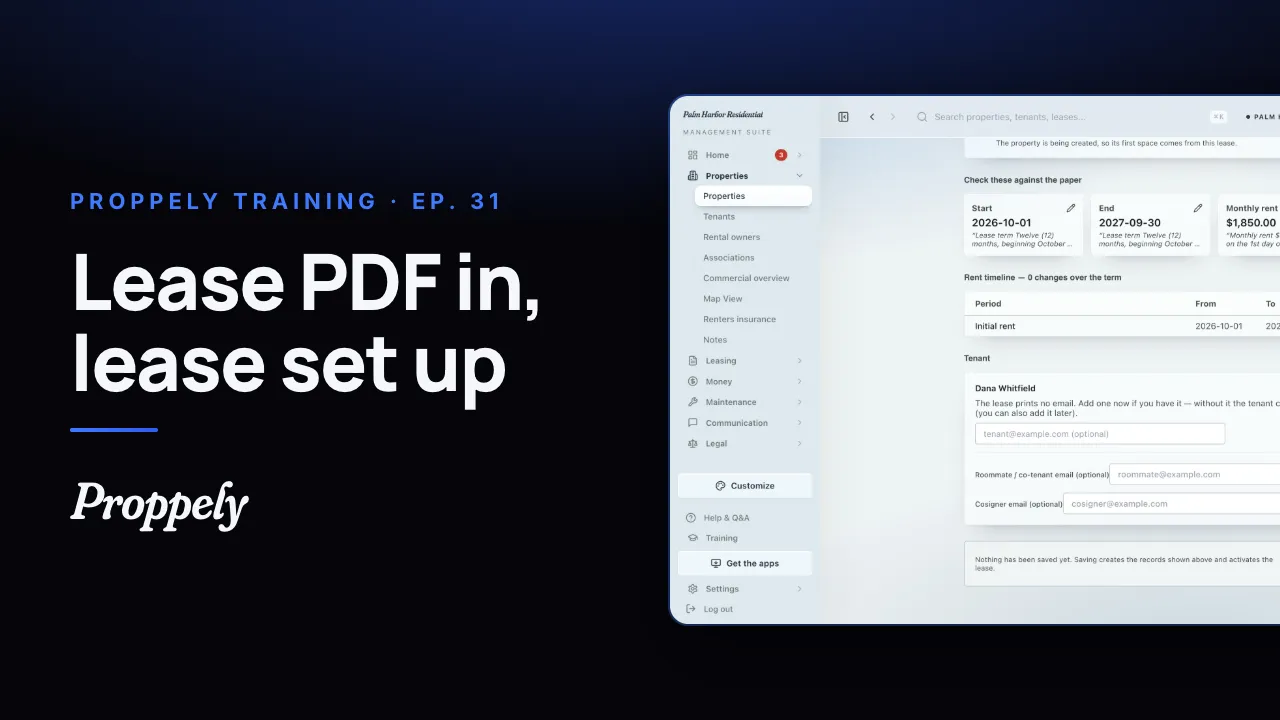 0:44Ep. 31 · Properties and tenantsAdd a lease from the signed PDF
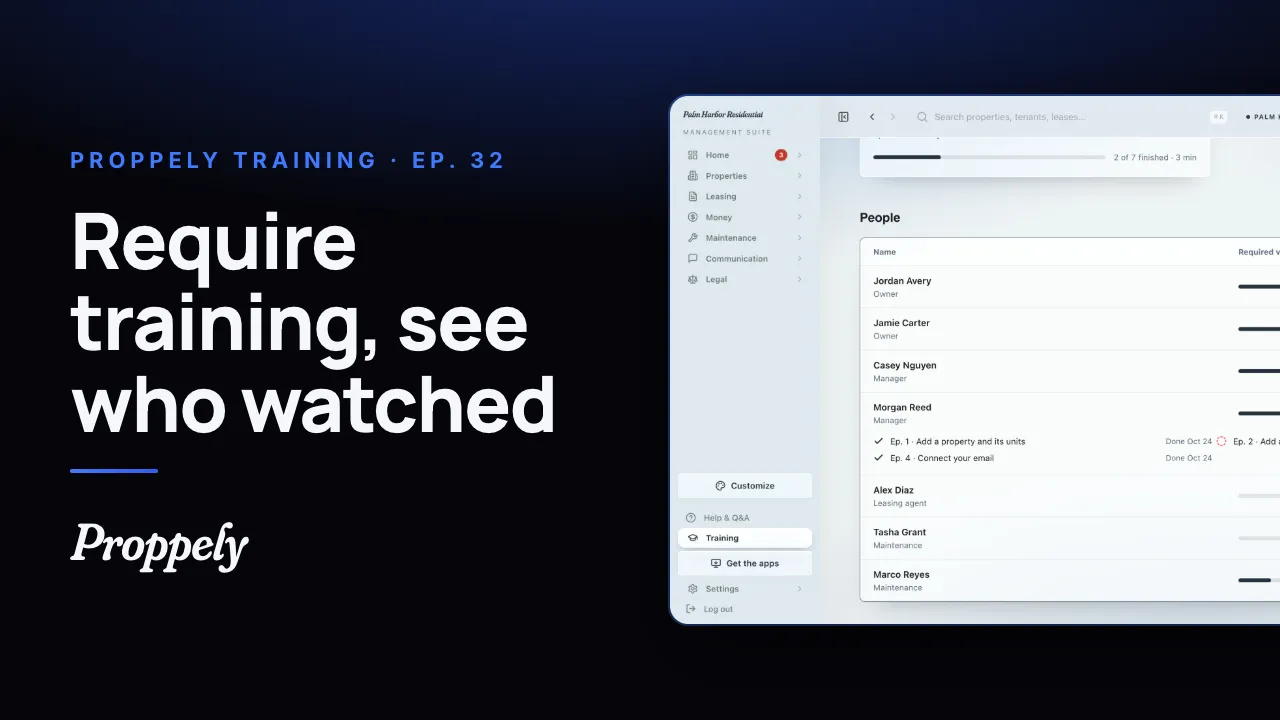 1:01Ep. 32 · Your teamRequire training for your team
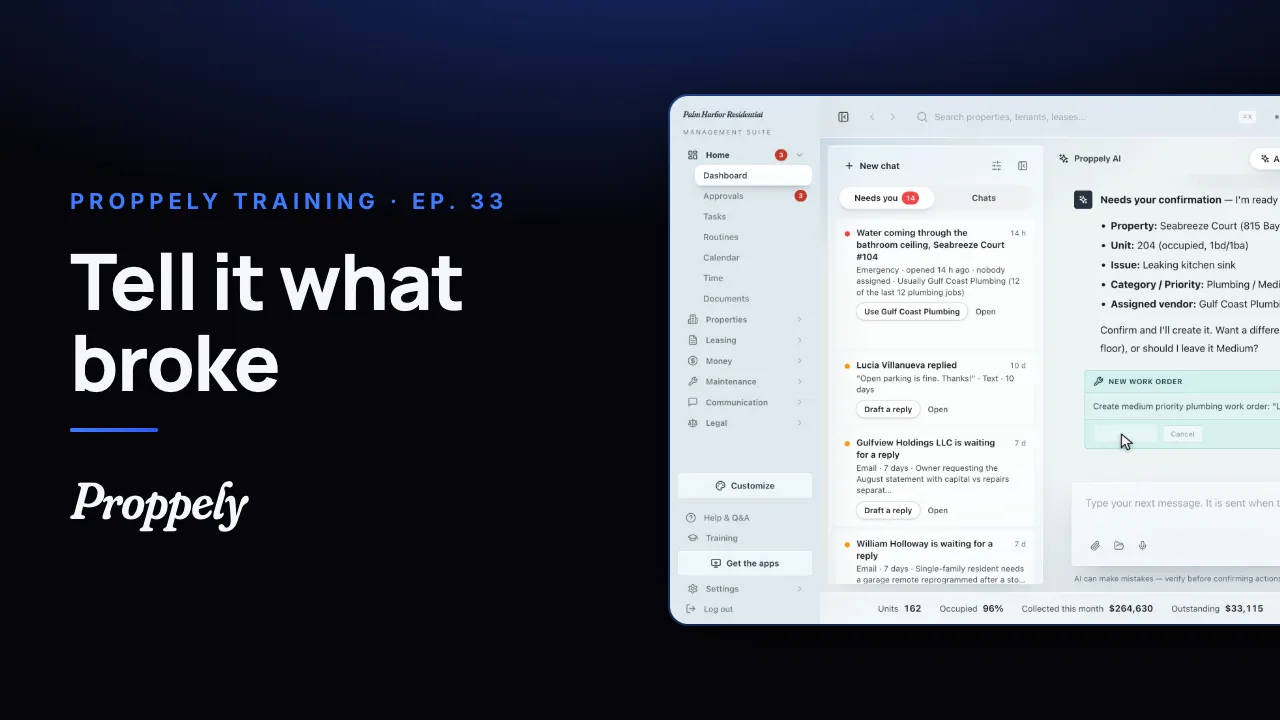 0:35Ep. 33 · Your assistantOpen a work order by asking the assistant
Try it on your own portfolio.
Unlimited units, free until you set up online payments.