Proppely training · Ep. 23 · 0:35
Ask your assistant from your phone in the Proppely app
The app opens on your assistant. Ask about your properties in your own words, and ask it to get things done: it drafts each change, and nothing happens until you approve it.
Step by step
Your assistant in the Proppely app
Open the Proppely app. It opens on your assistant, with what needs you at the top.
Ask in your own words, like "which leases end in the next 30 days?" The answer comes from your records, with each unit and tenant.
Ask it to get something done, like opening a work order. It drafts it first, and nothing changes yet.
Tap Confirm and the work order opens on the right unit. Tap Dashboard at the top to see your numbers.
Chapters
0:00Ask in your own words
0:17Ask it to get something done
0:26Your dashboard
More about it
More training videos
All 21, by task 1:20Ep. 1 · Properties and tenantsAdd a property and its units
 0:50Ep. 2 · Properties and tenantsAdd a tenant and lease
 0:52Ep. 3 · Applications and screeningRun a background check
 1:06Ep. 4 · Inbox and textingConnect your email
 1:07Ep. 5 · Inbox and textingVerify your texting number
 1:19Ep. 6 · Applications and screeningHow a renter applies
 0:57Ep. 7 · PaymentsSet up Proppely Payments
 0:49Ep. 20 · Maintenance and field workTrack time on a work order
 0:50Ep. 21 · Maintenance and field workReceive parts and give them to a job
 0:55Ep. 22 · PaymentsSet up check printing and mailing
 0:39Ep. 24 · The phone appReport a repair in the Proppely app
 0:31Ep. 25 · The phone appYour workday in the Proppely app
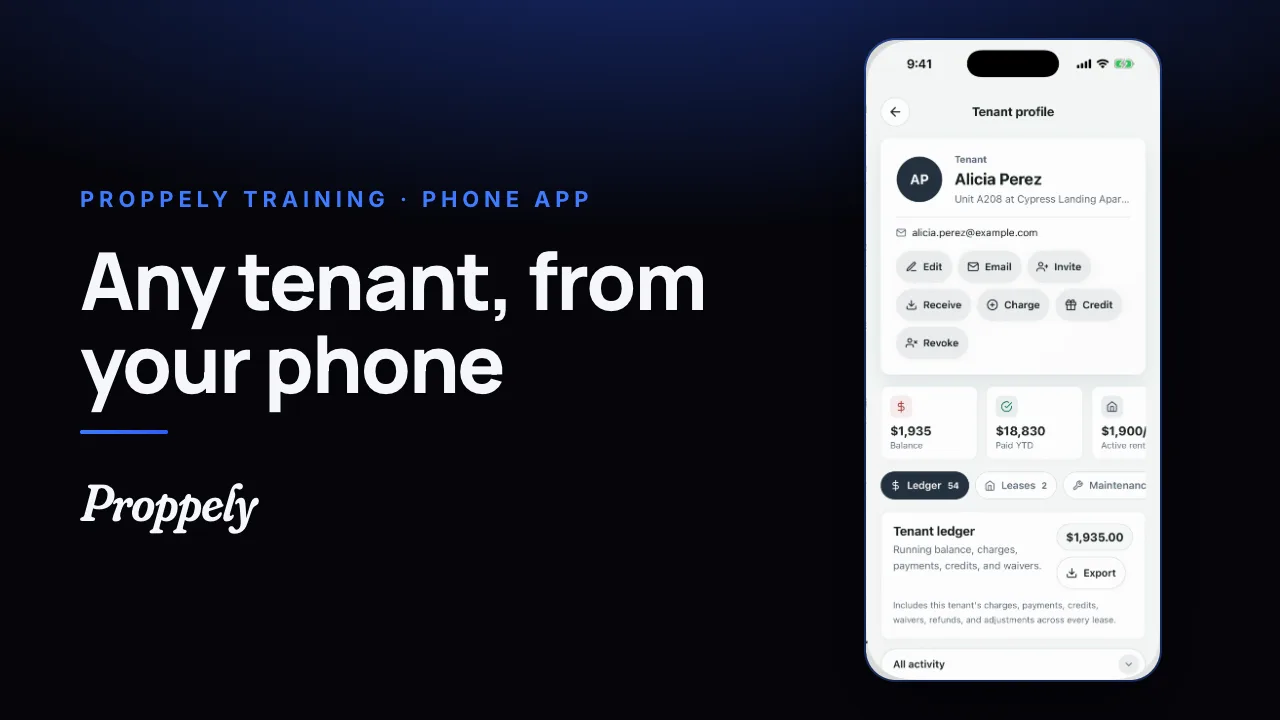 0:25Ep. 26 · The phone appFind a tenant and their balance
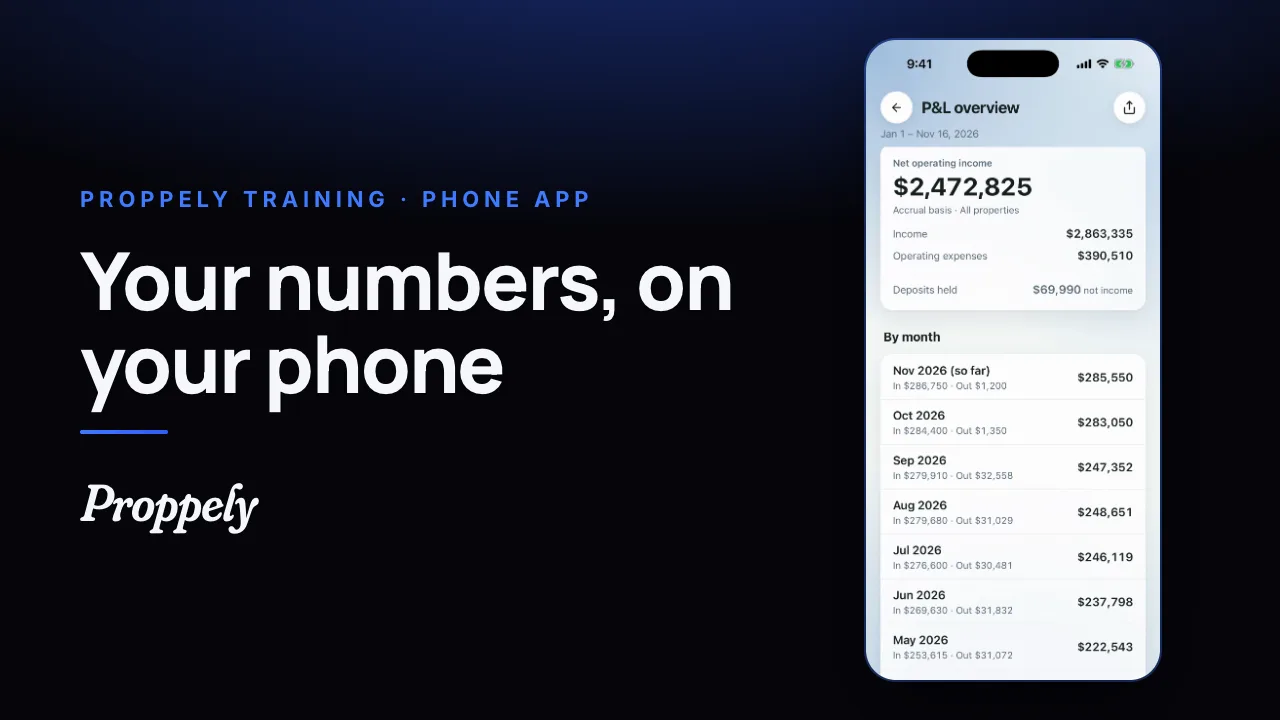 0:28Ep. 27 · The phone appYour reports in the Proppely app
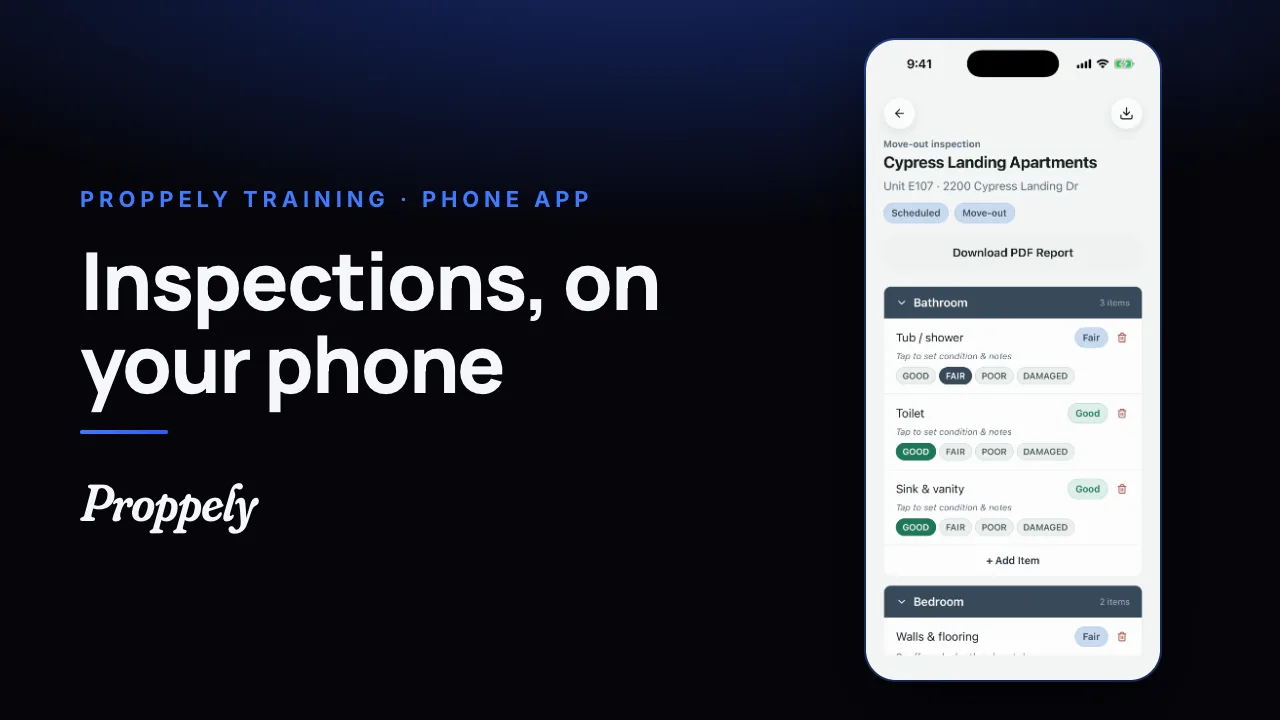 0:32Ep. 28 · The phone appDo an inspection in the Proppely app
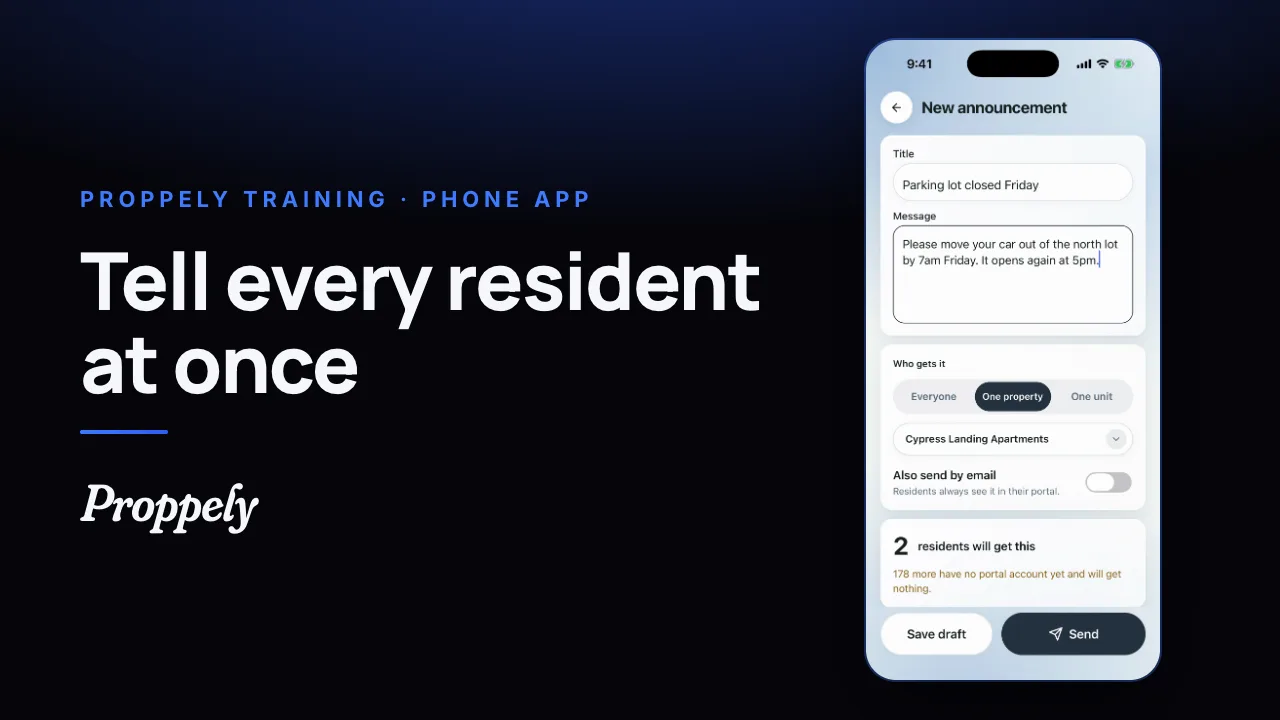 0:28Ep. 29 · The phone appSend residents an announcement
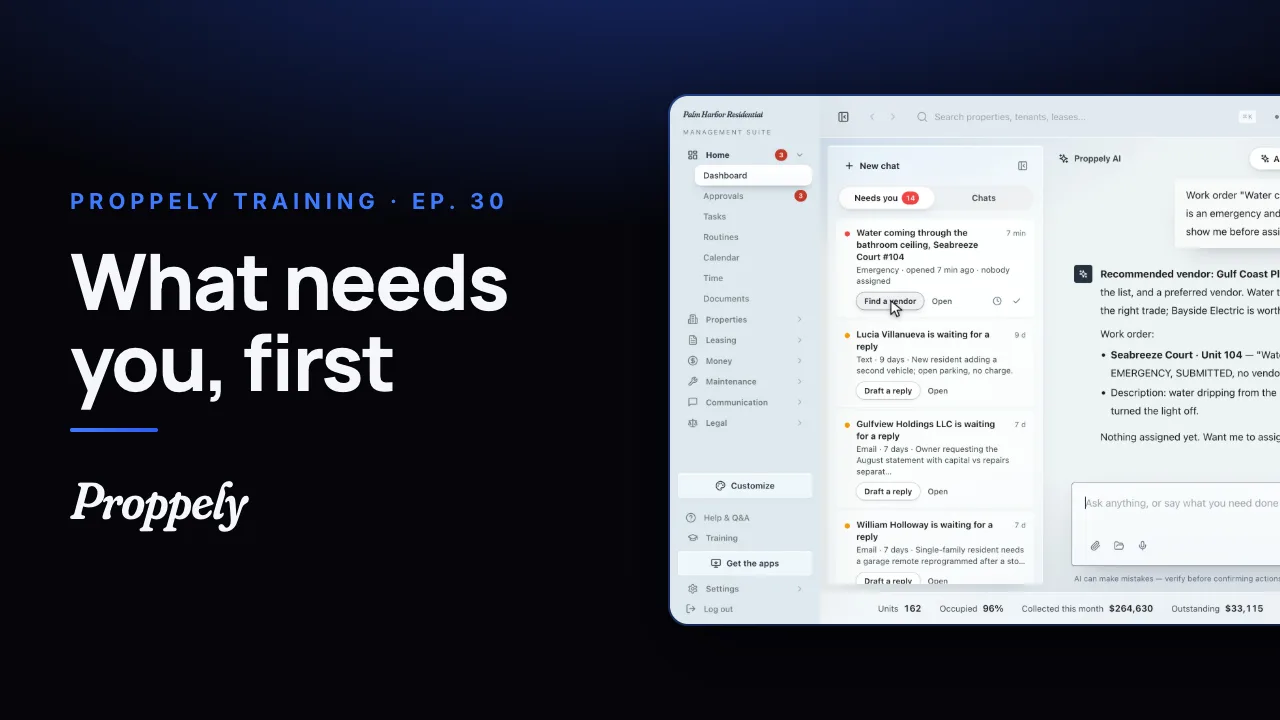 1:12Ep. 30 · Your assistantWhat needs you, first
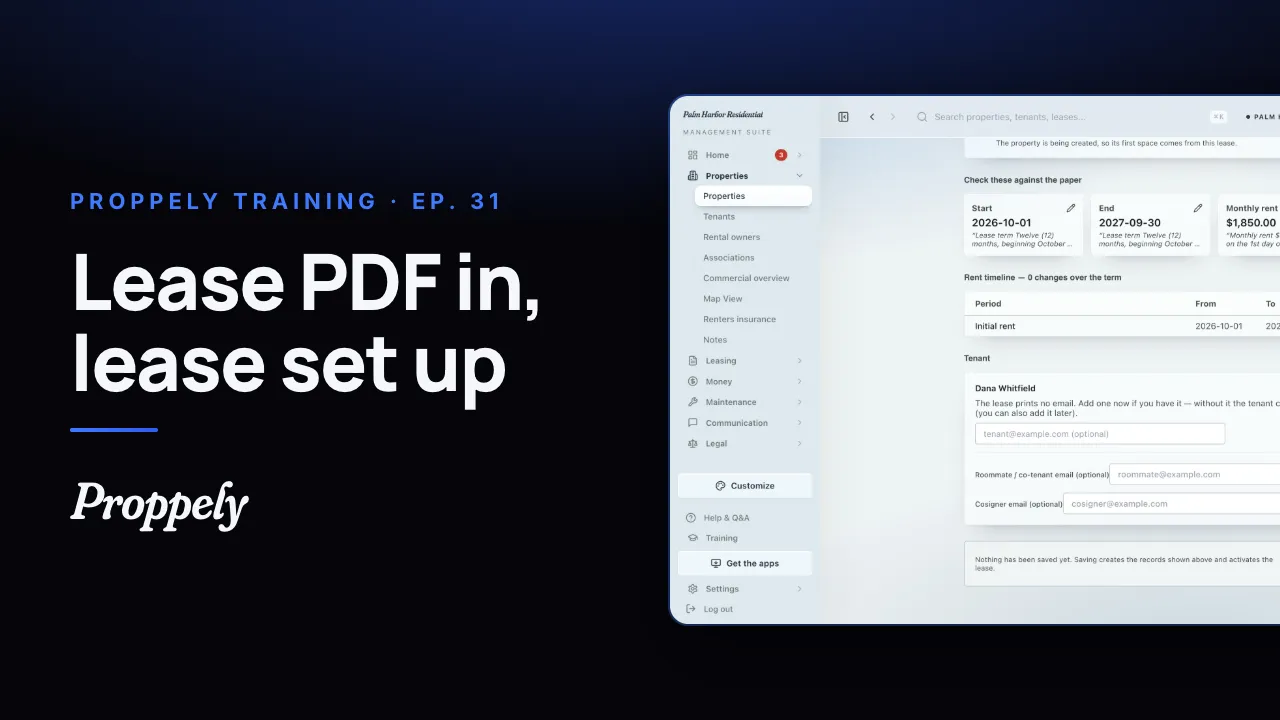 0:44Ep. 31 · Properties and tenantsAdd a lease from the signed PDF
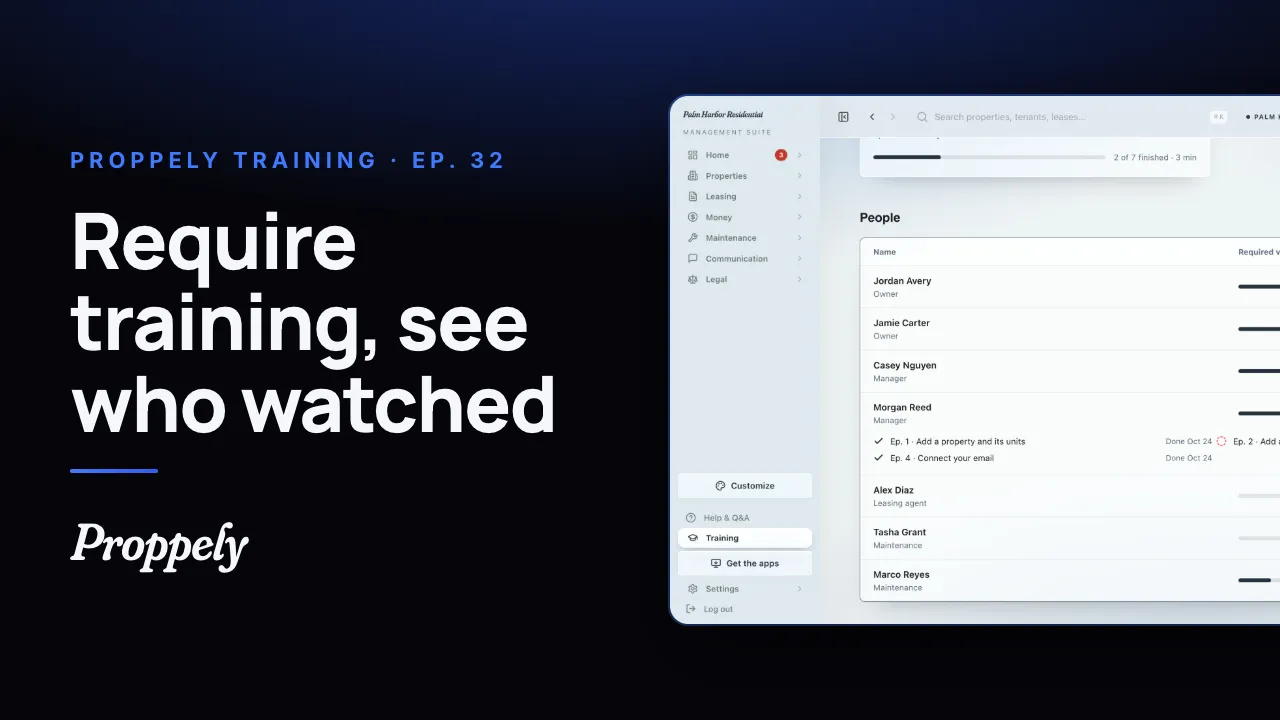 1:01Ep. 32 · Your teamRequire training for your team
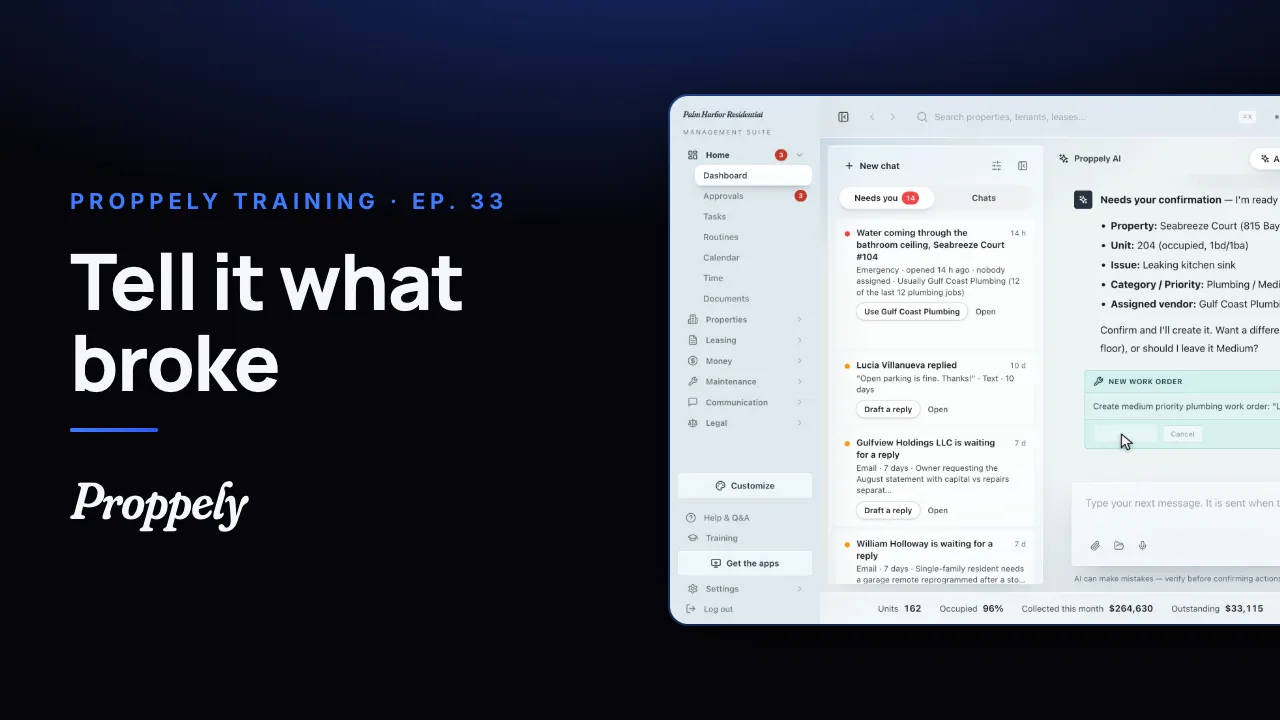 0:35Ep. 33 · Your assistantOpen a work order by asking the assistant
Try it on your own portfolio.
Unlimited units, free until you set up online payments.