Proppely training · Ep. 30 · 1:12
How Proppely's assistant shows what needs you first
The assistant opens with what needs a person in your office, most pressing first, and a button on each line for the next step.
Step by step
What needs you, first
Open Home. The assistant fills the page, and the Needs you column on the left lists what needs a person in your office, most pressing first.
A red dot means act now (an emergency nobody has taken), amber means today (a message waiting for a reply, an approval, a lease ending), grey means this week.
Each line has a button for the next step, like Find a vendor, Draft a reply or Draft an offer. The assistant shows you what it suggests; nothing is assigned or sent until you say so.
Not now? Hover a line and Snooze it for 1 hour, 4 hours, until tomorrow or 3 days, or Mark done. That applies to the whole office and can be undone (Undo, or Bring back under "Done and snoozed"); the item also comes back if its situation changes.
Each person sees their own list: a maintenance tech sees repairs, an accountant sees money and approvals.
Chats holds your past conversations; New chat starts a fresh one. Hide the column for more room, and Show alerts brings it back with a count.
Chapters
0:00Needs you
0:19Act on it
0:49Chats
More about it
More training videos
All 21, by task 1:20Ep. 1 · Properties and tenantsAdd a property and its units
 0:50Ep. 2 · Properties and tenantsAdd a tenant and lease
 0:52Ep. 3 · Applications and screeningRun a background check
 1:06Ep. 4 · Inbox and textingConnect your email
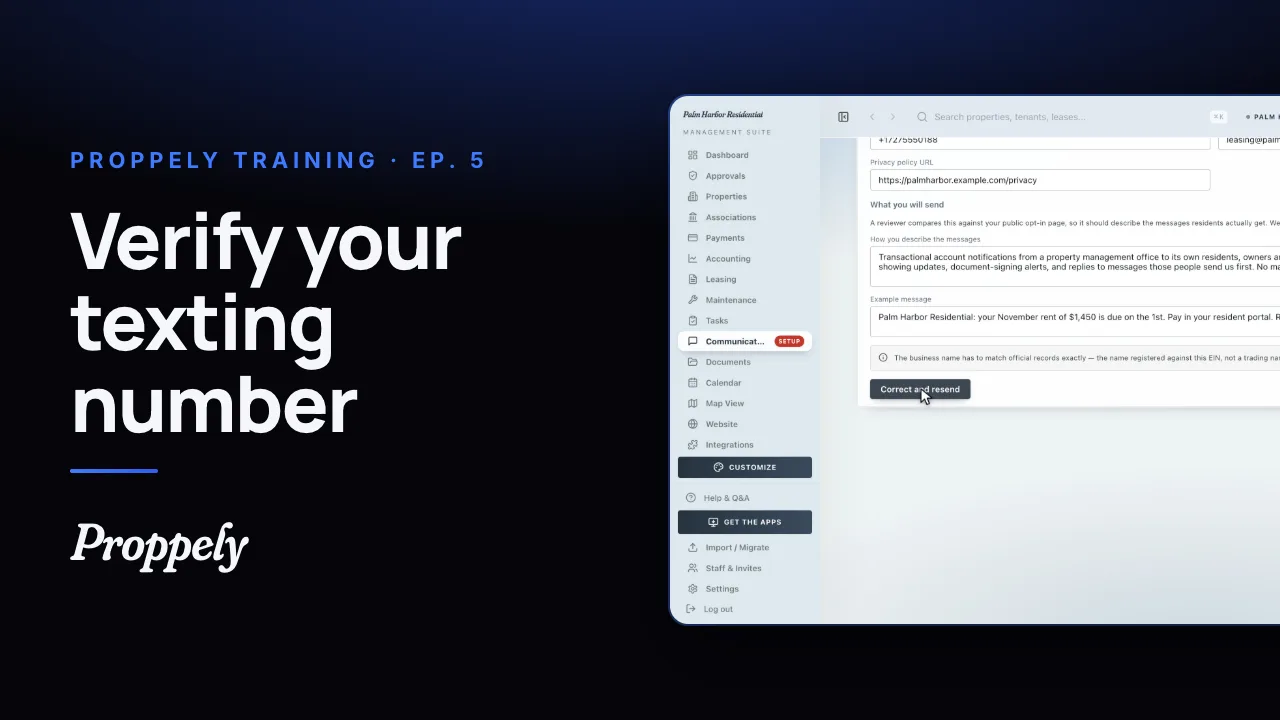 1:07Ep. 5 · Inbox and textingVerify your texting number
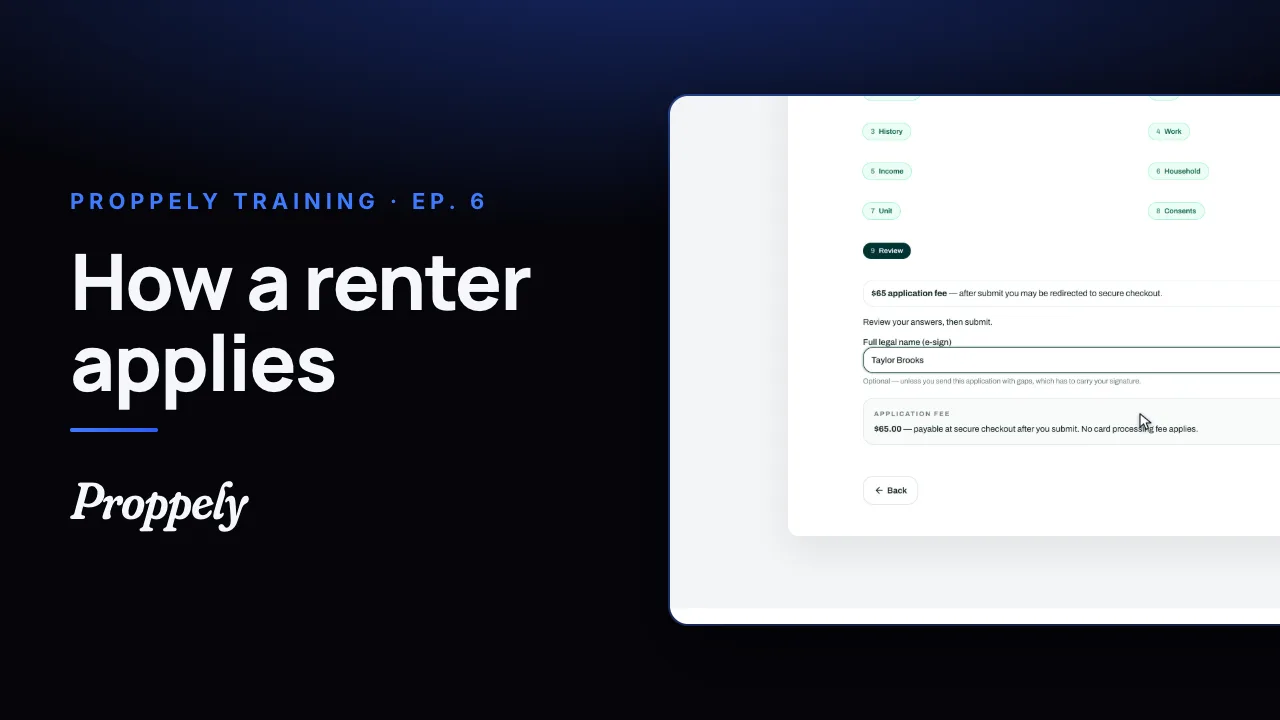 1:19Ep. 6 · Applications and screeningHow a renter applies
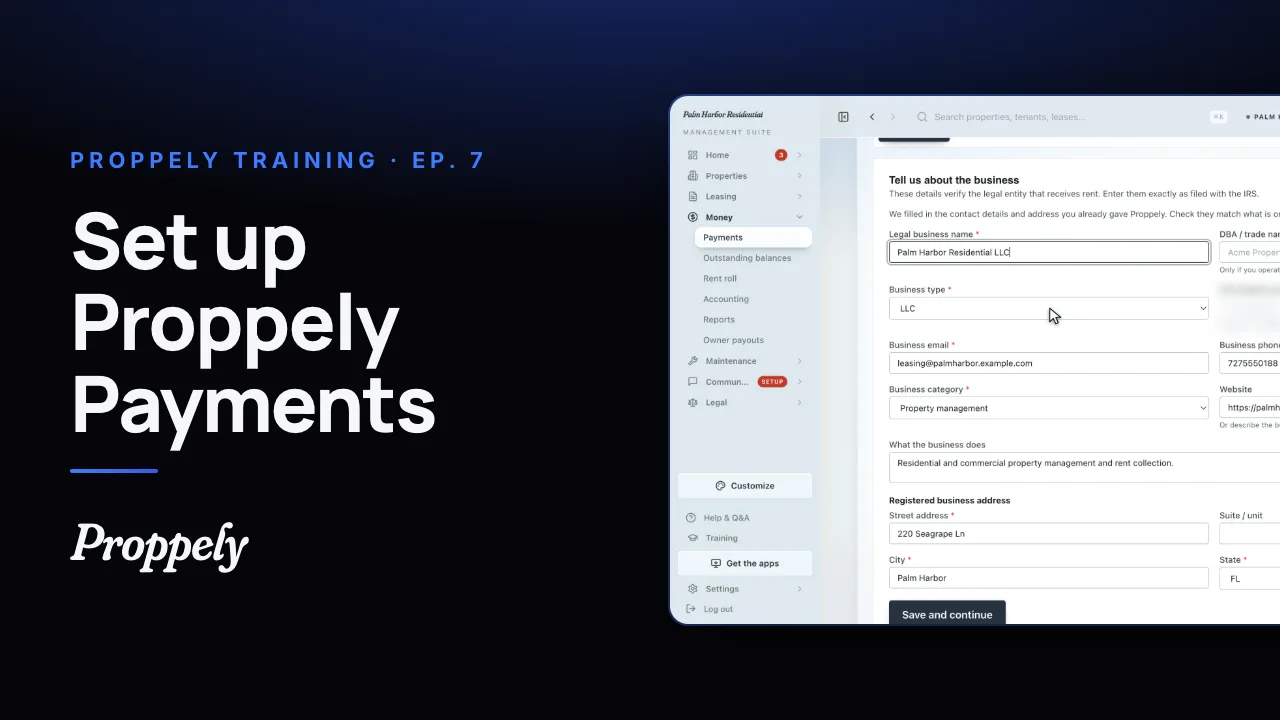 0:57Ep. 7 · PaymentsSet up Proppely Payments
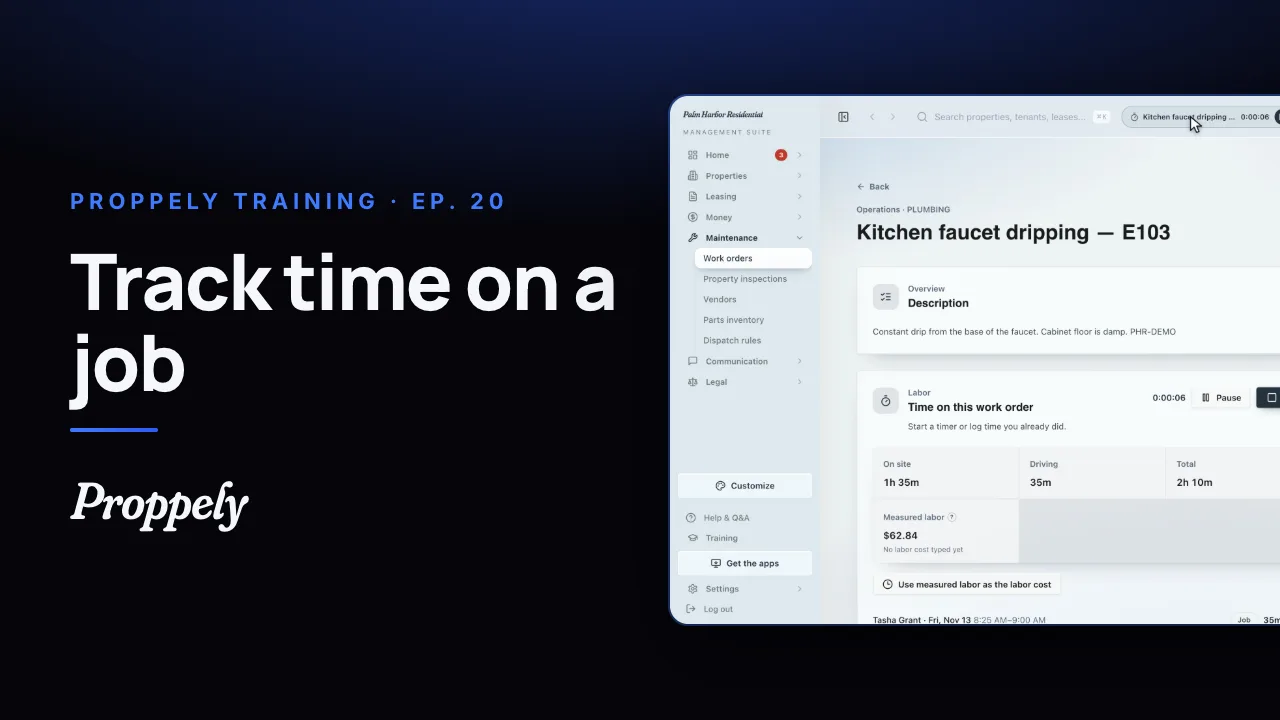 0:49Ep. 20 · Maintenance and field workTrack time on a work order
 0:50Ep. 21 · Maintenance and field workReceive parts and give them to a job
 0:55Ep. 22 · PaymentsSet up check printing and mailing
 0:35Ep. 23 · The phone appYour assistant in the Proppely app
 0:39Ep. 24 · The phone appReport a repair in the Proppely app
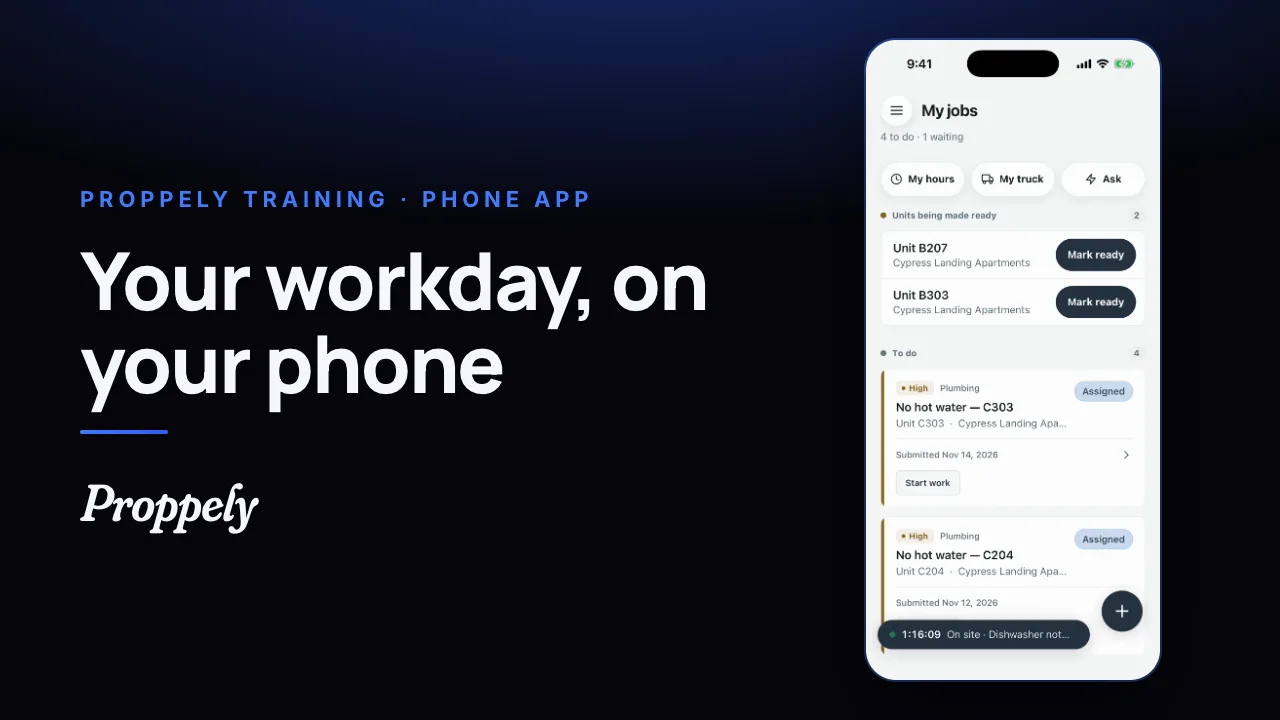 0:31Ep. 25 · The phone appYour workday in the Proppely app
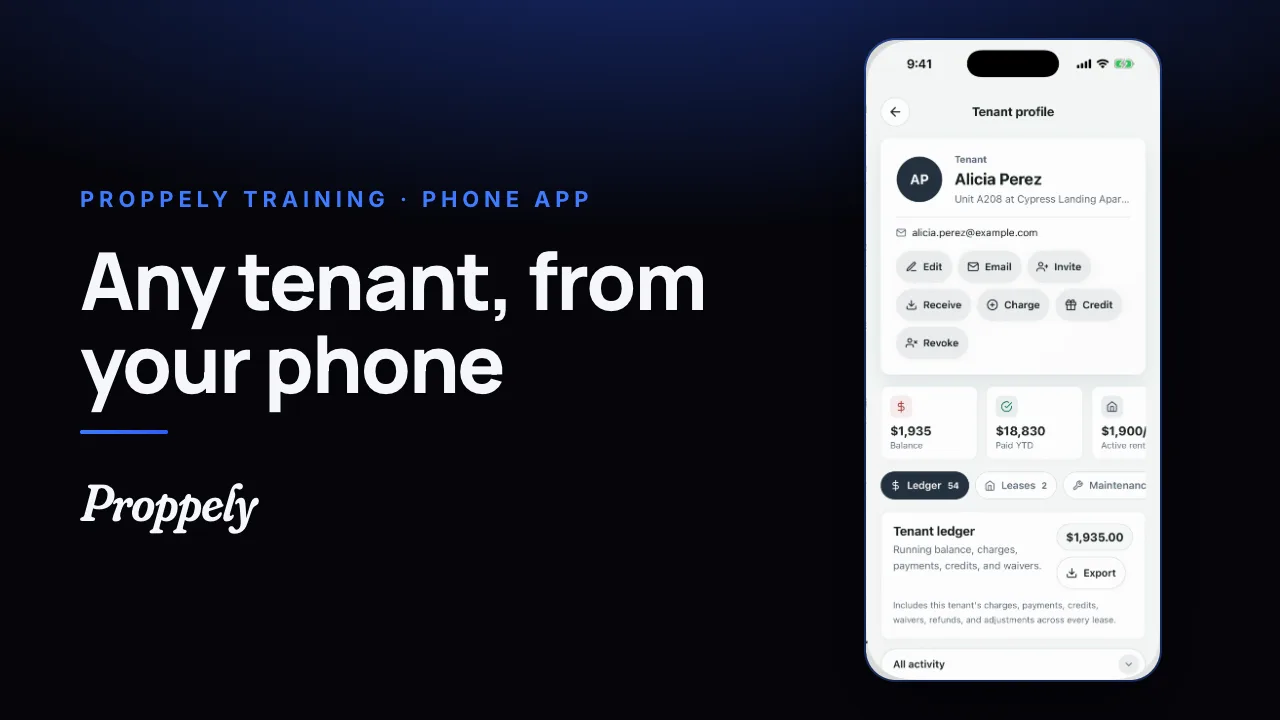 0:25Ep. 26 · The phone appFind a tenant and their balance
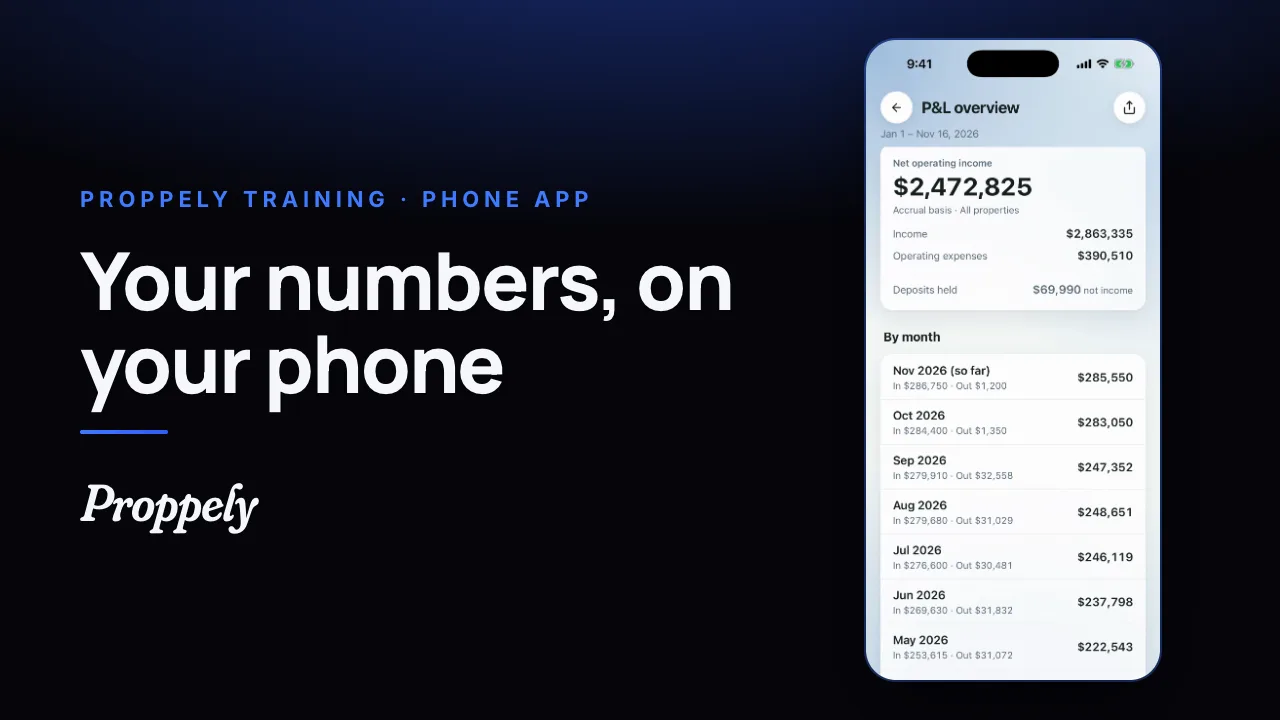 0:28Ep. 27 · The phone appYour reports in the Proppely app
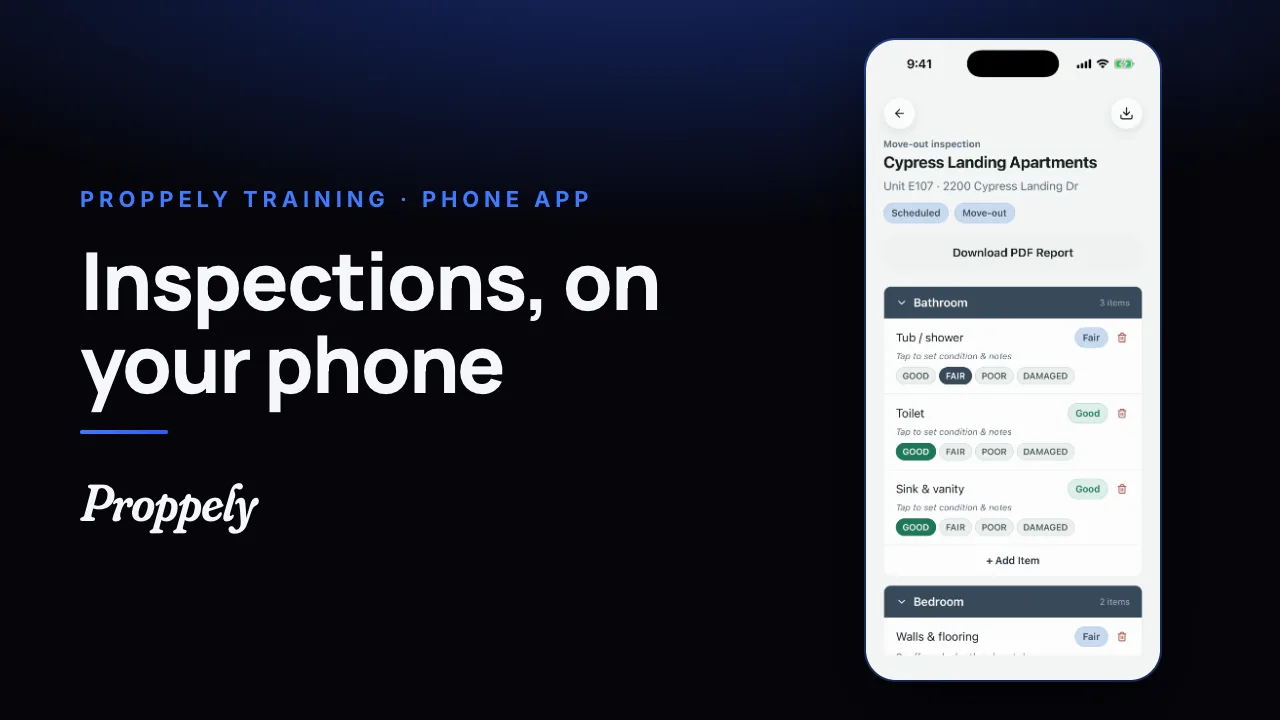 0:32Ep. 28 · The phone appDo an inspection in the Proppely app
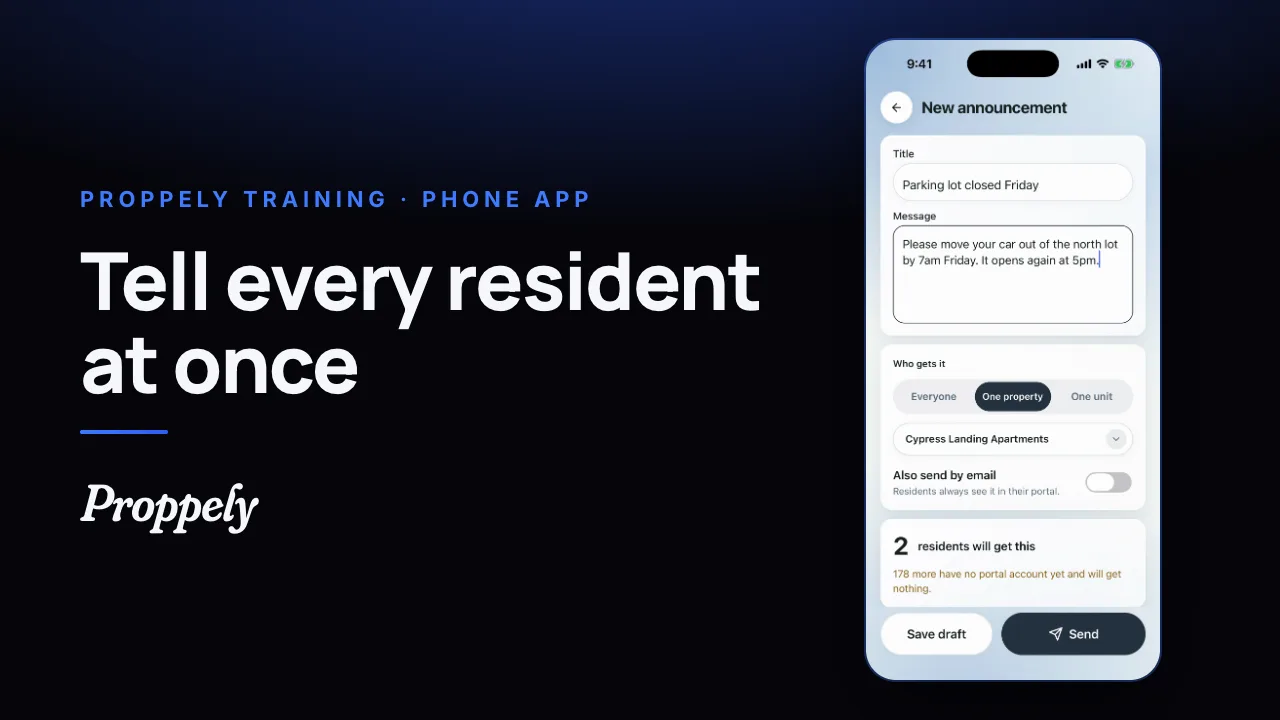 0:28Ep. 29 · The phone appSend residents an announcement
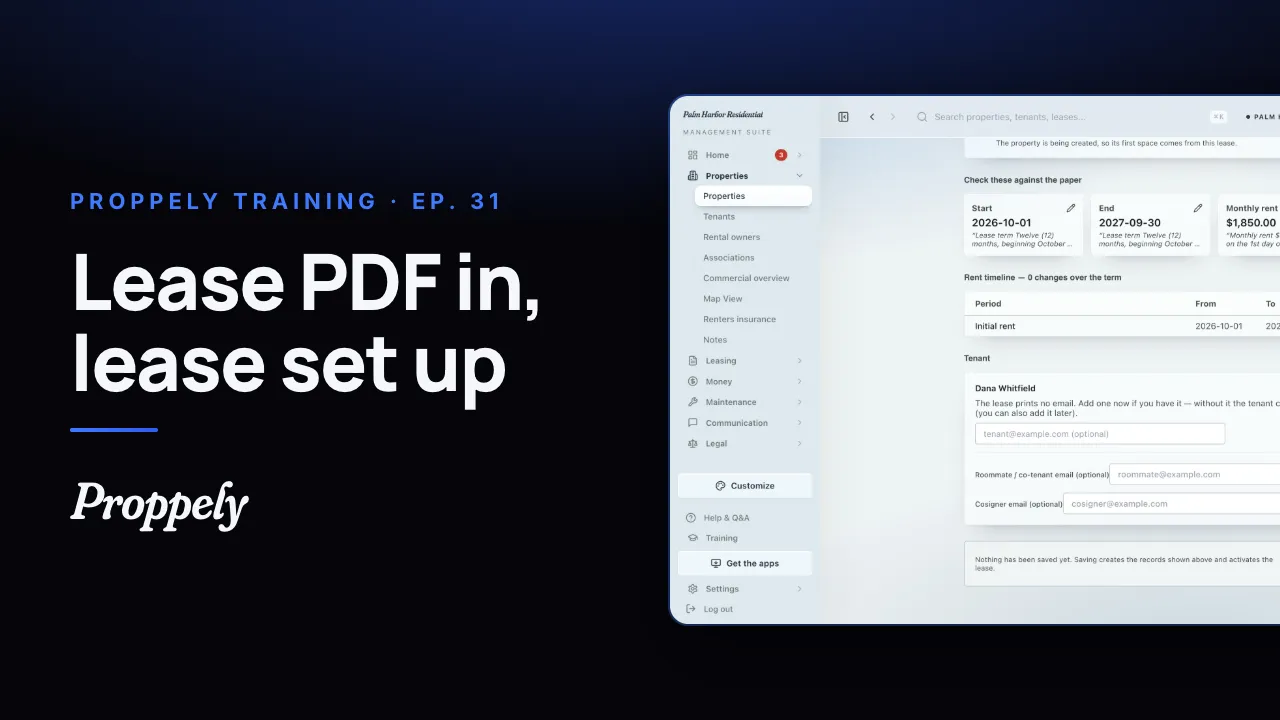 0:44Ep. 31 · Properties and tenantsAdd a lease from the signed PDF
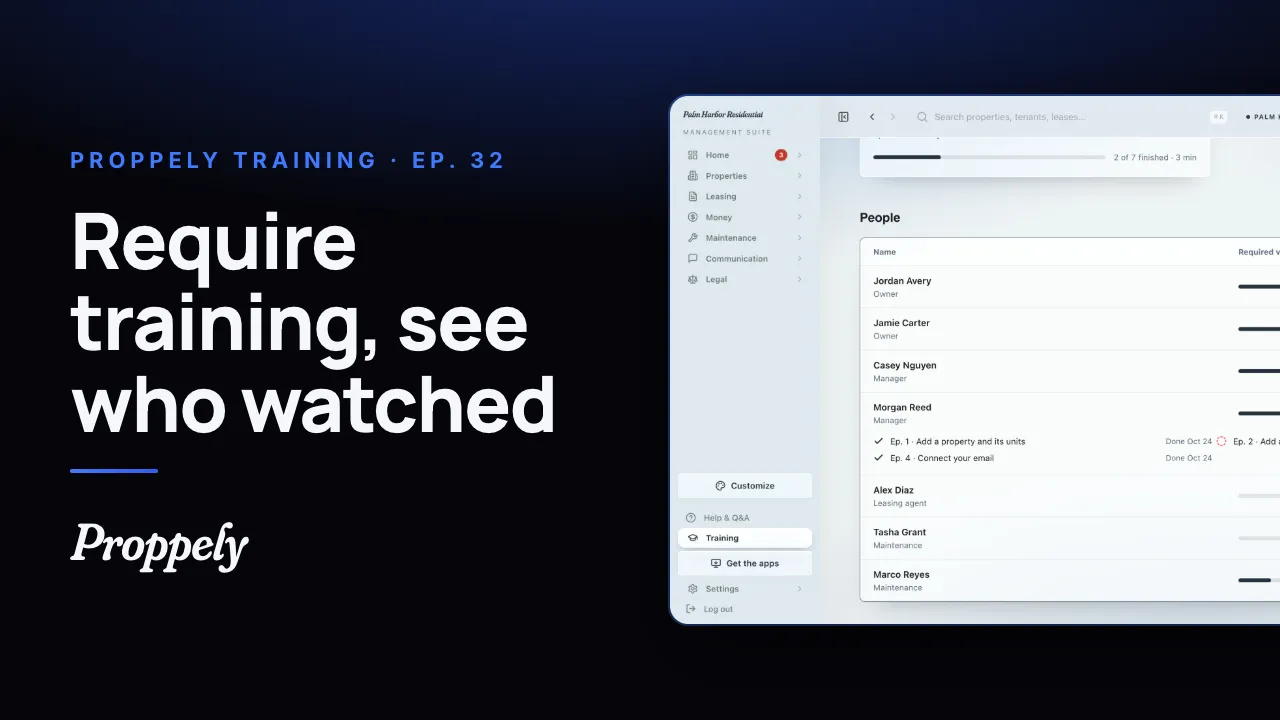 1:01Ep. 32 · Your teamRequire training for your team
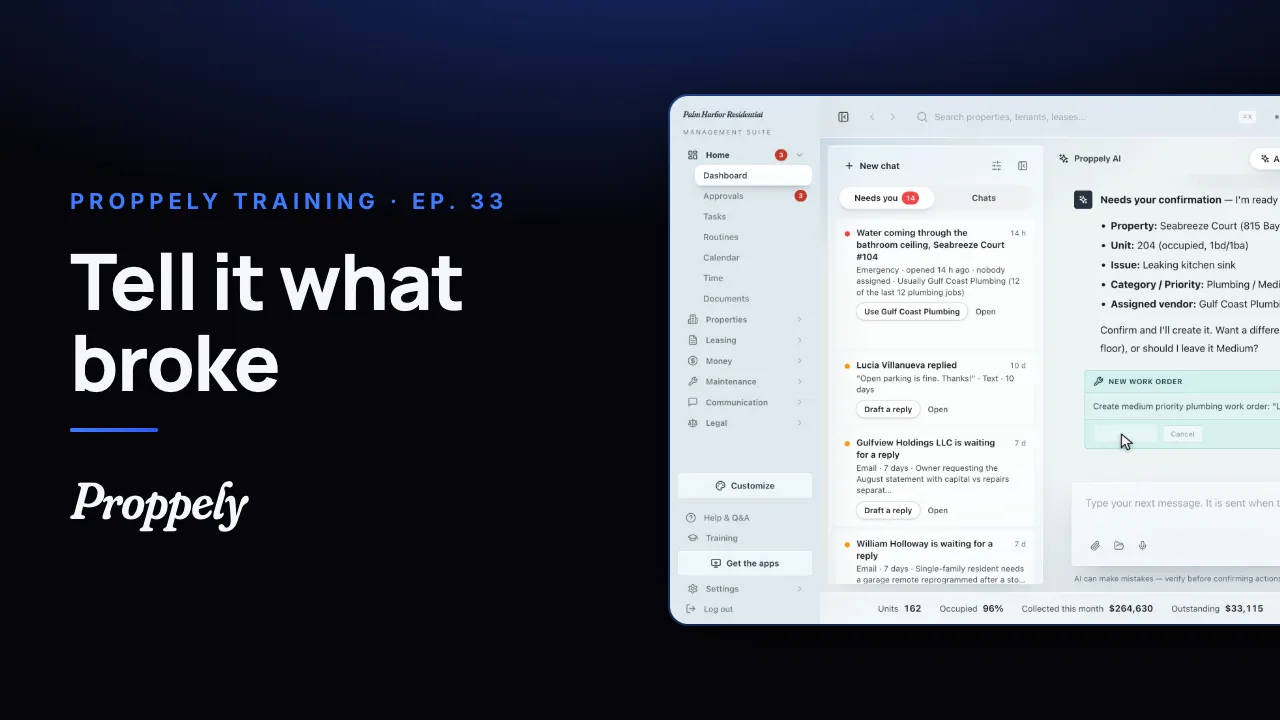 0:35Ep. 33 · Your assistantOpen a work order by asking the assistant
Try it on your own portfolio.
Unlimited units, free until you set up online payments.