Proppely training · Ep. 33 · 0:35
How to open a work order by asking Proppely's assistant
Tell the assistant what broke in one sentence; it shows you the work order with the unit and your vendor, and opens it when you confirm.
Step by step
Open a work order by asking the assistant
On Home, type what broke and where, and who should fix it, e.g. "Leaking kitchen sink in Seabreeze Court unit 204. Create a work order assigned to Gulf Coast Plumbing."
The assistant finds the unit and the vendor and shows you the work order it would open: the property, unit, category, priority and vendor. Nothing is created yet.
Click Confirm. The work order opens with the vendor on it, and shows on Maintenance → Work orders.
Putting a vendor on the work order does not message them. The assistant offers to send them the dispatch (the work order details, with accept or decline); that is its own Confirm.
Chapters
0:00Ask
0:12Confirm
0:24On the board
More about it
More training videos
All 21, by task 1:20Ep. 1 · Properties and tenantsAdd a property and its units
 0:50Ep. 2 · Properties and tenantsAdd a tenant and lease
 0:52Ep. 3 · Applications and screeningRun a background check
 1:06Ep. 4 · Inbox and textingConnect your email
 1:07Ep. 5 · Inbox and textingVerify your texting number
 1:19Ep. 6 · Applications and screeningHow a renter applies
 0:57Ep. 7 · PaymentsSet up Proppely Payments
 0:49Ep. 20 · Maintenance and field workTrack time on a work order
 0:50Ep. 21 · Maintenance and field workReceive parts and give them to a job
 0:55Ep. 22 · PaymentsSet up check printing and mailing
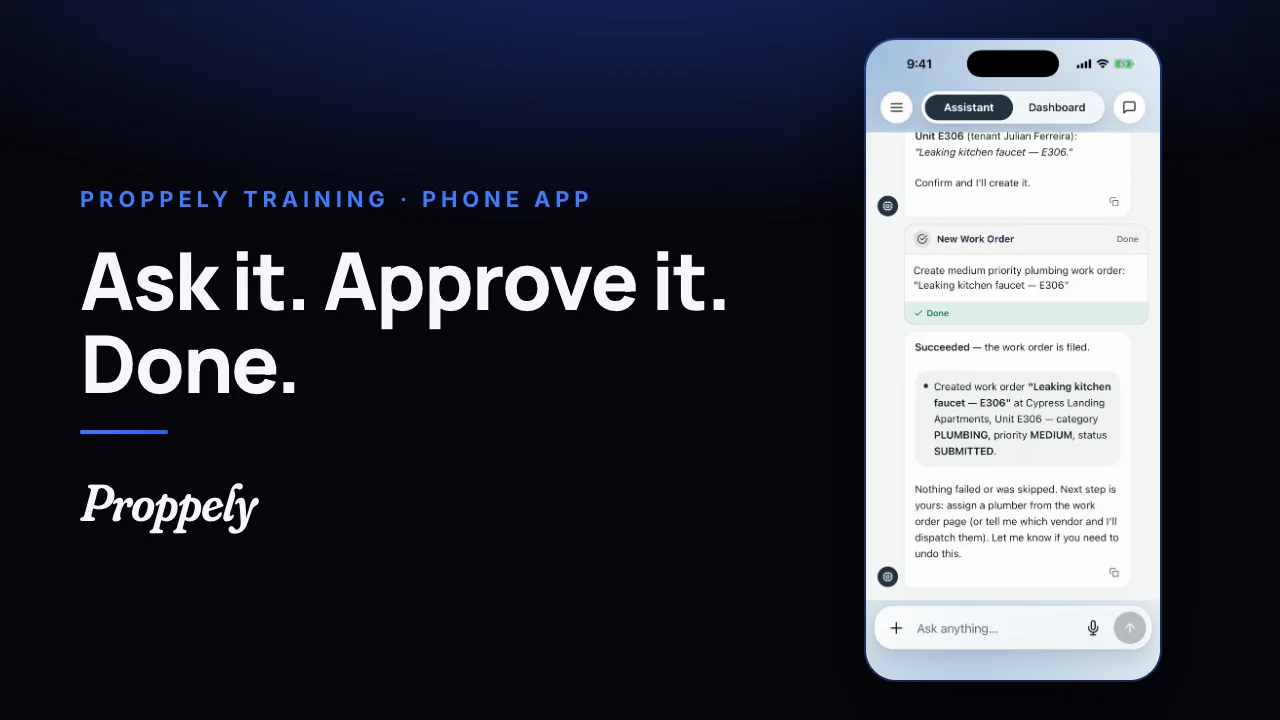 0:35Ep. 23 · The phone appYour assistant in the Proppely app
 0:39Ep. 24 · The phone appReport a repair in the Proppely app
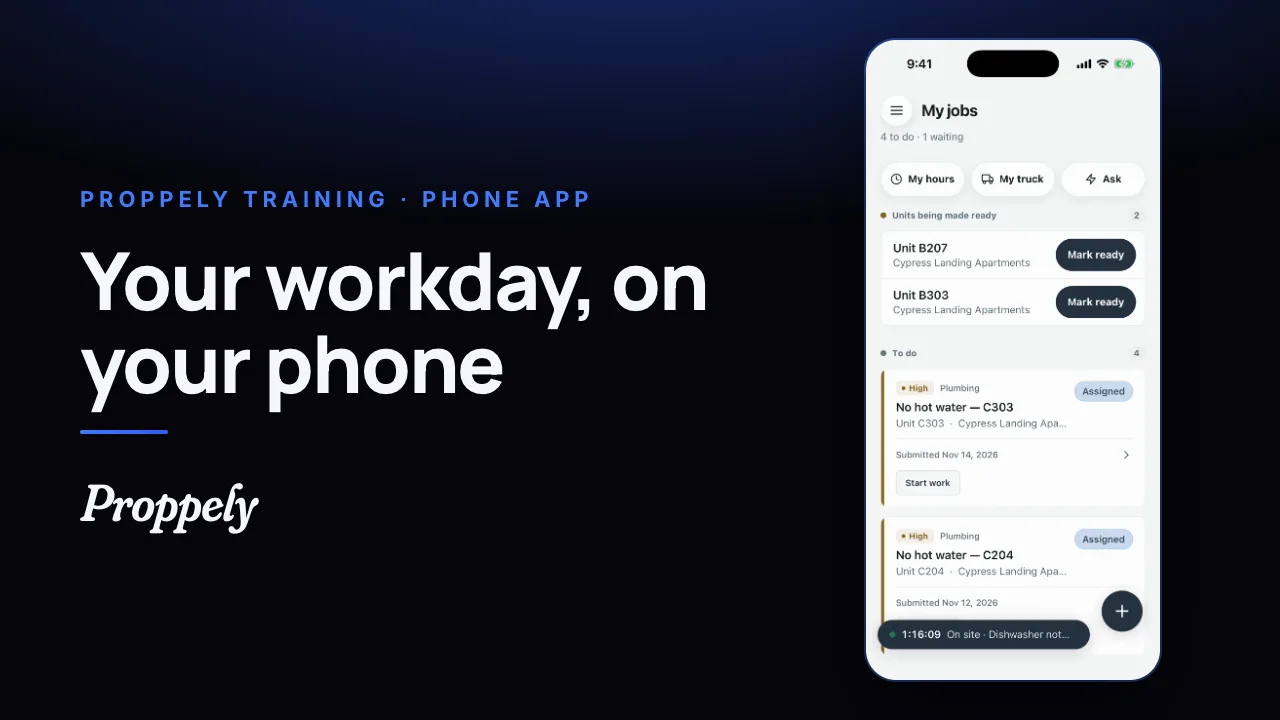 0:31Ep. 25 · The phone appYour workday in the Proppely app
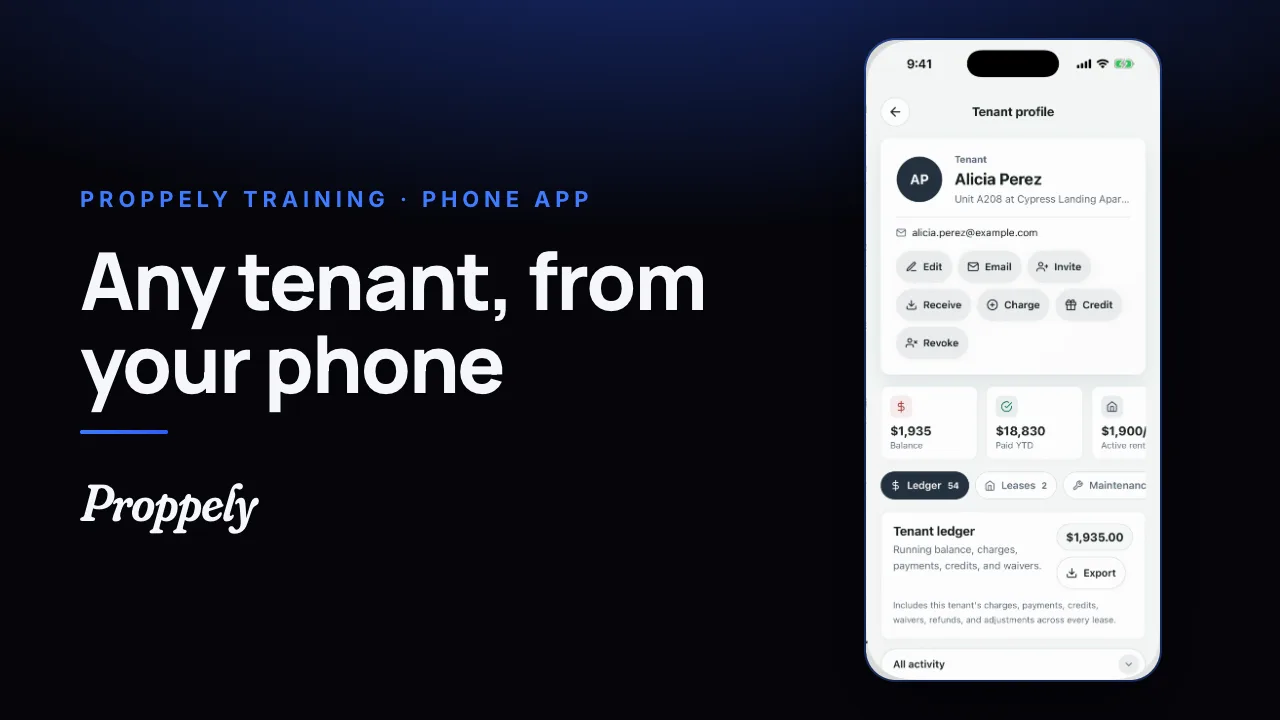 0:25Ep. 26 · The phone appFind a tenant and their balance
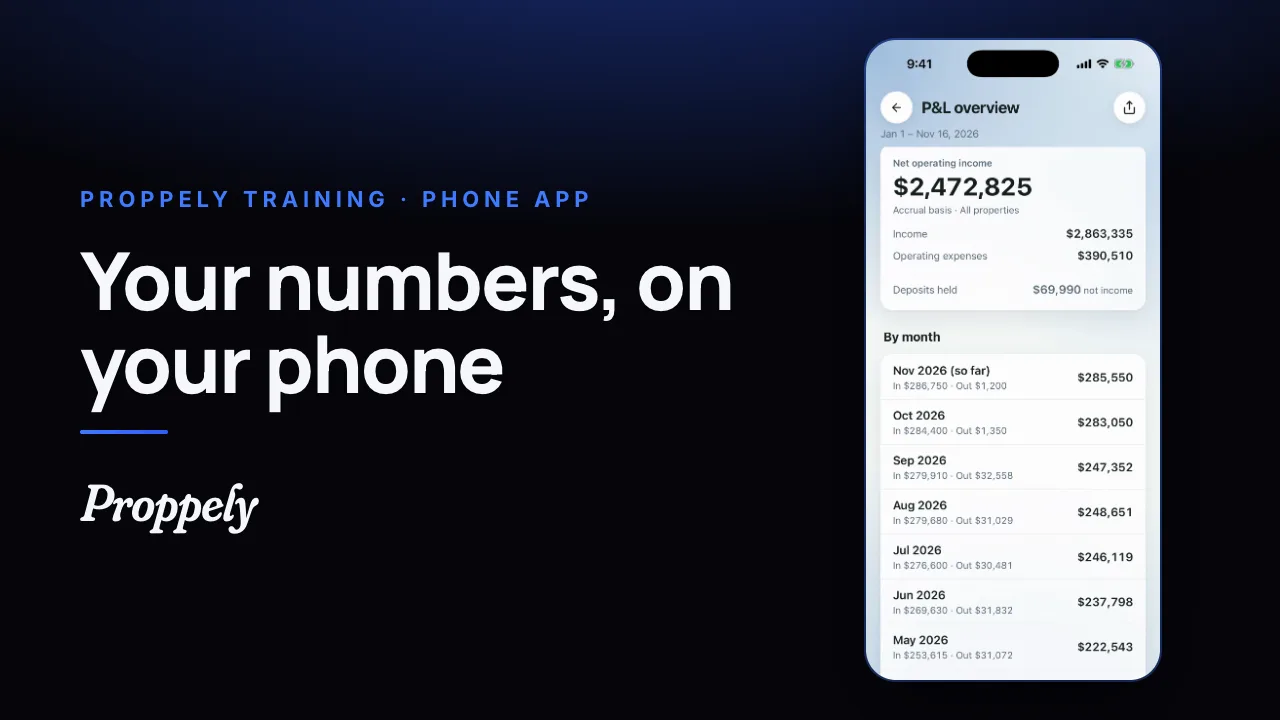 0:28Ep. 27 · The phone appYour reports in the Proppely app
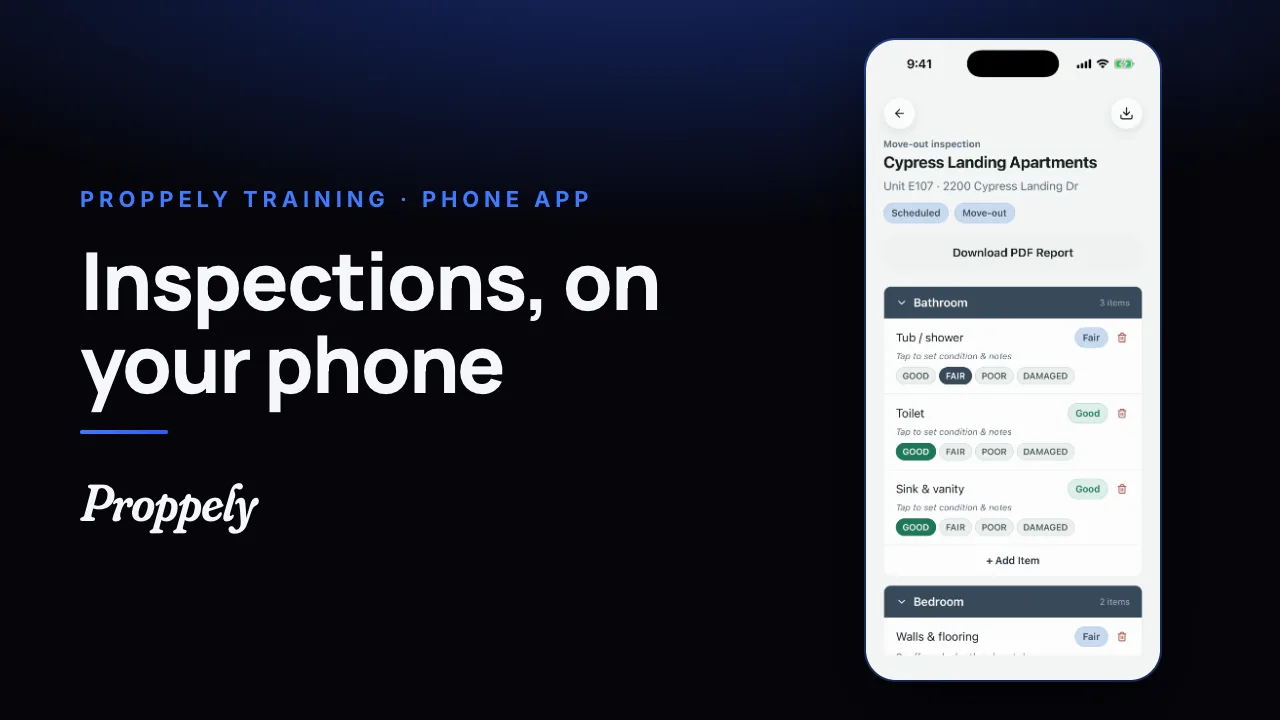 0:32Ep. 28 · The phone appDo an inspection in the Proppely app
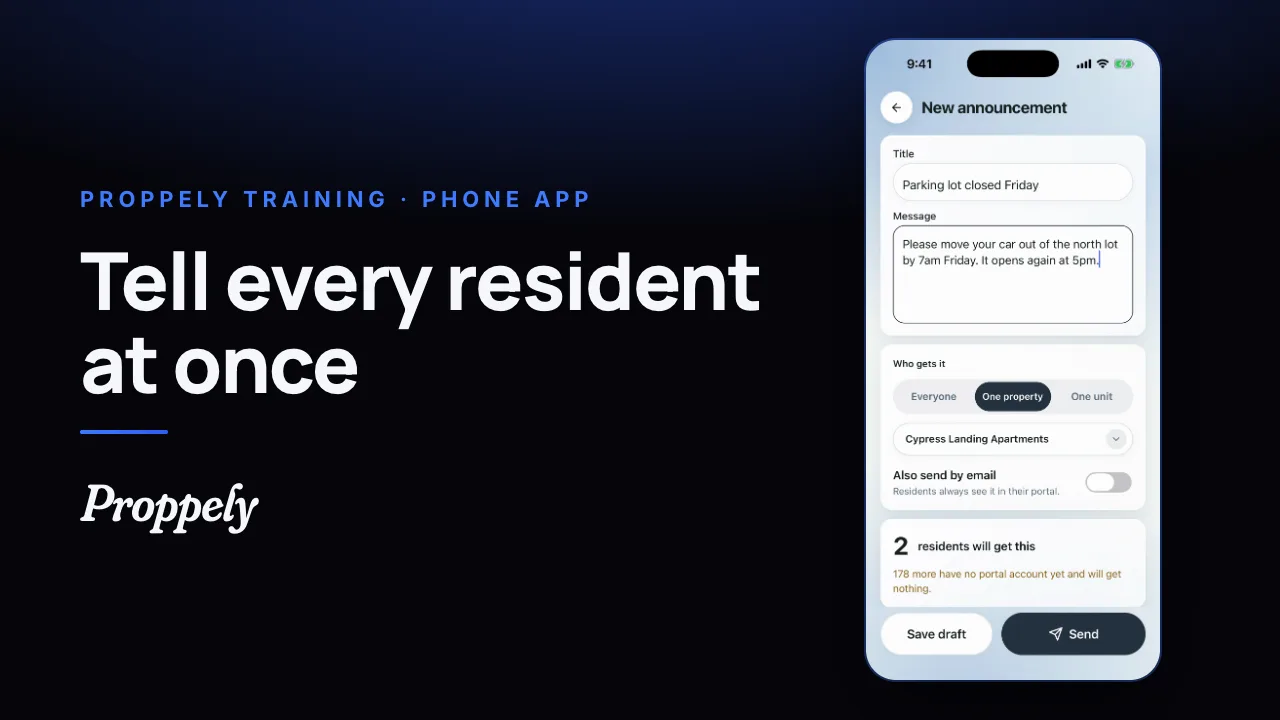 0:28Ep. 29 · The phone appSend residents an announcement
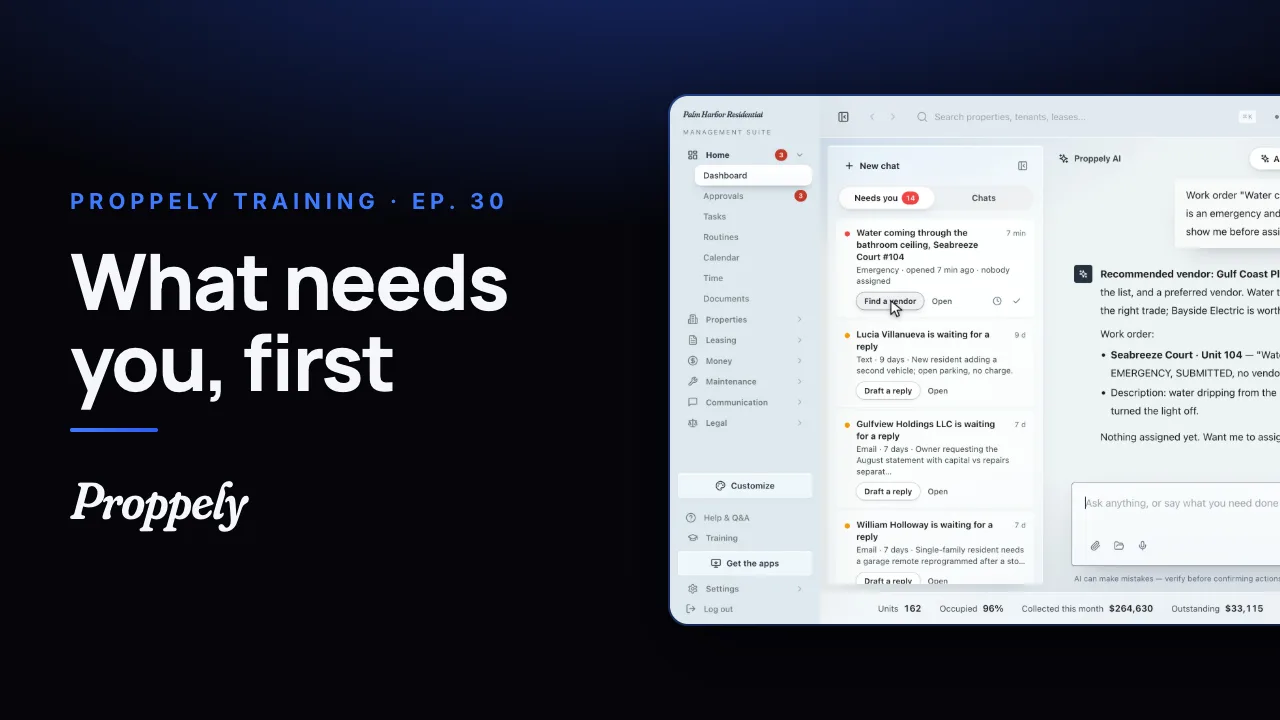 1:12Ep. 30 · Your assistantWhat needs you, first
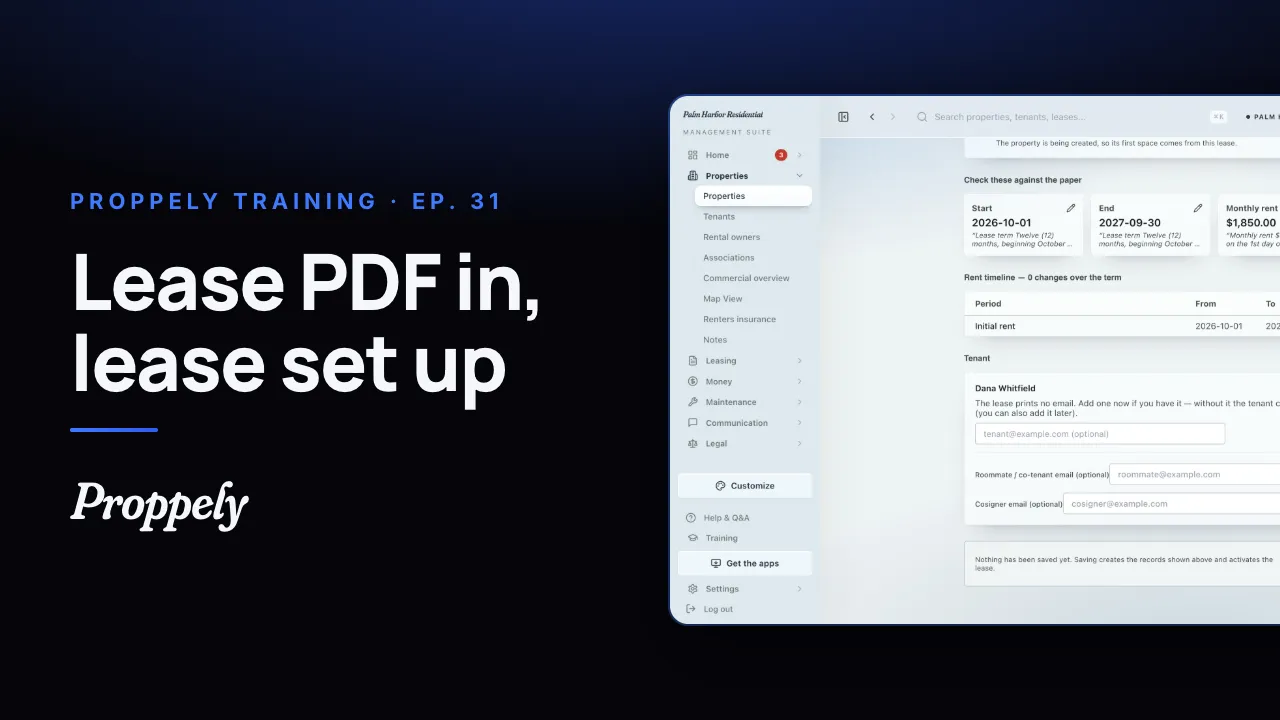 0:44Ep. 31 · Properties and tenantsAdd a lease from the signed PDF
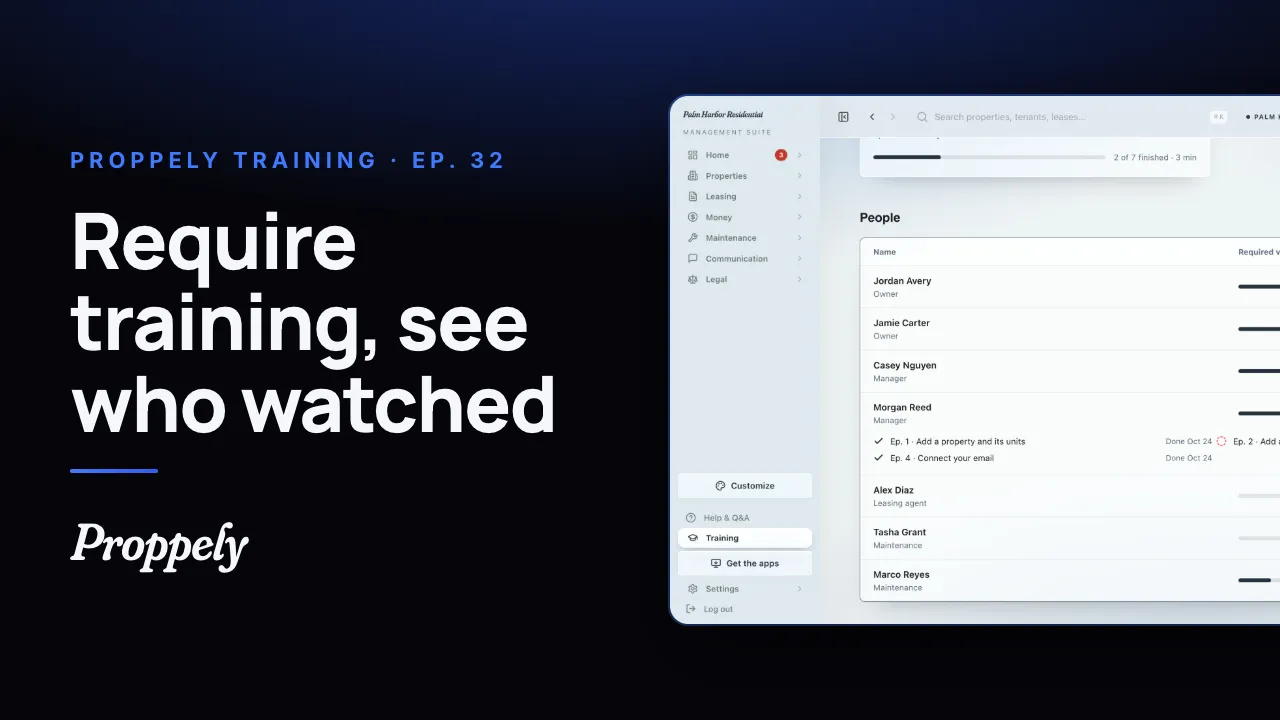 1:01Ep. 32 · Your teamRequire training for your team
Try it on your own portfolio.
Unlimited units, free until you set up online payments.