Proppely training · Ep. 32 · 1:01
How to require training videos for your team in Proppely
Choose the videos your team must watch, for everyone, chosen roles or chosen people, with a due date, and see who has finished them.
Step by step
Require training for your team
Open Training at the foot of the sidebar, then Team training (owners and managers).
The top line shows how the team is doing: people, who has finished everything, videos done, and what is overdue.
Required videos lists each curriculum: its videos, who must watch them, the due date, and how many people have finished.
Under People, each person shows how many of their videos are done, how many are overdue, and when they last watched. Open a person to see each video: done, started, or overdue since its due date.
Click New curriculum. Name it and tick the videos.
Choose who must watch them: everyone on the team, people in chosen roles (including anyone who gets the role later), or chosen people. Pick a due date, counted from today or from the day someone joins, and Save curriculum.
Each person sees what is required of them at the top of their own Training page. A video counts as watched once they have seen most of it, there, in the Help drawer or under an assistant answer.
Chapters
0:00Your team
0:20Who watched
0:26Require more
More about it
More training videos
All 21, by task 1:20Ep. 1 · Properties and tenantsAdd a property and its units
 0:50Ep. 2 · Properties and tenantsAdd a tenant and lease
 0:52Ep. 3 · Applications and screeningRun a background check
 1:06Ep. 4 · Inbox and textingConnect your email
 1:07Ep. 5 · Inbox and textingVerify your texting number
 1:19Ep. 6 · Applications and screeningHow a renter applies
 0:57Ep. 7 · PaymentsSet up Proppely Payments
 0:49Ep. 20 · Maintenance and field workTrack time on a work order
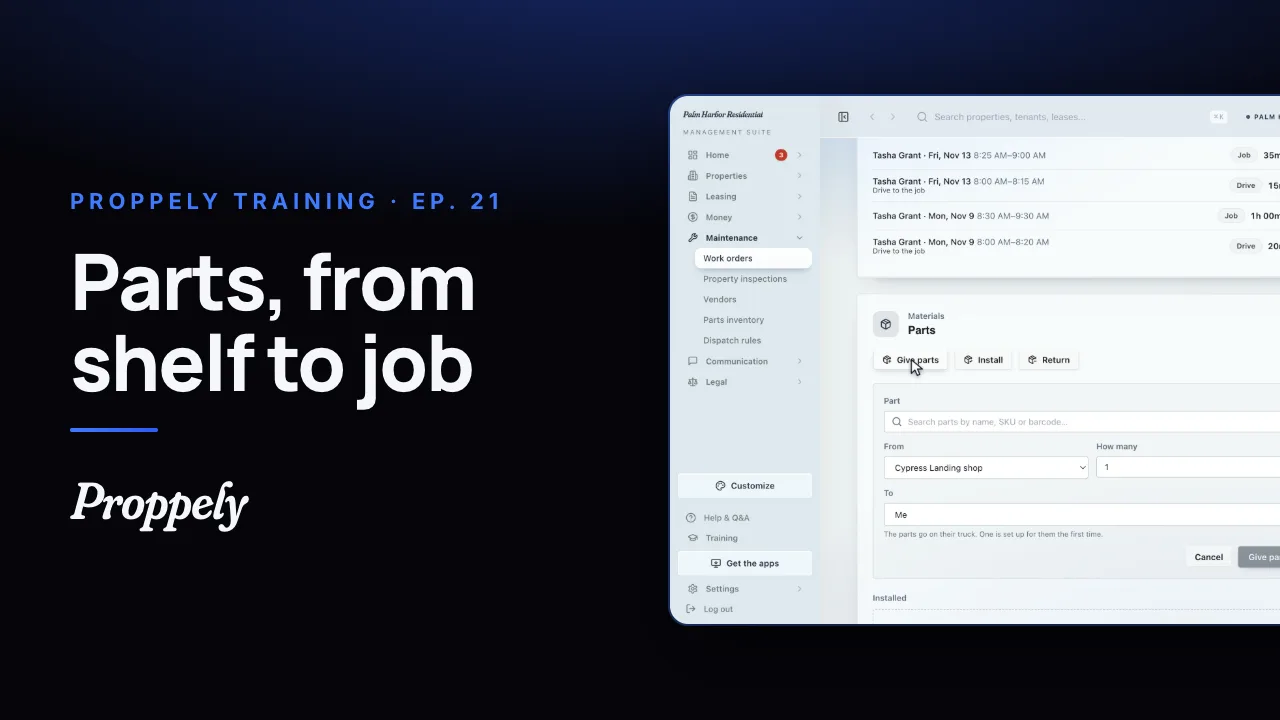 0:50Ep. 21 · Maintenance and field workReceive parts and give them to a job
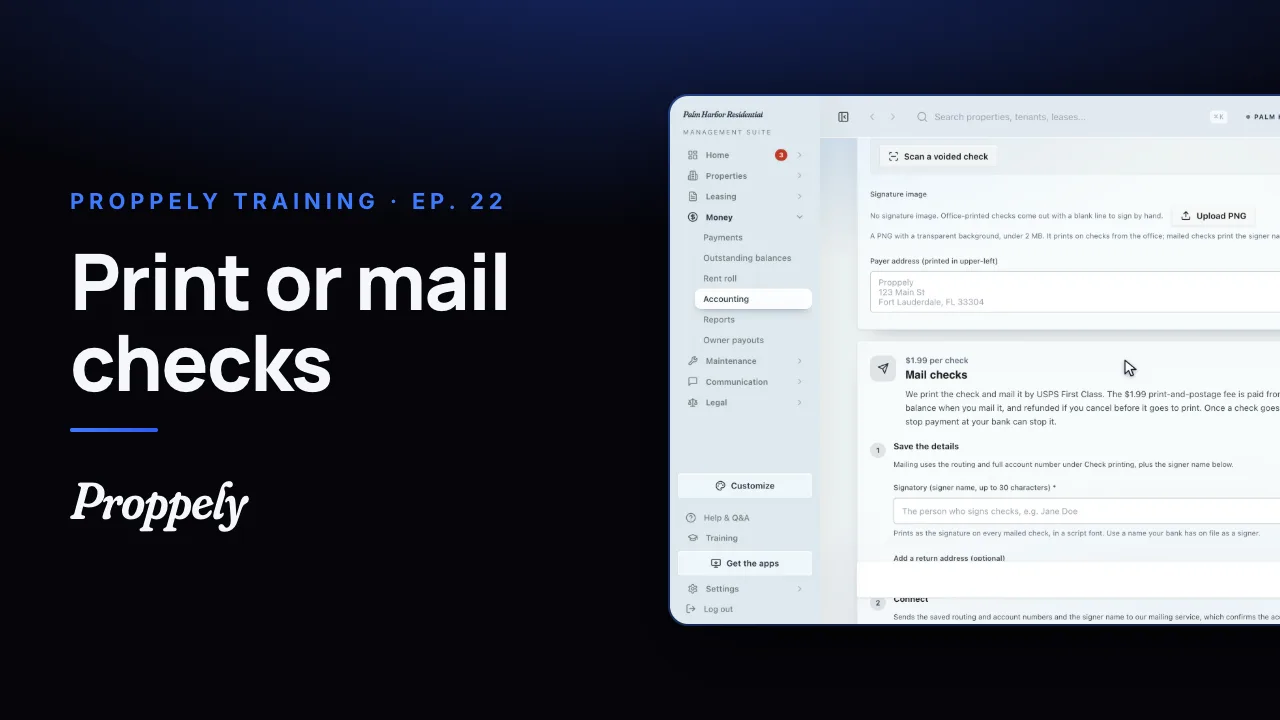 0:55Ep. 22 · PaymentsSet up check printing and mailing
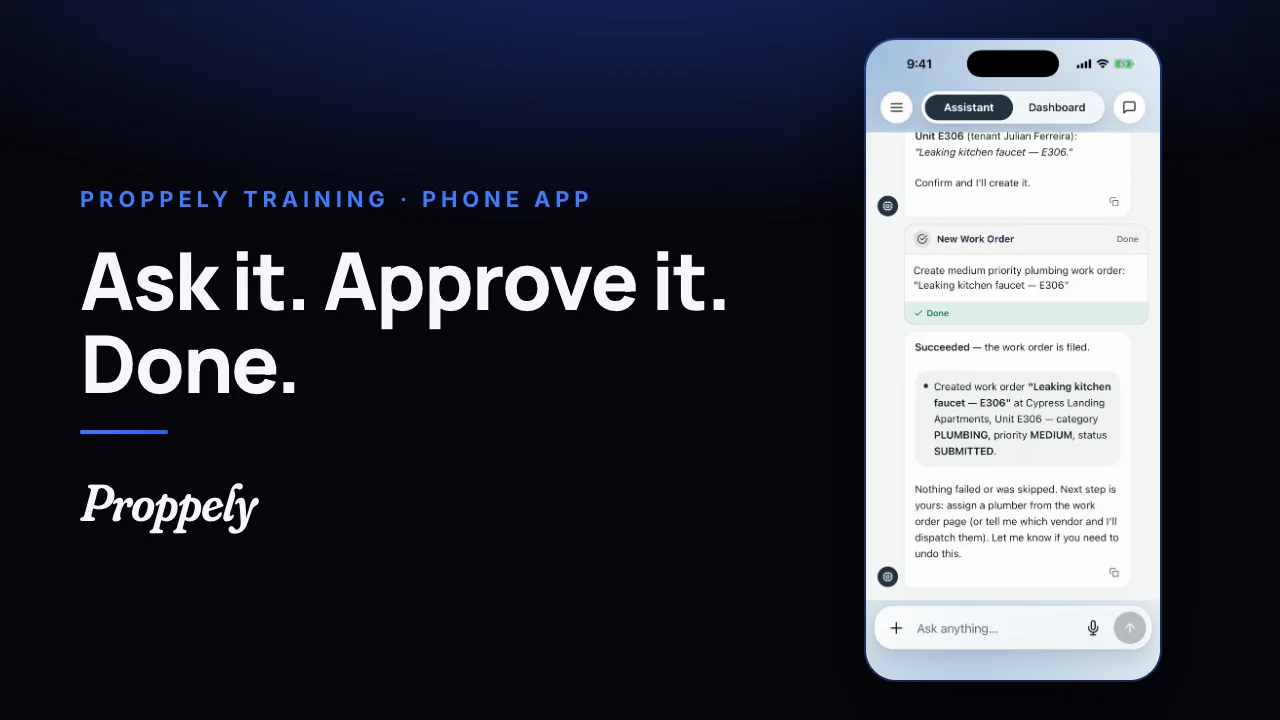 0:35Ep. 23 · The phone appYour assistant in the Proppely app
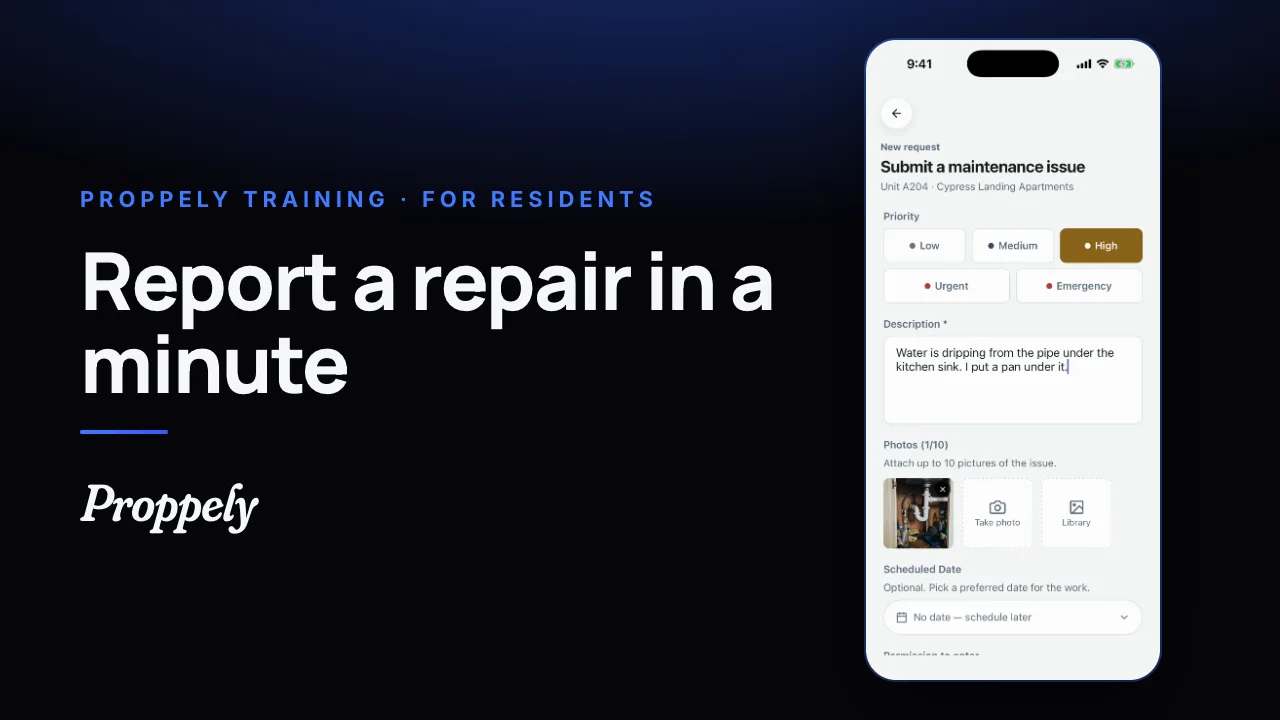 0:39Ep. 24 · The phone appReport a repair in the Proppely app
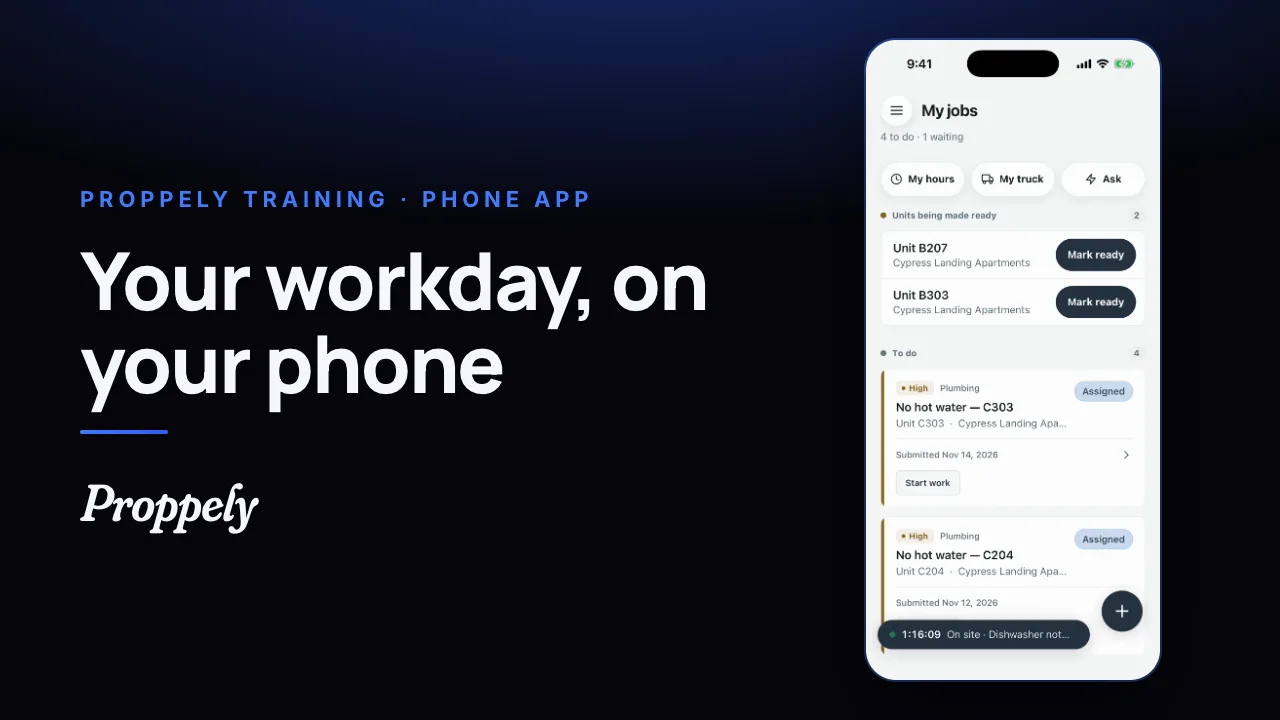 0:31Ep. 25 · The phone appYour workday in the Proppely app
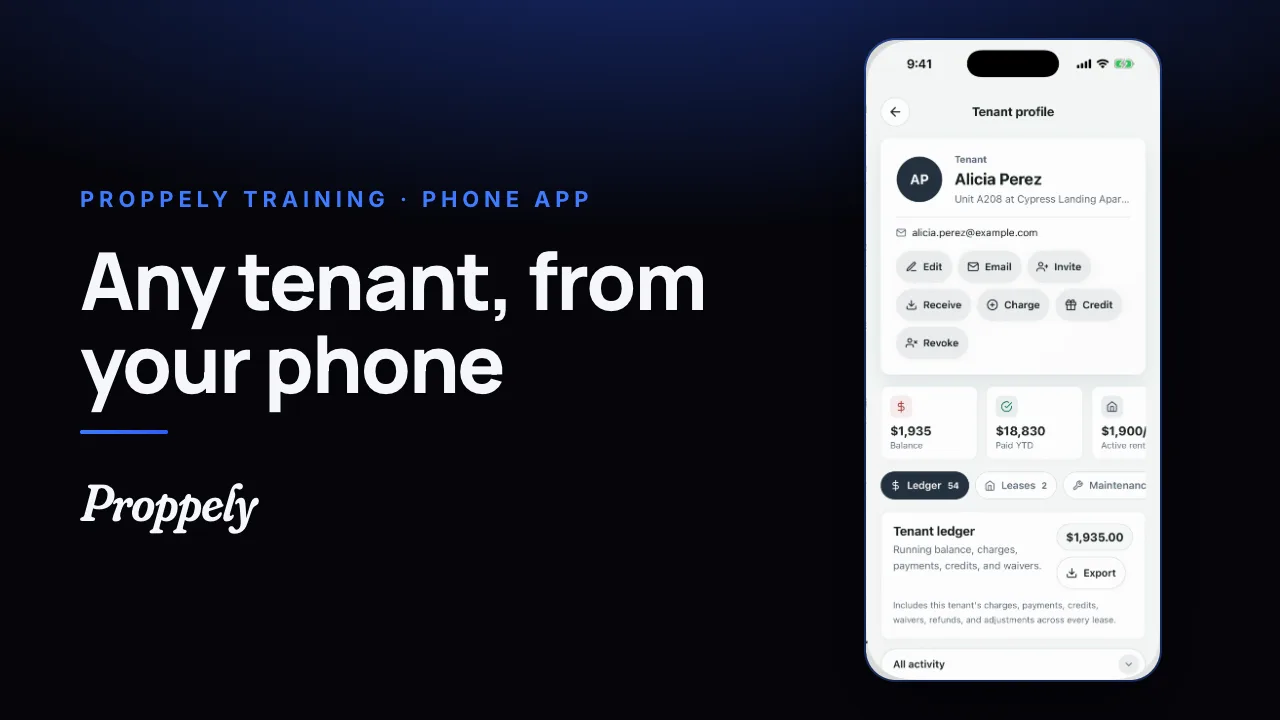 0:25Ep. 26 · The phone appFind a tenant and their balance
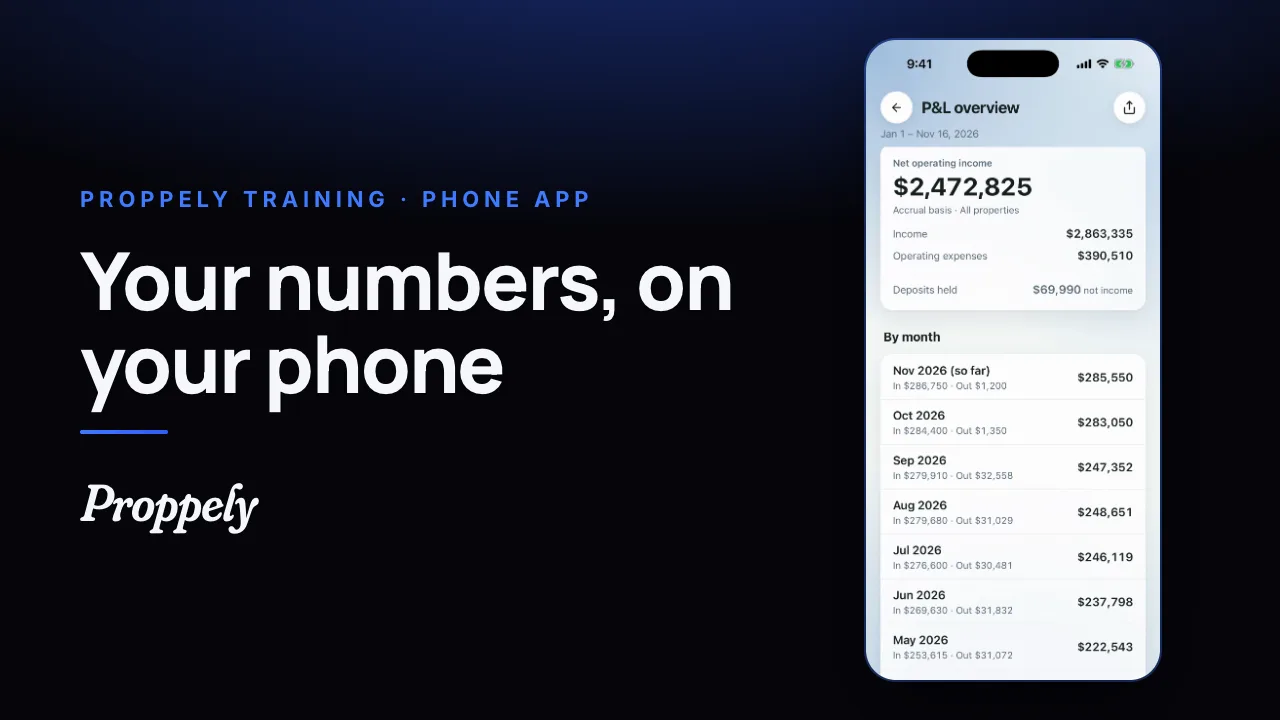 0:28Ep. 27 · The phone appYour reports in the Proppely app
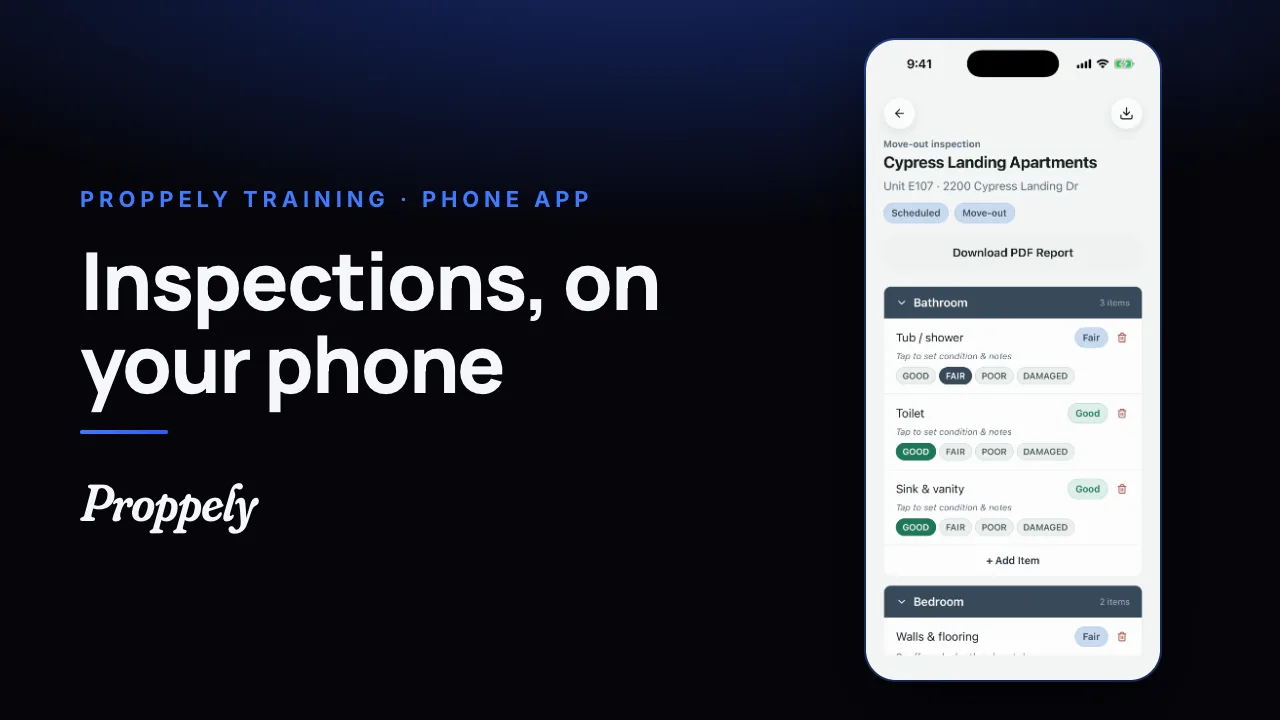 0:32Ep. 28 · The phone appDo an inspection in the Proppely app
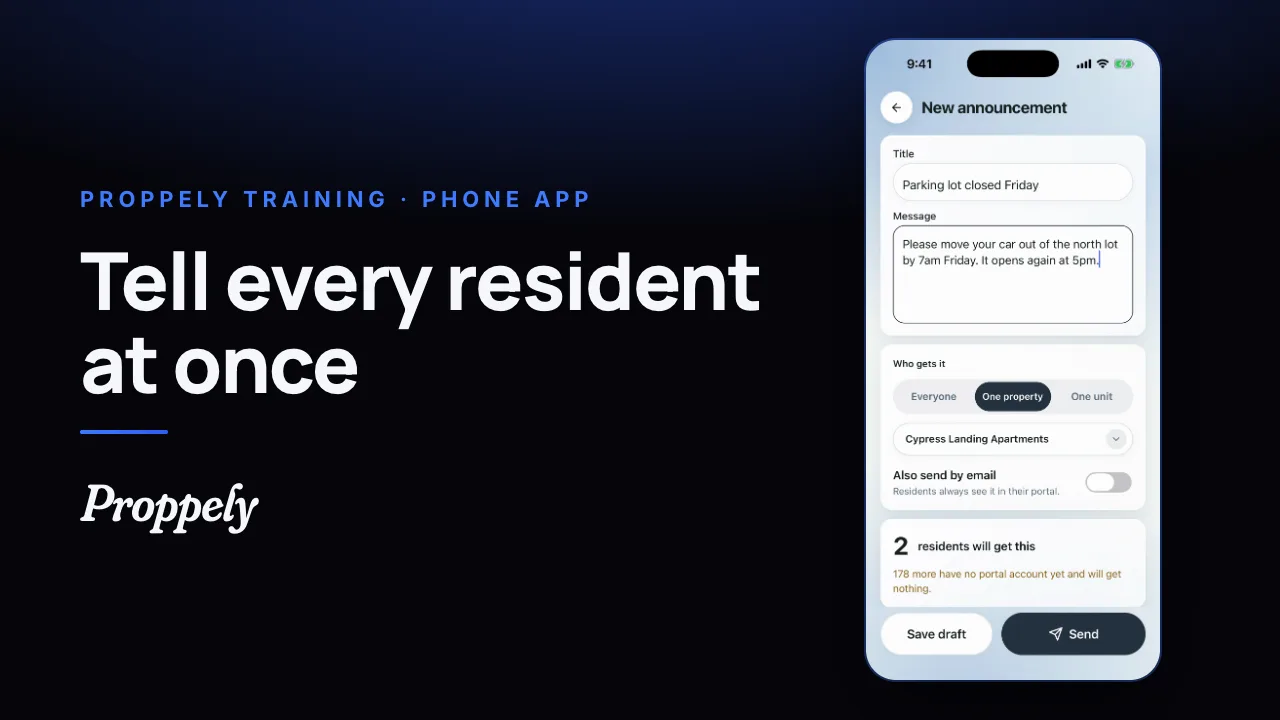 0:28Ep. 29 · The phone appSend residents an announcement
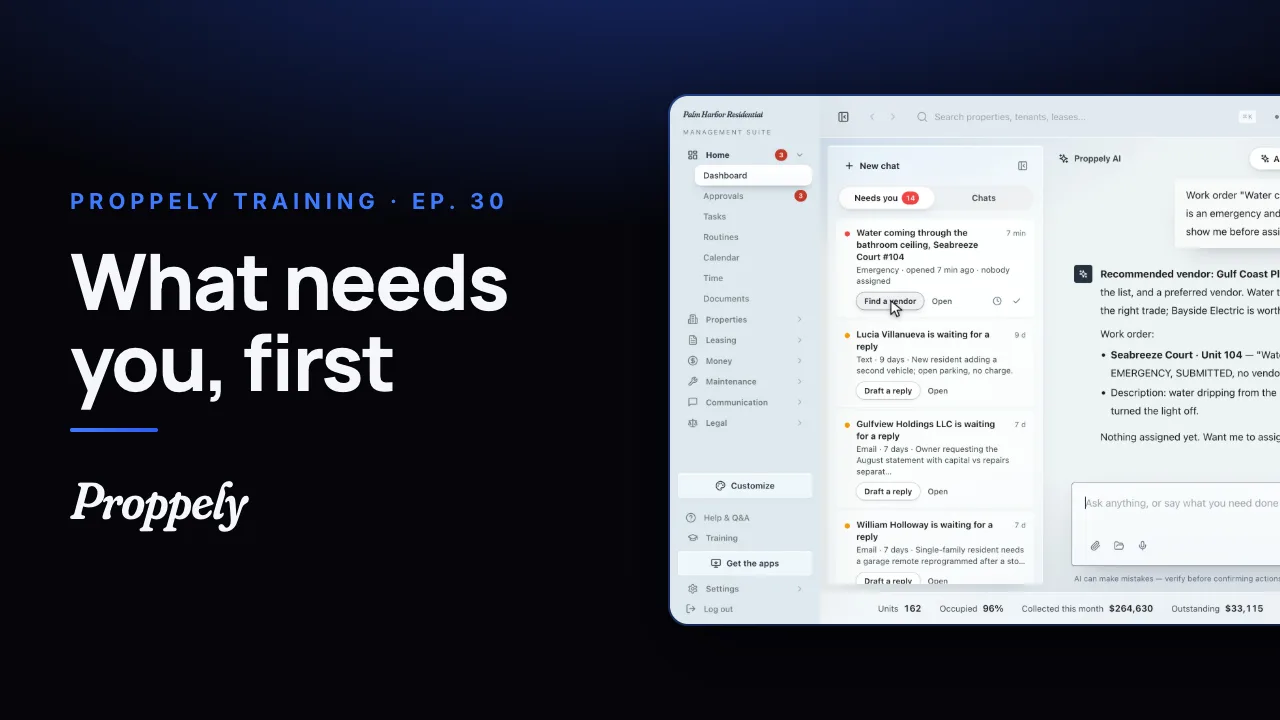 1:12Ep. 30 · Your assistantWhat needs you, first
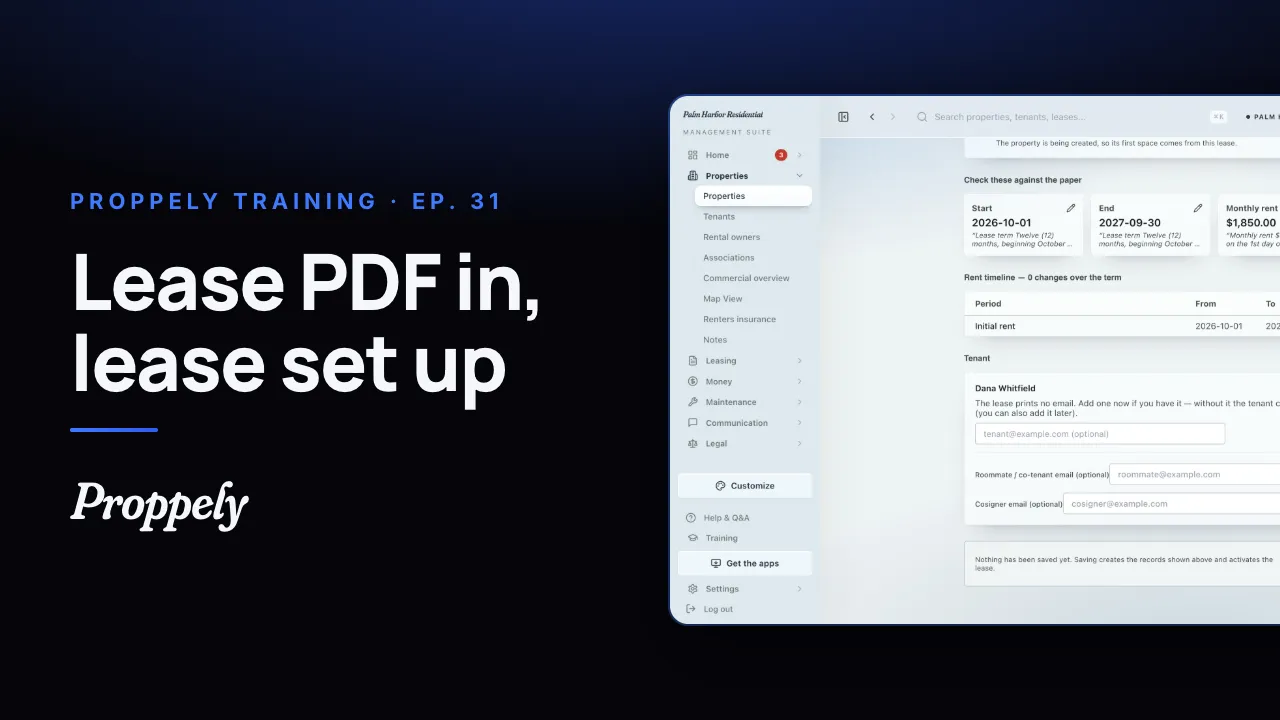 0:44Ep. 31 · Properties and tenantsAdd a lease from the signed PDF
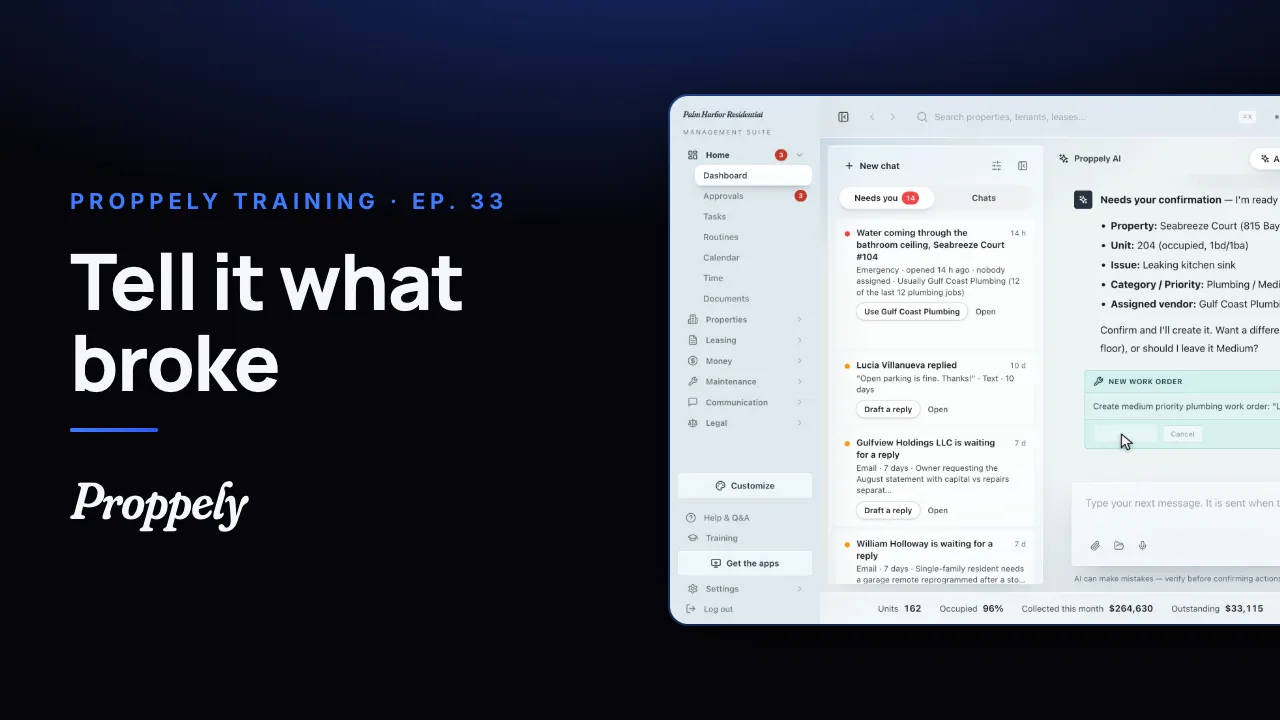 0:35Ep. 33 · Your assistantOpen a work order by asking the assistant
Try it on your own portfolio.
Unlimited units, free until you set up online payments.